
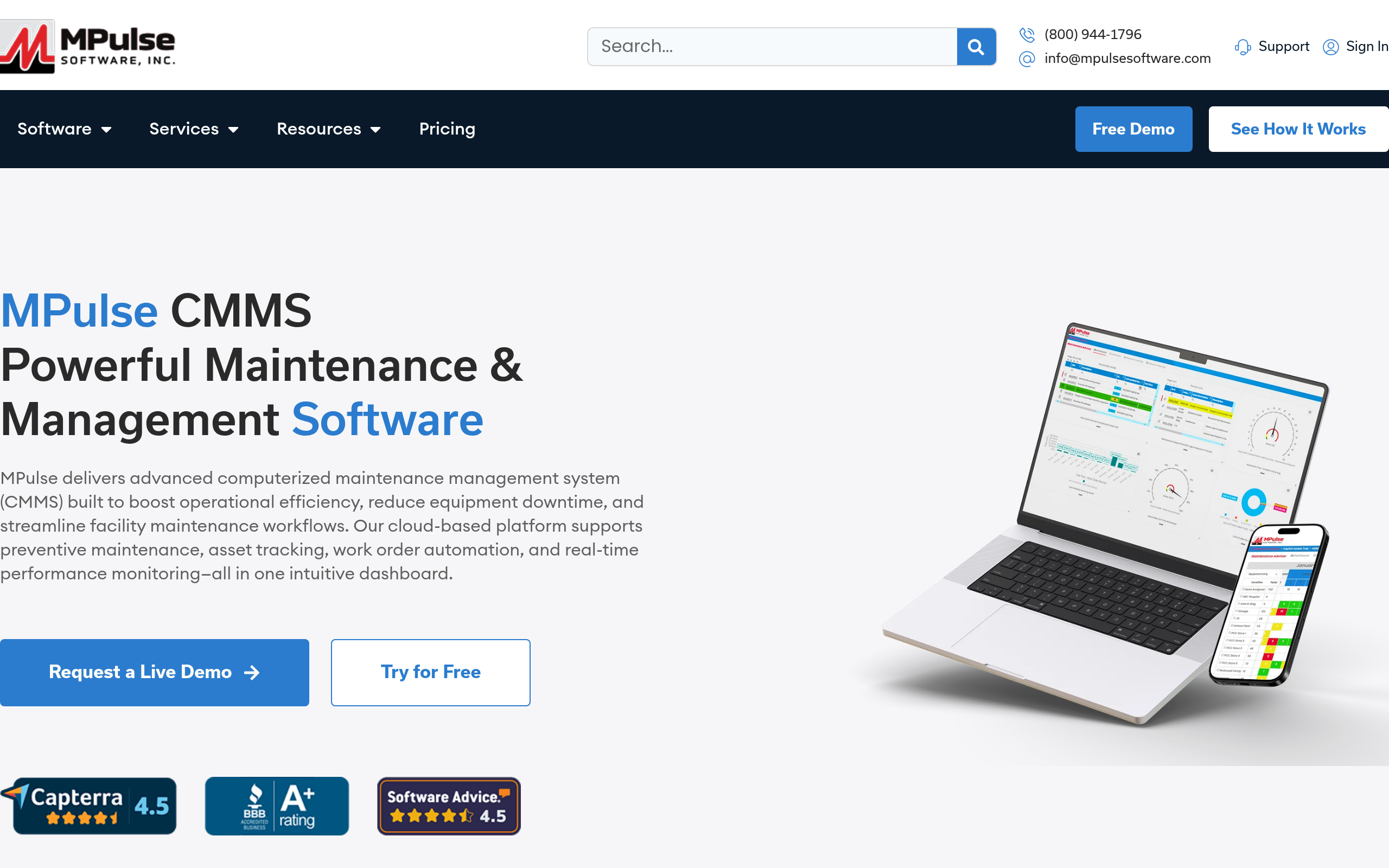
MPulse CMMS Software
Powerful CMMS software for work orders, preventive maintenance, asset tracking, and inventory. Flexible licensing with cloud or on-premise deployment.
About
MPulse is a powerful CMMS (Computerized Maintenance Management System) trusted by 2,700+ customers worldwide for over 20 years. We help maintenance teams manage work orders, schedule preventive maintenance, track assets, and control parts inventory from one easy-to-use platform. What makes MPulse different: - Flexible licensing: subscribe annually or buy a perpetual license - Deployment your way: cloud-hosted or self-hosted on-premise - Concurrent user pricing that saves mid-size teams 30-50% vs. per-user models - Mobile CMMS that works offline and syncs when reconnected - DataLink integration connects PLCs, ERPs, and IoT without IT support - Built on Microsoft .NET for enterprise-grade scalability Trusted by IKEA, Penn State, Northwell Health, and Reed College, with a 90% annual renewal rate. Serving manufacturing, healthcare, education, retail, distribution, and facilities management worldwide. Start your free trial or request a demo to see MPulse in action.
Key Features
Work Order Management
Create, assign, prioritize, and track work orders with custom templates, approval routing, and status reporting to streamline corrective and reactive maintenance.
Preventive Maintenance Scheduling
Schedule recurring maintenance by calendar, runtime or meter readings, with automated task generation to reduce downtime and extend asset life.
Asset & Inventory Tracking
Centralized asset register with hierarchies, history, and parts inventory control to manage spare parts, costs, warranties, and lifecycle data.
Mobile Offline App
Mobile client for technicians that works offline, allowing field updates, barcode/RFID scanning, and automatic sync when reconnected.
DataLink IIoT & Systems Integration
Out-of-the-box DataLink adapter for connecting PLCs, sensors, ERPs and other systems to feed real-time data and automate maintenance triggers.
How to Use MPulse CMMS Software
1) Start: Sign up for a free trial or request a demo and choose your preferred deployment (cloud-hosted or on-premise) and licensing model (subscription or perpetual). 2) Configure: Import or enter assets, locations, users, and parts inventory; set up asset hierarchies, cost centers, and user roles/permissions. 3) Plan: Create preventive maintenance schedules and work order templates, assign tasks and required parts/labor, and define escalation rules. 4) Operate & Integrate: Have technicians use the mobile app (works offline) to receive/complete work orders, log labor and parts, and sync. Optionally configure DataLink to integrate PLC/IIoT data or ERP systems to automate triggers and reporting.