
MP3 to Transcript
Turn MP3 and MP4 Recordings into Editable Transcripts
About
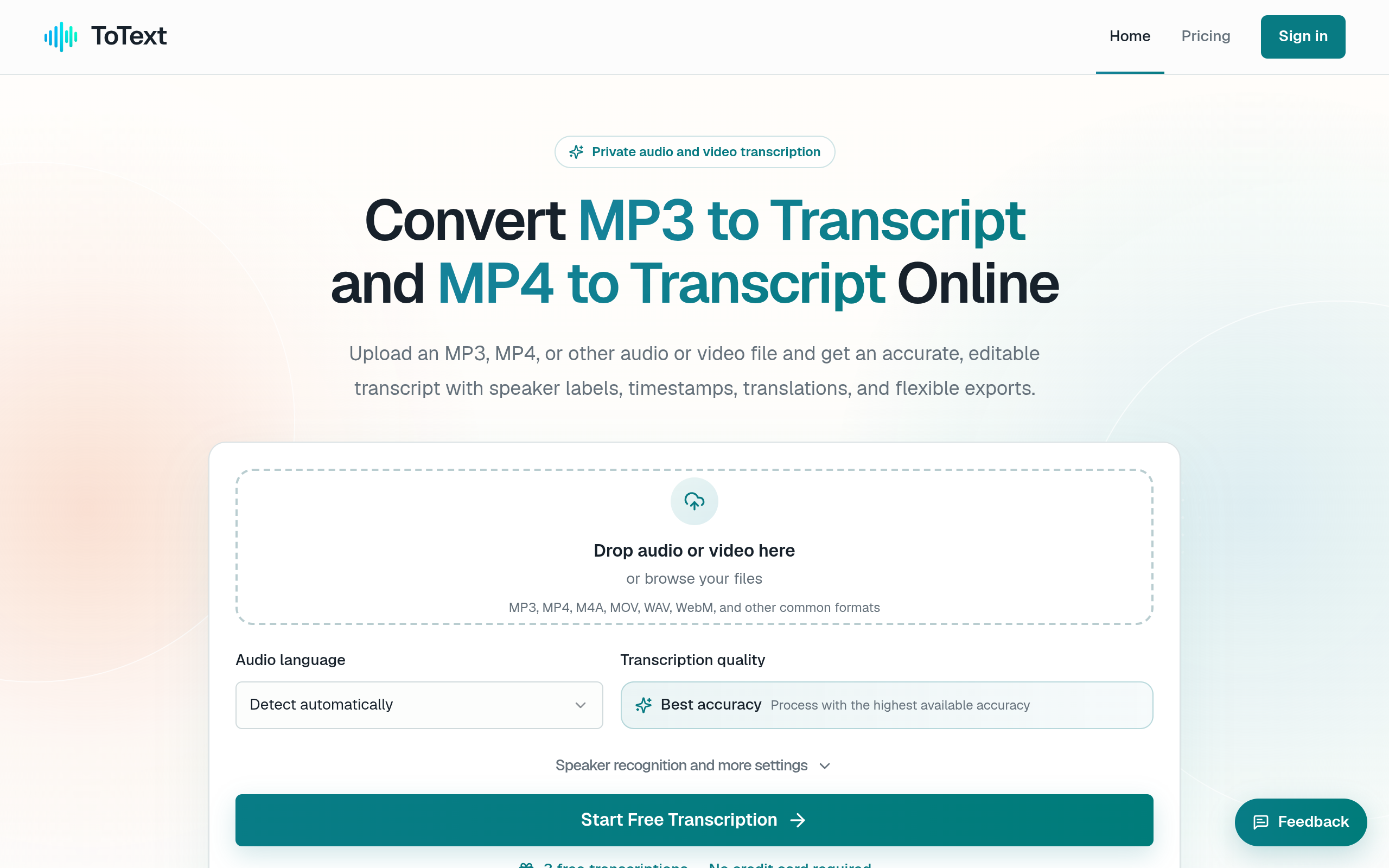
ToText is an online transcription app that converts MP3, MP4, M4A, WAV, MOV, WebM, and other audio or video files into editable text. It supports automatic language detection, timestamps, speaker labels, synchronized playback, transcript editing, summaries, meeting notes, automatic chapters, action items, translations, and exports to TXT, DOCX, PDF, SRT, VTT, CSV, and JSON.
Key Features
Audio and Video Transcription
Convert MP3, MP4, M4A, WAV, MOV, WebM, OGG, MKV, and other common media files into accurate, editable text.
Speaker Identification
Automatically separate different speakers and rename speaker labels to make interviews, meetings, and conversations easier to follow.
Timestamped Transcripts
Connect every transcript segment to its position in the recording, so you can quickly verify quotes and find important moments.
How to Use MP3 to Transcript
1. Visit ToText and upload an audio or video file from your device. 2. Select the spoken language or use automatic language detection. 3. Choose the transcription settings you need, such as speaker identification. 4. Start the transcription and wait for the file to finish processing. 5. Open the result in the transcript editor. 6. Review the text while listening to the synchronized audio or video. 7. Correct recognition errors, rename speakers, and search for important sections. 8. Generate summaries, meeting notes, chapters, action items, or translations when needed. 9. Export the finished transcript as TXT, DOCX, PDF, SRT, VTT, CSV, or JSON.
Use Cases
Frequently Asked Questions
Q: Which audio and video formats are supported?
A: ToText supports common formats including MP3, MP4, M4A, WAV, MOV, WebM, OGG, and MKV.
Q: Can I edit the transcript after it is generated?
A: Yes. You can correct the text, search the transcript, rename speakers, and review each segment alongside the original recording.
Q: Does ToText identify different speakers?
A: Yes. Speaker identification can separate participants and add editable labels to their transcript segments.
Q: Can I create subtitles from a video?
A: Yes. Timestamped transcripts can be exported as SRT or VTT files for use as subtitles and captions.