
mousetester
Visual mouse testing — clicks, double-clicks, and scroll wheel checks.
About
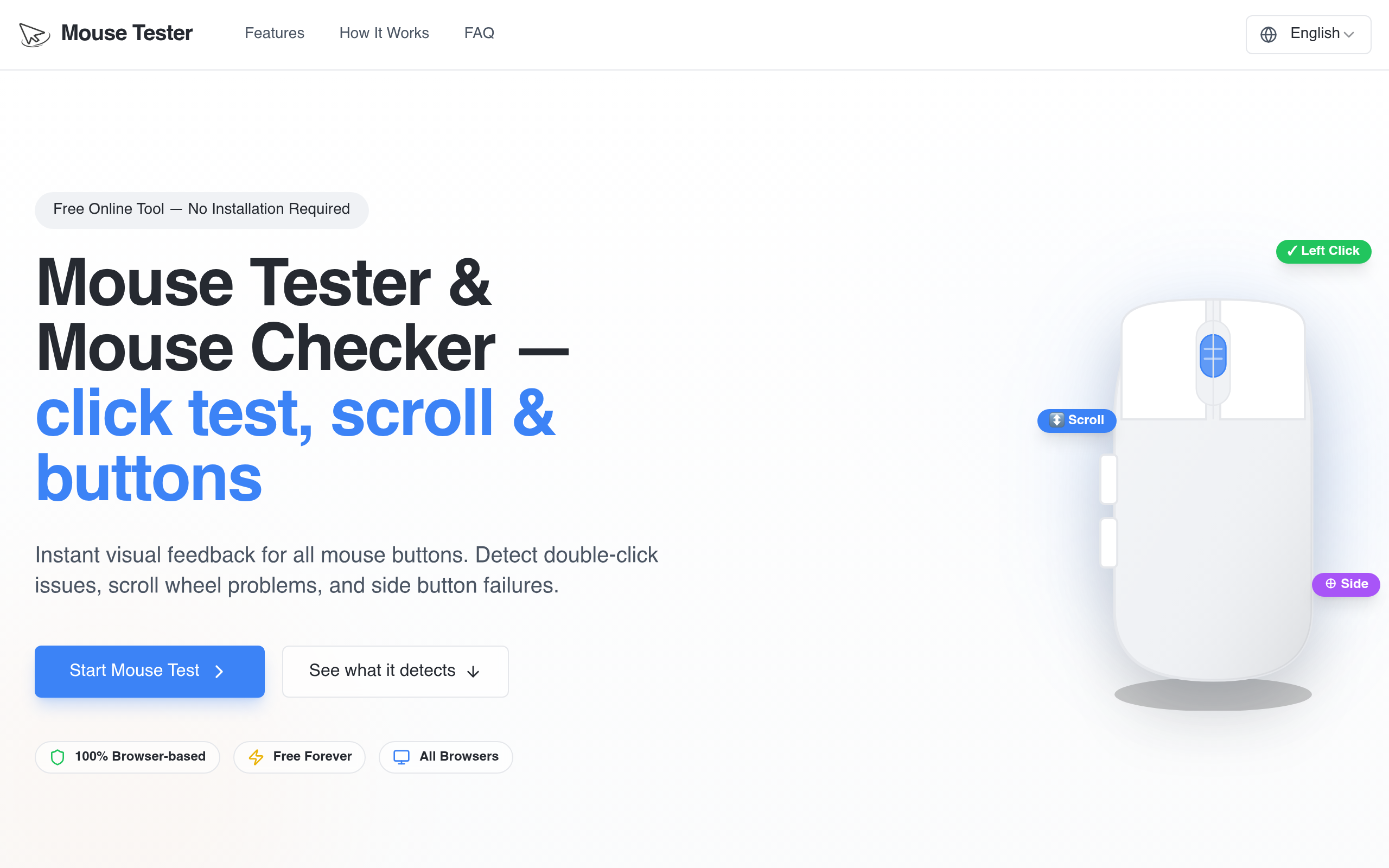
Mouse Tester combines a **visual button map** (left/right/middle/side buttons) with targeted diagnostics for two of the most common real-world issues: **unintended double-clicks** and **scroll wheel jumping/direction problems**. It’s designed to be fast, simple, and instantly understandable—so users can confirm what’s happening within seconds.
Key Features
Visual Button Map
Real-time, interactive visualizer showing left, right, middle and side button activations so you can instantly see which inputs register.
Double-Click Detection
Automated diagnostics that identify unintended double-click behaviour and help determine if a worn switch is causing false double clicks.
Scroll Wheel Testing
Precise wheel movement tracking to detect direction errors, jumping/skipping and inconsistent scroll events.
Drag & Hold Stability Test
Checks click-and-hold reliability for dragging operations, useful for graphic/design work or gaming where sustained input matters.
How to Use mousetester
Mouse Tester focuses on the checks people actually need when a mouse feels “off”: - Clear **visual feedback** for every button press (including side buttons) - Practical **double-click issue detection** to spot unintended repeats - **Scroll wheel jump/direction checks** to catch erratic scrolling