
MorphPhoto
Edit, enhance, and transform your images instantly with powerful AI tools. Remove backgrounds, erase objects, change styles, improve quality, and
About
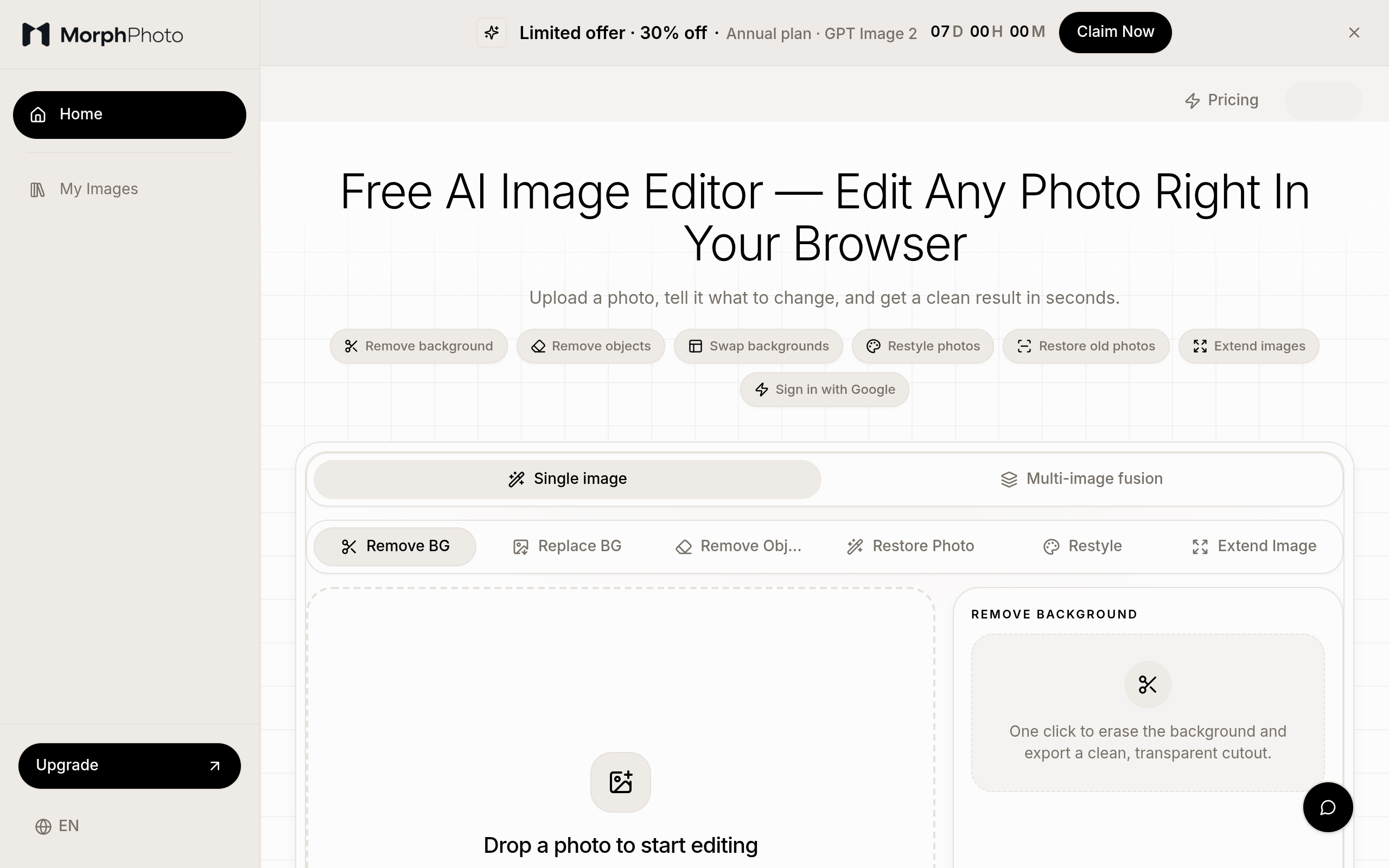
Edit, enhance, and transform your images instantly with powerful AI tools. MorphPhoto offers everything you need to edit images with AI. Key Features: ✨ Remove Background: Cleanly remove backgrounds instantly. ✨ Remove Objects: Erase unwanted objects naturally. ✨ Enhance Photos: Improve quality and restore details. ✨ Change Background: Create new environments instantly. ✨ AI Retouch: Make portraits look professional.
Key Features
Remove Background
One-click background removal that produces clean, transparent cutouts with accurate edges (hair, fine details) for profile photos and product shots.
Remove & Replace Objects (Inpainting)
Brush to erase unwanted people or objects and let AI rebuild the background with matching texture, lighting, and perspective.
Enhance & Upscale
Improve photo quality by restoring detail, reducing noise, and upscaling images while preserving natural textures and colors.
Background Replacement & Restyling
Swap or change backgrounds instantly with realistic edges, shadows and lighting; apply different artistic or cinematic styles to photos.
Photo Restoration & Retouch
Restore old or damaged prints (repair scratches, recover faded colors) and apply portrait retouching for professional-looking headshots.
How to Use MorphPhoto
1) Upload your photo: drag & drop or select a JPG/PNG in your browser. 2) Tell the AI what to do: type an instruction (e.g., “remove the sign”, “replace background with studio white”, “restore colors”) or use the brush to mark areas to edit. 3) Preview and tweak: review the generated result, make adjustments (repaint mask, change background or style) until satisfied. 4) Download: export the final image at full resolution.