
MorphLogo
AI logo animation generator - turn a static logo into cinematic brand motion in seconds.
About
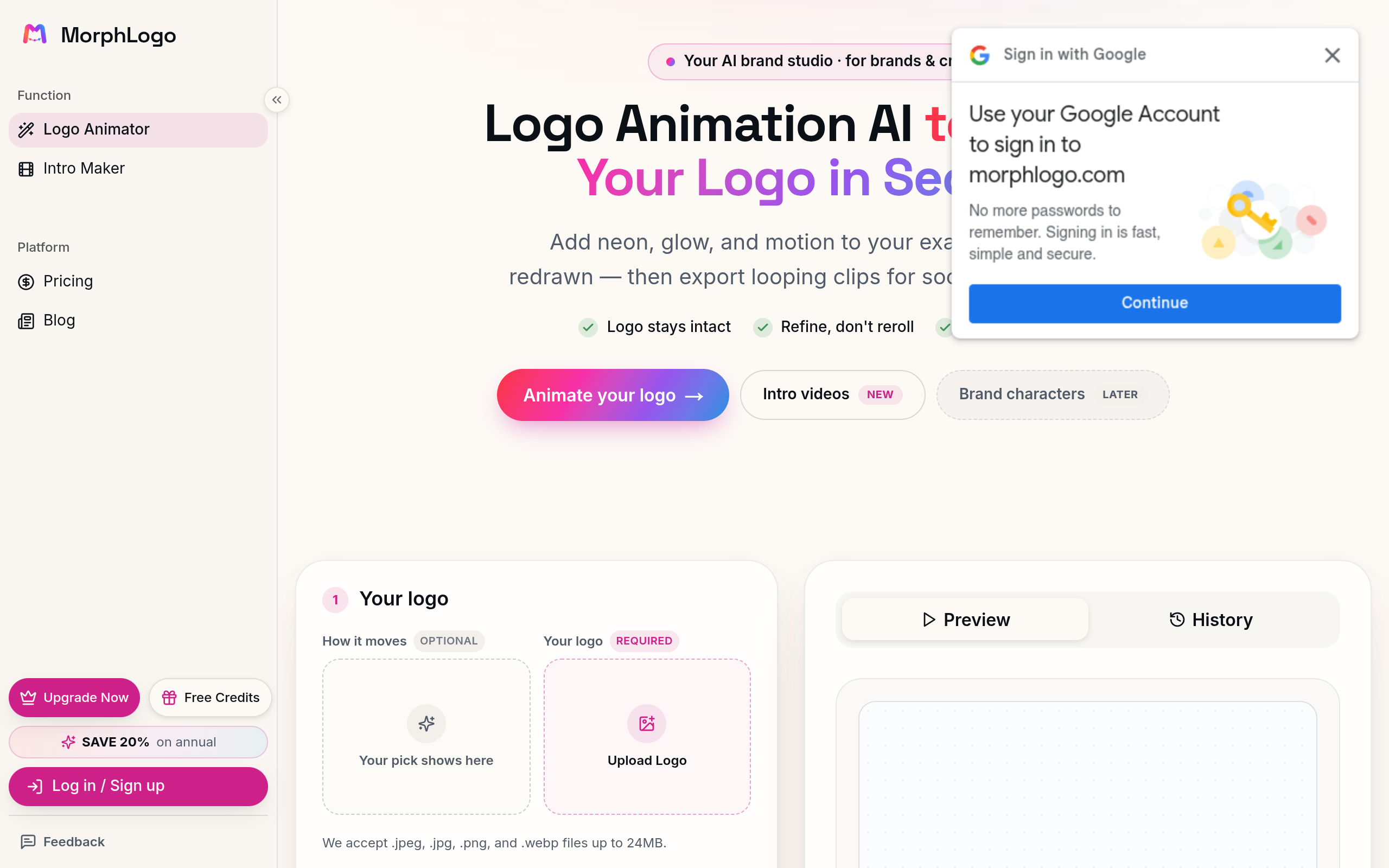
MorphLogo is an AI logo animation generator that turns a static logo into brand-ready, cinematic motion. Upload a PNG, JPG or WebP logo, pick a curated motion style (reveal, morph, glow and more), then steer the reveal, lighting and camera with a prompt. Advanced video models render your animation in about a minute - no timeline, no keyframing, no After Effects. Export MP4, WebM or animated GIF in 16:9, 1:1 and 9:16, up to 4K, ready for websites, social reels, intros and ads. It animates your actual logo file (not a redraw), and you can start free with sign-up credits.
Key Features
Animated from your actual logo file
MorphLogo animates the exact PNG/JPG/WebP/SVG you upload so the animation starts and ends on your real mark (shapes, colors and proportions preserved).
Curated cinematic motion styles
Choose from guided styles like cinematic reveal, morph, glow, particles, shockwave and 3D rotations that are tuned to finish cleanly on logos and text.
Prompt-driven customization
Steer the reveal, lighting, camera and mood with a simple text prompt to influence the generated motion without keyframing or timeline editing.
Fast, high-quality exports for every channel
Renders in about a minute and exports MP4, WebM or animated GIF in 16:9, 1:1 and 9:16 up to 4K, plus options for looping or single-play GIFs for email signatures.
How to Use MorphLogo
1) Upload your logo (PNG, JPG, WebP or SVG). Transparent backgrounds work best. 2) Pick a motion style and aspect ratio (16:9, 1:1, 9:16) or choose a 3D/loop-specific style. 3) Add a short prompt to describe reveal, lighting and camera (e.g., "slow cinematic reveal with warm rim light"). 4) Render and preview, then download the animation as MP4, WebM or animated GIF at the desired resolution.