
MiFoto
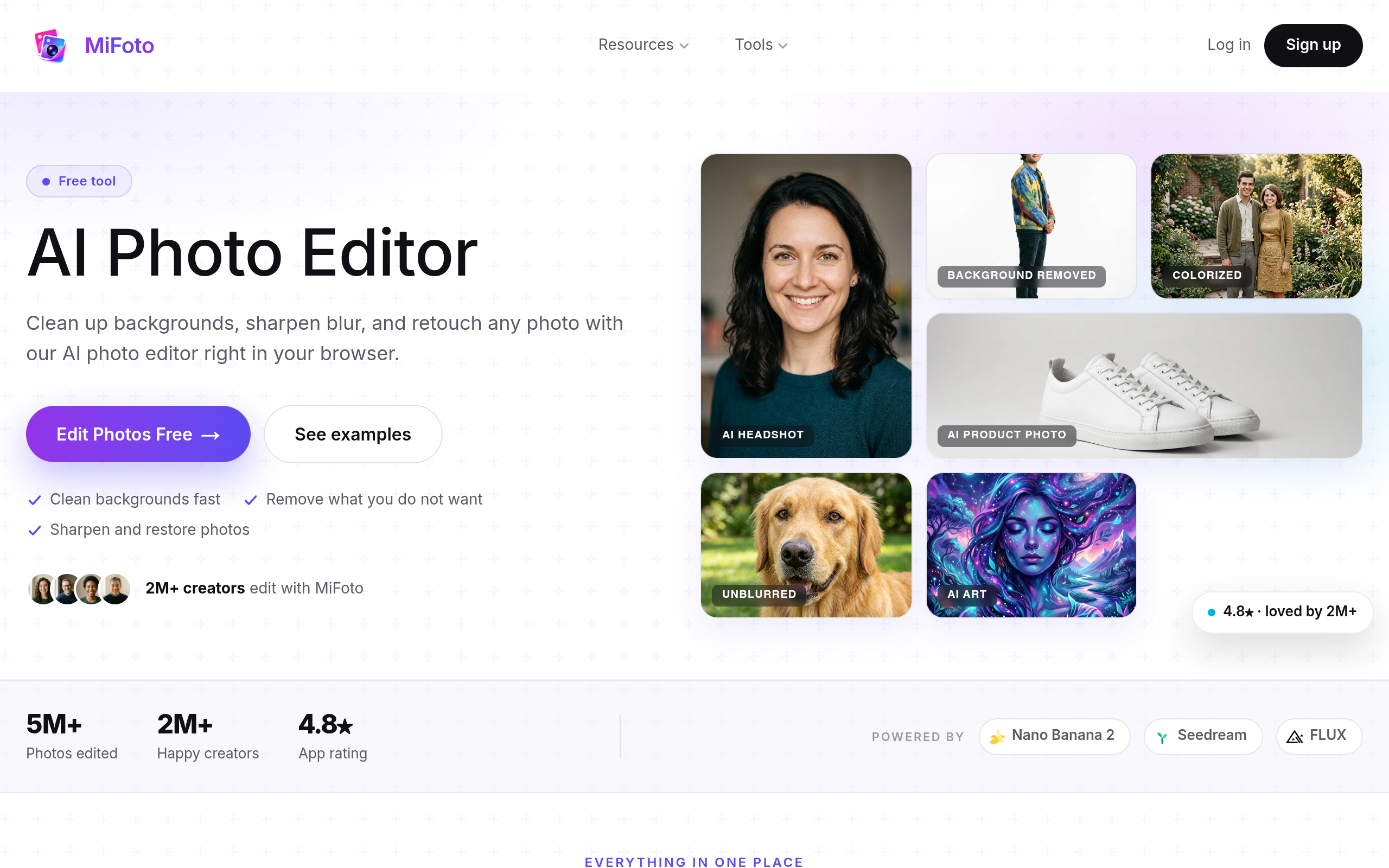
MiFoto is a free AI photo editor to remove backgrounds, erase objects, enhance, retouch, restore, upscale, and create images online in seconds.
About
MiFoto is an all-in-one free AI photo editor that makes image editing fast and accessible from a browser. Upload a photo and use AI to remove backgrounds, erase unwanted objects or people, sharpen blurry images, upscale resolution, retouch portraits, restore and colorize old photos, or generate new images from text. MiFoto also includes tools for AI headshots, avatars, product photography, passport photos, face swaps, background generation, and photo enhancement. It is built for creators, small businesses, online sellers, job seekers, families, and anyone who wants polished results without learning complex software. Edit selfies, travel photos, product images, pet pictures, social media content, and old family photographs in a few simple steps. MiFoto keeps faces, products, and details looking natural while automating time-consuming edits. It is free to start, works on phones and computers, requires no design experience, and brings more than 50 AI-powered photo tools together.
Key Features
One‑click Background Remover
Automatically remove or replace photo backgrounds with a clean cutout or a new scene in one click — works for people, products, and pets.
Object Eraser & Inpainting
Remove unwanted objects, people, or distractions and fill the space naturally using AI inpainting so results look seamless.
Photo Enhancer & Upscaler
Sharpen blurry photos, reduce noise, and upscale images up to 4x to produce HD-quality results for prints and product listings.
Portrait Retouching & Headshots
Automatic portrait retouch tools for smoothing, color correction, and creating professional headshots and passport photos from a selfie.
Photo Restoration & Colorization
Restore faded or damaged vintage photos, remove scratches, and colorize black-and-white images to revive old family memories.
How to Use MiFoto
1) Upload your photo from your phone or computer (or start with a text prompt to generate a new image). 2) Select the tool you need (Background Remover, Object Eraser, Enhancer/Upscaler, Retouch, Colorize, or Image Generator). 3) Preview and adjust any available settings or variations until you’re happy with the result. 4) Download the finished image and use it for social posts, product listings, prints, or documents.