
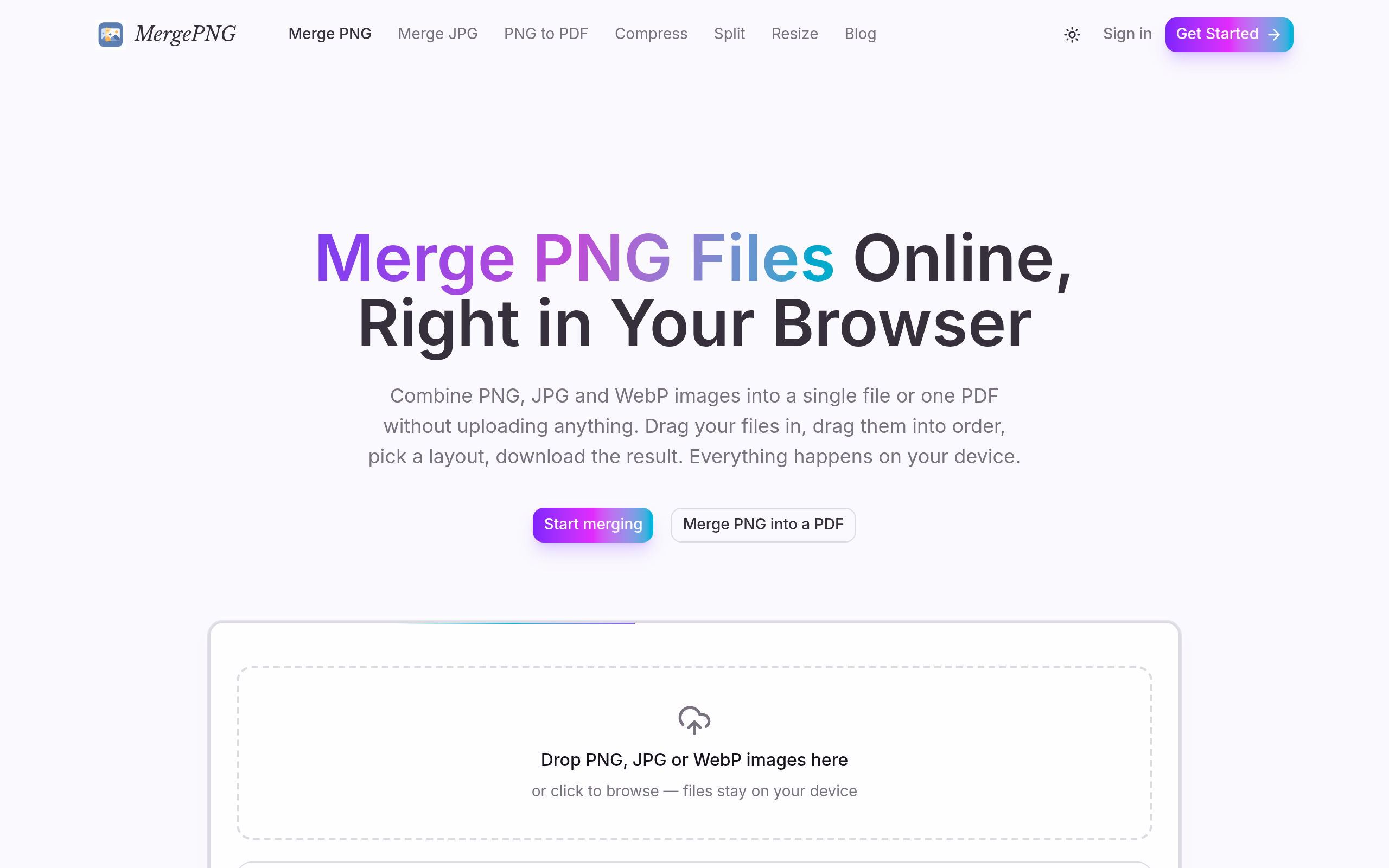
MergePNG - Combine PNG Images Online
Merge multiple PNG or JPG images into one clean sheet online - vertical or horizontal layout, adjustable spacing, free.
About
MergePNG is a free online tool that works entirely in your browser: open the site, enter your input, and get results in seconds with no account and no watermark. It supports the common formats and presets users need for everyday tasks, renders quickly so iterating is cheap, and exports clean output ready for blogs, social posts, product pages, and client work. The interface is minimal and focused, loads fast on mobile and desktop, and keeps every feature free without forced signups or paywalls on the core workflow.
Key Features
Local (Browser) Processing
All decoding, compositing and encoding happen in your browser using the Canvas API — nothing is uploaded to a server and files stay on your device, enabling offline use and better privacy.
Multiple Formats & PDF Export
Supports PNG, JPG and WebP inputs and can export the merged result as PNG, JPG, WebP or a one‑click PDF (A4, Letter, or fit-to-image).
Layout Presets & Custom Geometry
Choose from stack, side-by-side, column grids and compound presets (e.g., 1+2, 2+3). Adjust global scale, gaps, outer margin, alignment, borders and corner radius to control output layout precisely.
Per-image Controls & Duplicate Detection
Rotate and flip individual images before merging, reorder with drag-and-drop, and automatically flag exact duplicates via SHA-256 hashing to clean up inputs quickly.
How to Use MergePNG - Combine PNG Images Online
Open the site in your browser, follow the on-screen form or prompt box, and download or copy the result. No account required.