
MergePNG
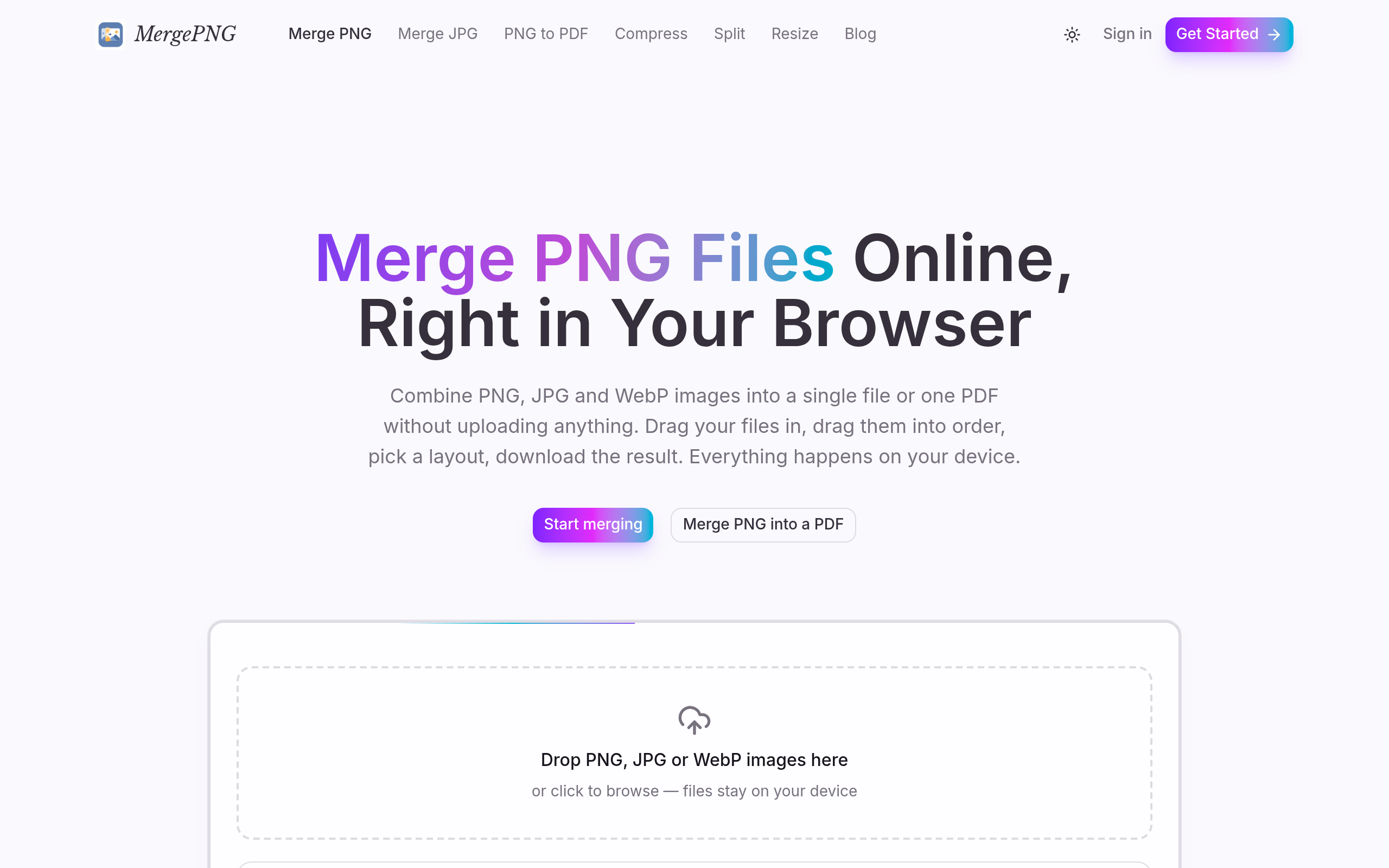
Merge multiple PNG images into one file online. Free, no signup, works in your browser.
About
MergePNG is a free online tool that lets you combine multiple PNG images into a single file. Upload your PNG images, arrange the order, and download the merged result instantly. No account or payment required, and all processing happens right in your browser.
Key Features
Local Processing & Privacy
All decoding, compositing and encoding happen in your browser using the Canvas API — no files are uploaded to a server and processing works offline.
Flexible Layout Templates
Choose from presets (stack, side-by-side, 2/3 column grids, compound layouts like 1+2) and see the layout preview before merging.
Multiple Input & Output Formats
Accepts PNG, JPG and WebP inputs and exports merged results as PNG, JPG, WebP or a one-click PDF (A4, Letter or fit-to-image).
Per-image Adjustments & Styling
Rotate or flip individual images, set gaps, outer margins, borders, corner radius and alignment to produce clean collages while preserving transparency.
Duplicate Detection & Mobile Safety
Flags exact duplicates using SHA-256 hashing and checks canvas size limits on mobile browsers (scales down with notice to avoid failures on iOS Safari).
How to Use MergePNG
1. Visit mergepng.org and upload the PNG images you want to combine. 2. Drag to arrange them in the desired order. 3. Click Merge and download your combined PNG file instantly.