
Melograph
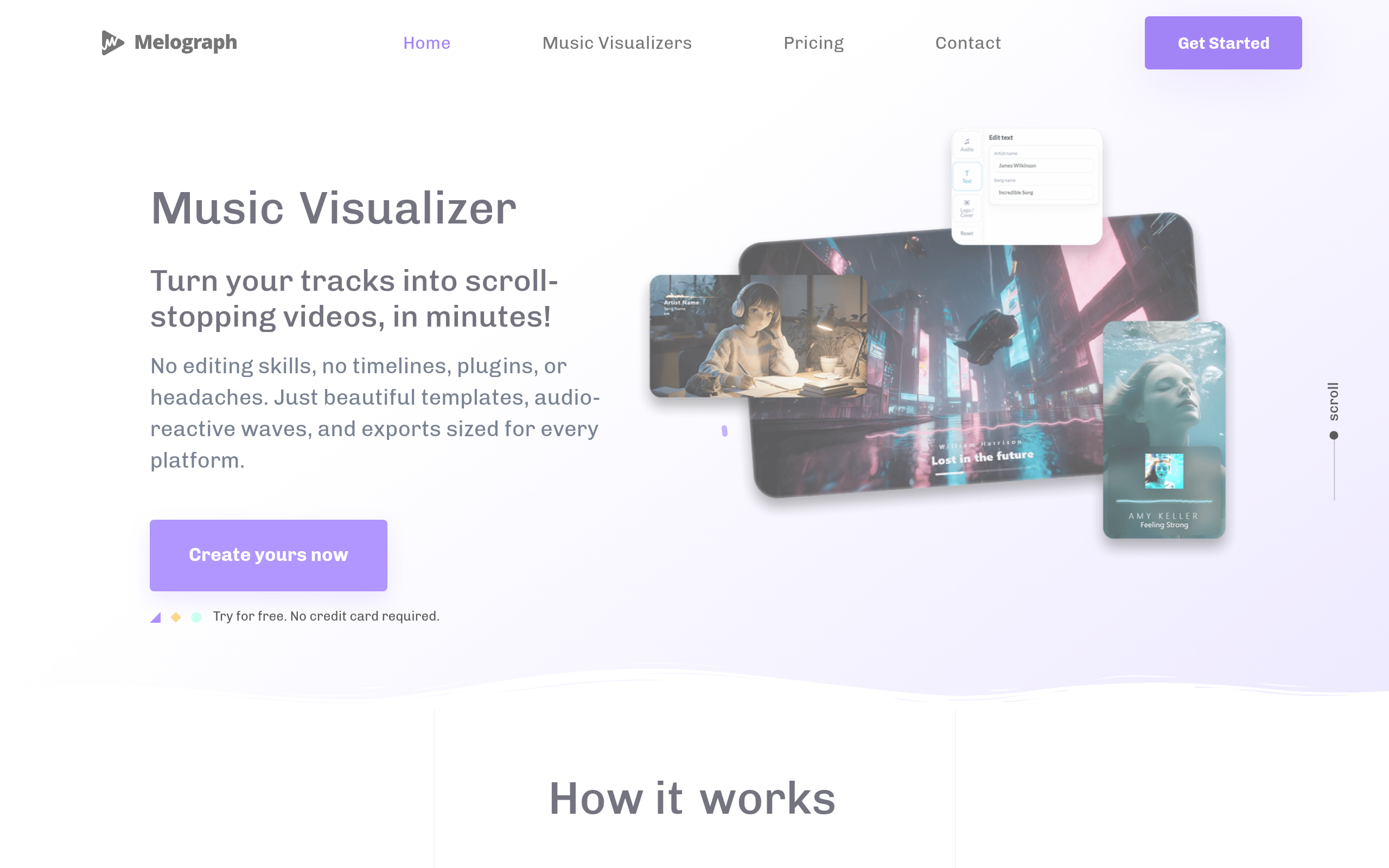
Melograph turns any track into a premium music visualizer video in minutes, choose a template, customize, and export in social-ready formats
About
Melograph is a web-based music visualizer maker built for musicians and creators who want great-looking visuals without video-editing headaches. Instead of building scenes on a timeline, you start with a template that already looks premium. Upload your track, set your artist + song title (and branding when needed), and export a ready-to-post video. What you can do with Melograph - Create audio-reactive music visualizers that look clean on mobile feeds - Choose from multiple template vibes (chill, cinematic, retro, futuristic, minimal, etc.) - Export 1080p MP4 in the formats you actually need: 9:16 / 1:1 / 4:5 / 16:9 - Use it for releases, teasers, promo posts, and looped background visuals If you post music regularly and want a repeatable workflow that makes every release look consistent, Melograph is made for you.
Key Features
Premium Template Library
Choose from curated templates (chill, cinematic, retro, futuristic, minimal, etc.) that are designed to make audio feel alive without building scenes on a timeline.
Audio-Reactive Visuals
Instantly generate waveforms and visual elements that react to your track with multiple waveform styles and smooth motion tuned for music.
Social-Ready Export Formats
Export 1080p MP4 in platform-friendly aspect ratios (9:16, 1:1, 4:5, 16:9) ready to post on TikTok, Reels, Shorts, Instagram, and YouTube.
Fast In-Browser Rendering & Branding
Render videos quickly in your browser (fast local/local-like render), add artist and track metadata, and optionally include logos or album art for consistent branding.
How to Use Melograph
1) Choose a template that matches your track's vibe (minimal, cinematic, retro, etc.). 2) Upload your audio file and enter artist & song title; optionally add your logo or album cover where supported. 3) Tweak any template-specific options (waveform style, text placement, color accents) and preview the audio-reactive animation. 4) Select an export aspect ratio (9:16 / 1:1 / 4:5 / 16:9), export a 1080p MP4, and download the ready-to-post video.