
Mediasaur
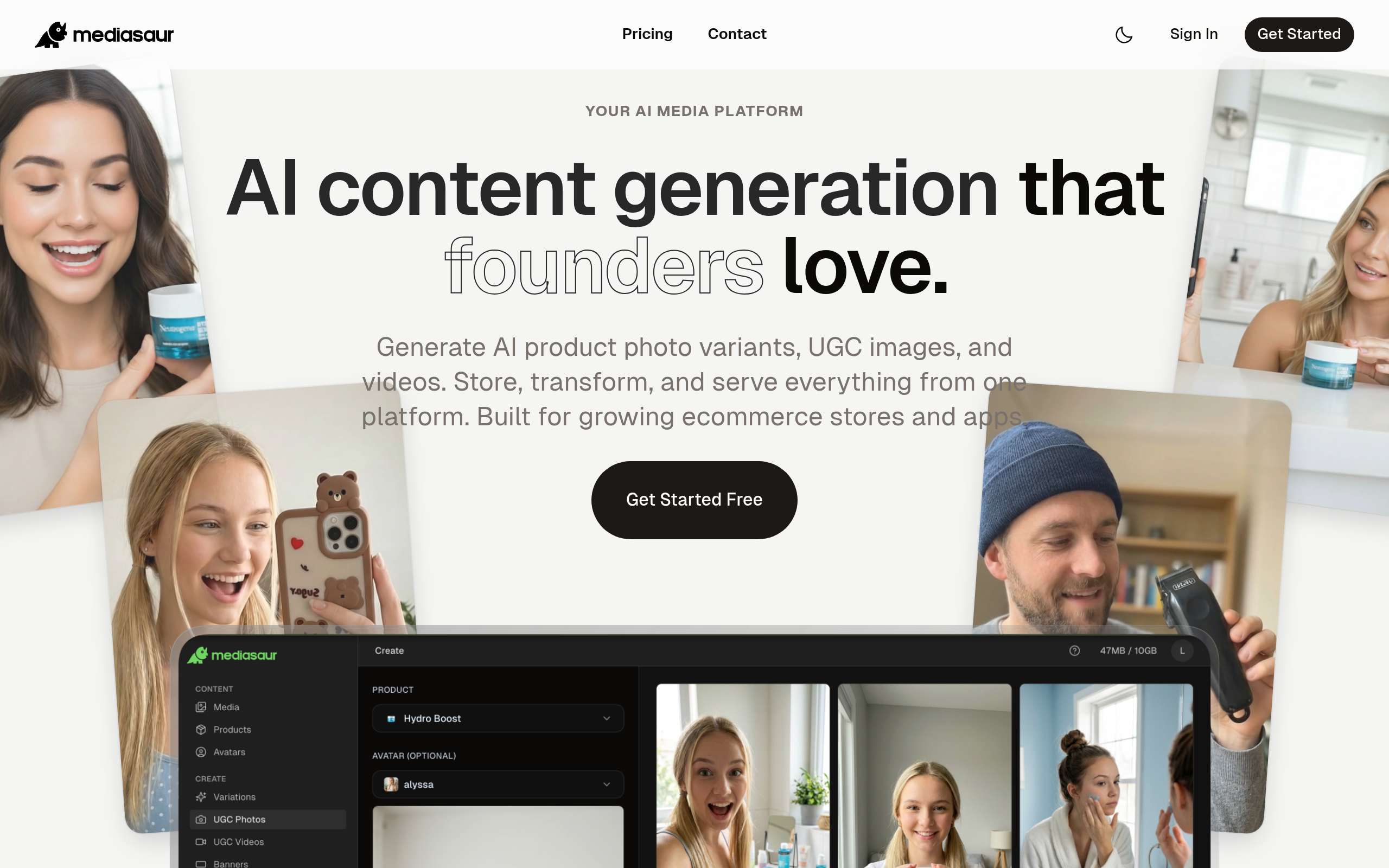
Mediasaur lets you create UGC, product shots, backgrounds, and ad-ready visuals with AI.
About
Mediasaur is an AI creative engine that turns a single input—like a product photo, concept, or prompt—into high-quality visuals in seconds. It generates UGC-style content, studio product shots, backgrounds, lifestyle scenes, and platform-ready ad creatives instantly. With Mediasaur, teams and individuals can produce endless variations, explore new creative directions, and keep their content pipeline fresh without the usual cost or complexity. The workspace makes it easy to organize generations, experiment with styles, and export assets for any channel or use case. Whether you need polished images, social content, ad concepts, or rapid creative testing, Mediasaur gives you a fast, flexible, AI-powered way to produce visuals at scale. Mediasaur is built for anyone who creates content—marketers, designers, founders, creators, or teams—offering a simple, on-demand way to generate high-quality AI content.
Key Features
Product Photo Variations
Generate multiple high-quality product shots and studio-style variants from a single input photo to speed up catalog creation.
UGC & Lifestyle Generation
Create user-generated-content style images and lifestyle scenes (on-model or contextual backgrounds) to boost authenticity for social channels.
Ad-Ready Templates & Aspect Ratios
Export platform-optimized creatives with presets for Instagram, Facebook, TikTok and more, including crop/resize and composition adjustments.
Workspace & Asset Management
Organize generations, compare variations, save styles and iterate within a shared workspace for teams and collaborators.
Batch Generation & Export
Produce and download many variations at once to support rapid A/B testing and bulk uploads to e‑commerce or ad platforms.
How to Use Mediasaur
1) Upload a product photo or enter a prompt describing the visual you want (UGC, studio shot, background, etc.). 2) Choose a style or template (studio/product, lifestyle/UGC, ad format) and adjust any parameters like lighting, background, or aspect ratio. 3) Click Generate to create multiple variations; review and refine by selecting preferred styles or re-running with tweaks. 4) Organize results in the workspace and export final assets in the required sizes/formats for your store or ad platforms.