
MECH AI
AI-powered auto repair assistant for DIY car owners and pro mechanics: diagnostics, repair guides, wiring diagrams, TSBs, and parts in one app.
About
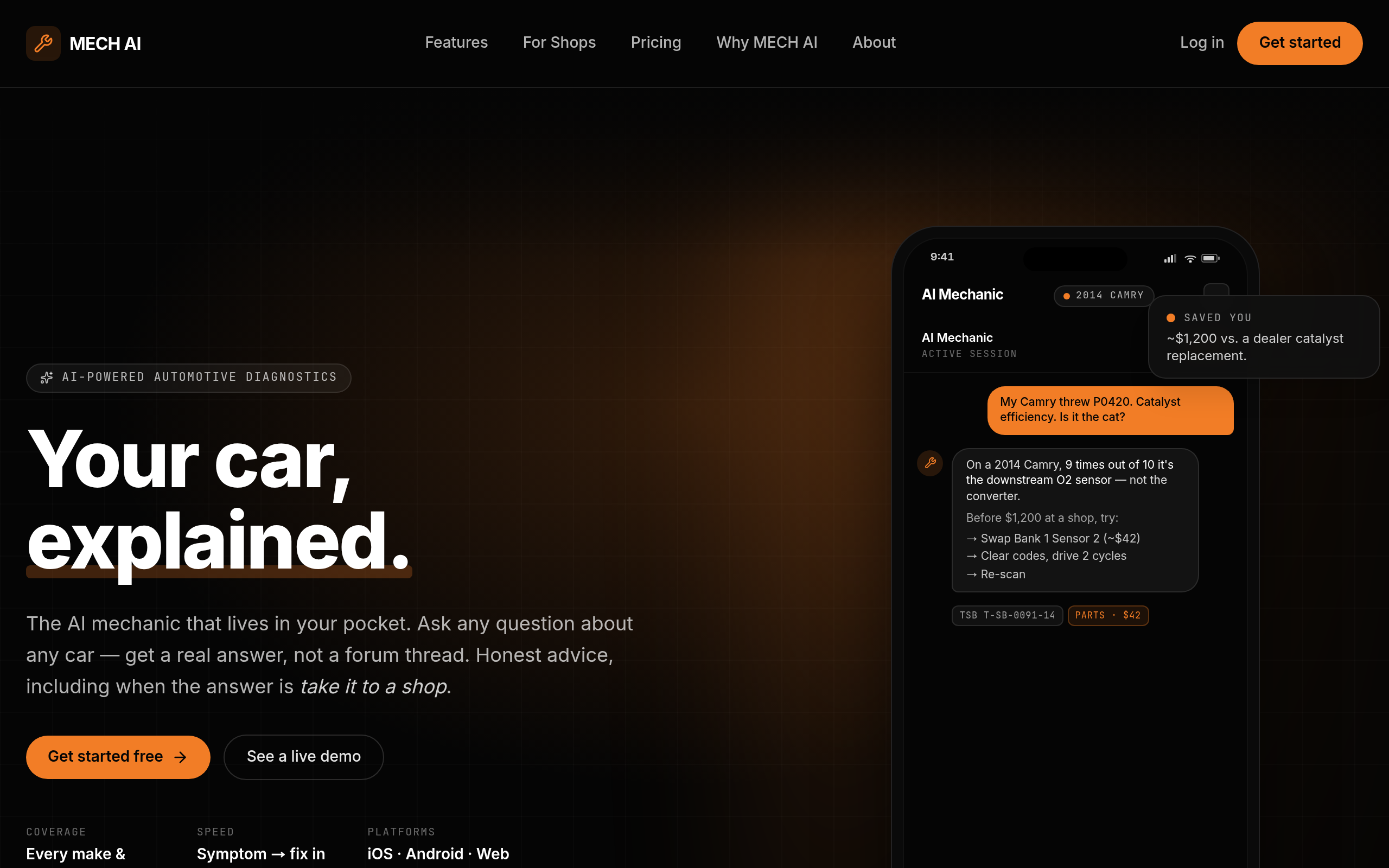
MECH AI is an AI-powered automotive repair assistant that puts an expert mechanic in your pocket. Ask the AI Mechanic any car question and get instant, vehicle-specific answers for your exact year, make, and model. Run AI diagnostics to decode trouble codes and symptoms, follow step-by-step repair guides, view AI-generated wiring and OEM diagrams, look up technical service bulletins and recalls, and find the right parts with direct buy links. Save every vehicle to your Garage and track its maintenance history. Built for both sides of the garage: DIY owners save hundreds in shop fees by fixing it themselves with confidence, while professional mechanics and shops diagnose faster and pull repair data without juggling multiple tools. Available on web, iOS, and Android with a free tier plus affordable subscription plans for DIYers, mechanics, and full shops.
Key Features
AI Mechanic Chat
Ask plain-English, vehicle-specific questions and get expert-level answers and next steps tailored to your exact year/make/model.
VIN-based Digital Garage
Save vehicles by VIN with mileage, photos and service history so all guidance and diagnostics are scoped to the right car.
Smart Diagnostics & DTC Troubleshooting
Run symptom-driven diagnostic trees, decode OBD-II trouble codes and get prioritized checks to find the root cause faster.
Wiring & OEM Diagrams + TSBs & Recalls
View AI-generated wiring/OEM diagrams and plain-English technical service bulletins and recall lookups without expensive third-party databases.
Parts Finder & Direct Buy Links
Find compatible part numbers for your exact trim, compare options and buy parts in one tap (integrated Amazon/parts search).
How to Use MECH AI
1) Sign up and create your Garage: add a vehicle by VIN (or enter year/make/model) so the app provides vehicle-specific guidance. 2) Start a session with the AI Mechanic: type a symptom, paste an OBD-II code, or ask a repair question in plain English. 3) Run Diagnostics or follow a guide: use the structured diagnostic tree, view wiring diagrams/TSBs, and follow step‑by‑step repair instructions. 4) Order parts & track maintenance: add recommended parts to cart via integrated links, save repairs and update the vehicle's service history.