
MCPize
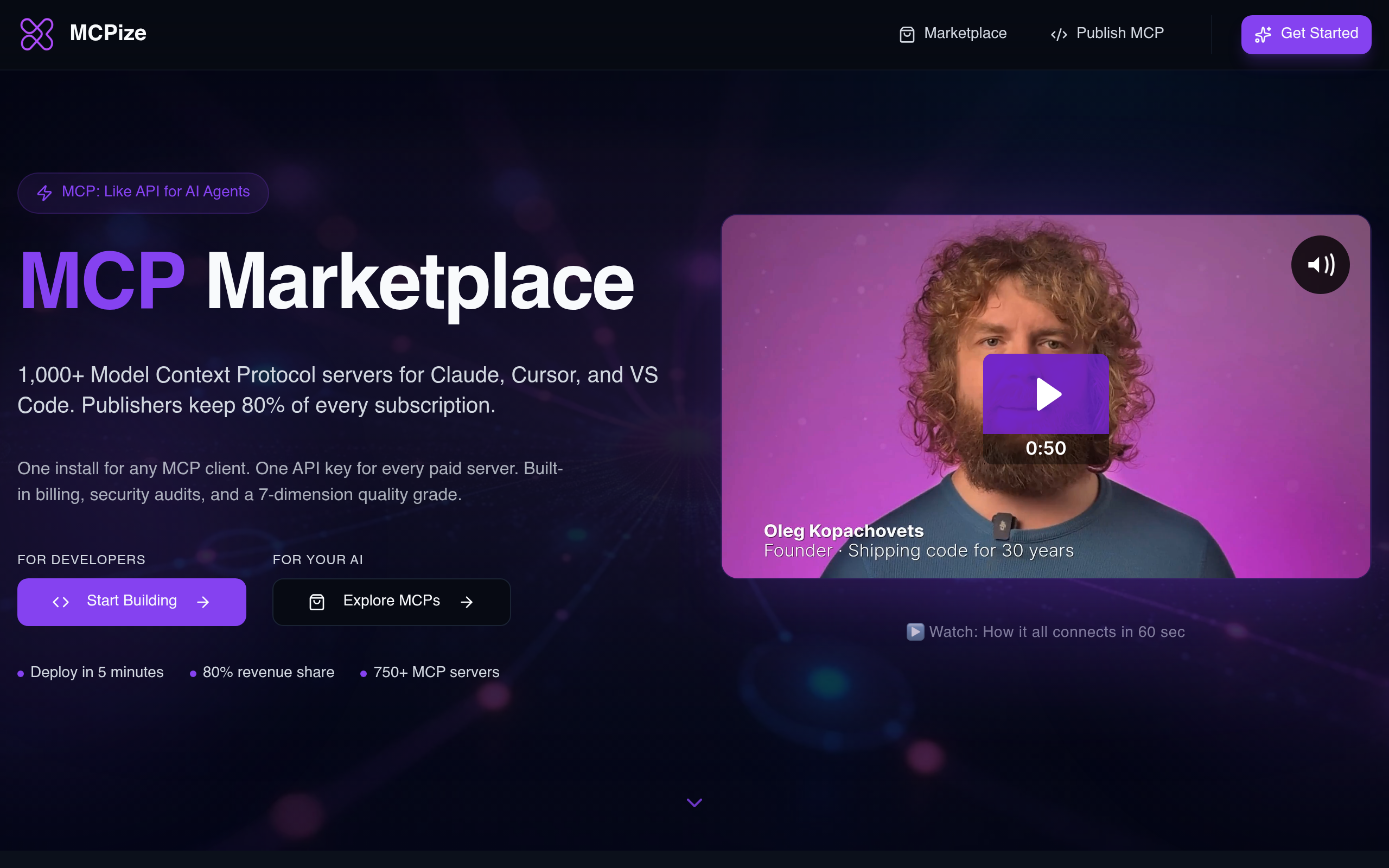
MCPize is an MCP marketplace with 1000+ Model Context Protocol servers for Claude, Cursor, and VS Code. Publishers keep 80% of every subscription.
About
MCPize is the complete platform for MCP servers. It offers a marketplace with 1000+ vetted Model Context Protocol servers that integrate with Claude, Cursor, VS Code, Windsurf, and other AI tools. Every server passes a 7-dimension quality audit covering protocol compliance, OAuth, reliability, and safety. Developers can publish and deploy MCP servers in 30 seconds with GitHub auto-deploy and earn 80% revenue share. Users get one API key for all servers, consolidated billing, and a unified dashboard for usage, costs, and alerts. The free tier includes 25,000 requests per month with no credit card required.
Key Features
Vetted MCP Marketplace
Browse 1,000+ curated and categorized MCP servers (Claude, Cursor, VS Code, Windsurf, etc.) with verified quality and top-rated listings for quick discovery and integration.
Unified MCP Gateway & Billing
One API key and one consolidated invoice for all subscribed servers — centralized quota controls, consolidated billing, and simplified vendor management.
Publish & Deploy in Seconds
Publish MCP servers with GitHub auto-deploy, instant rollout/rollback, Scale-to-Zero hosting, and an 80% revenue share for publishers.
7-Dimension Quality Audit & Security
Every server passes independent audits covering protocol compliance, OAuth, reliability, safety scanning and other dimensions; verified badge available for audited servers.
Observability & Quota Controls
Central dashboard to monitor usage, latency, errors, cost alerts and team quotas so teams can manage consumption and reliability across many MCP servers.
How to Use MCPize
1) Sign up: Create a free account to get your unified API key (free tier includes 25,000 requests/month). 2) Discover: Browse the marketplace or use the Discovery API/CLI to find MCP servers by category or capability. 3) Install & Integrate: Install a server with one-click buttons (Claude Desktop, Cursor, VS Code, Windsurf) or run `mcpize install` from the CLI and add the single API key to your MCP-compatible client. 4) Monitor & Manage: Use the dashboard to track usage, set quotas and cost alerts, and manage subscriptions and invoices from one place.