
May Sun
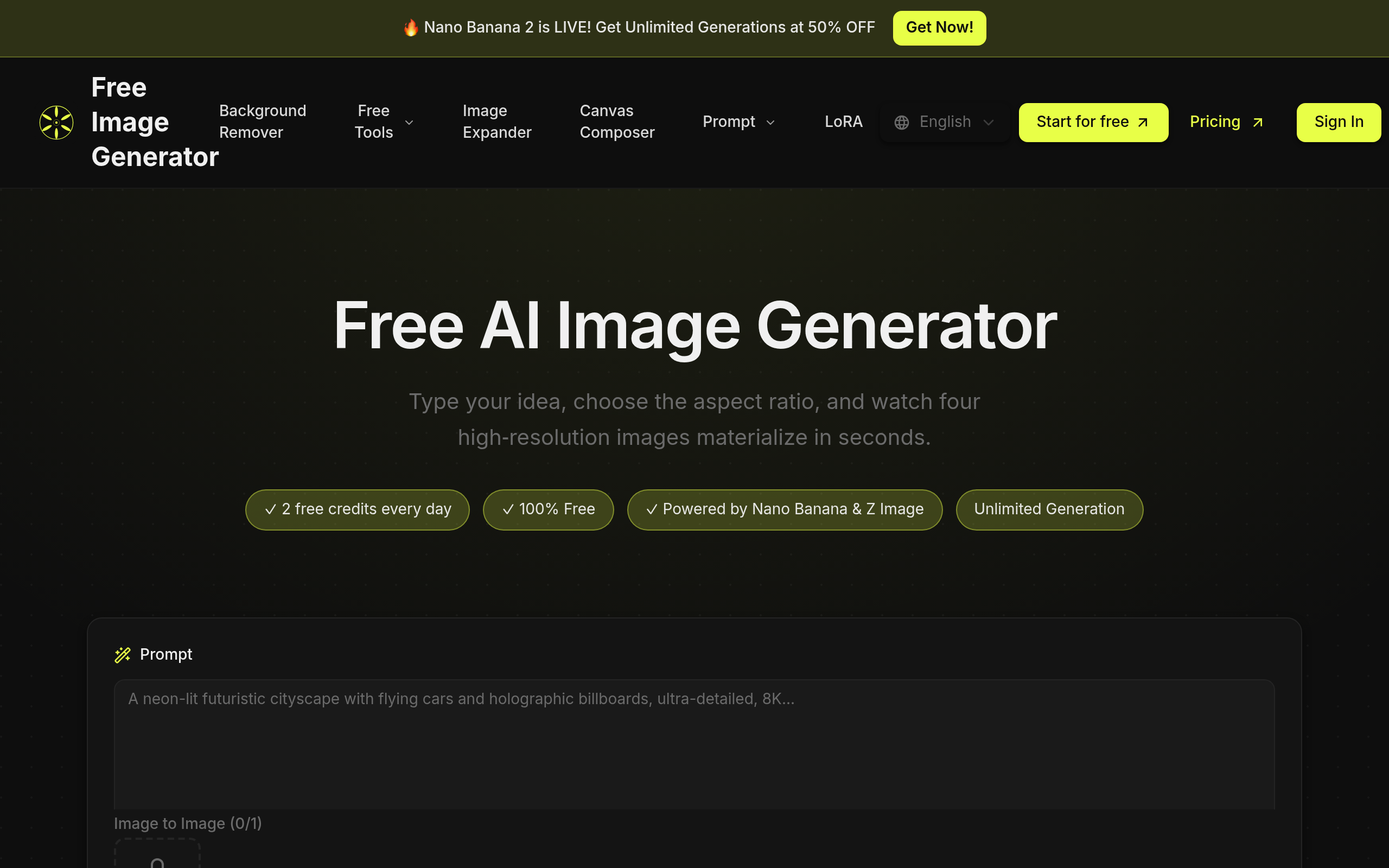
Free AI image generator - create stunning images from text prompts. No sign-up required, no watermarks, completely free.
About
Free Image Generator is a powerful AI-powered image creation tool that allows users to generate high-quality images from text prompts. Key features include: text-to-image generation, multiple art styles, no watermarks, no sign-up required, and completely free to use. The tool supports various image styles and formats, making it perfect for content creators, designers, marketers, and businesses looking to create engaging visual content quickly and easily.
Key Features
Text-to-Image Generation
Generate high-resolution images from simple text prompts using multiple AI models (e.g., Nano Banana 2 and Z Image) and a variety of art styles.
Batch & Aspect Ratio Options
Create 4 image variations in one click and choose common aspect ratios (social posts, wallpapers, product shots) with outputs from 1K up to 4K.
Image-to-Image & Editing Tools
Upload an image for image-to-image transformations and use one-click LoRA-based effects (headshots, caricatures, thumbnails, pixel art, stickers, etc.) to stylize or modify images.
Free Daily Credits & No Sign-up Option
Get free daily credits (2 free credits per day) with no mandatory sign-up needed; paid plans unlock more credits, faster processing, and watermark-free downloads.
Background Remover & Expand/Composer Tools
Includes utilities like background removal, image expansion/outpainting, and a canvas composer to refine and prepare images for commercial use.
How to Use May Sun
1) Open the app and type a clear text prompt describing the image you want. 2) Select an aspect ratio, resolution, and (optionally) switch AI models or apply a LoRA effect. 3) Optionally upload an image for image-to-image editing or use background removal/expander tools. 4) Click Generate to produce 4 image variations, review the results, and download (use free daily credits or upgrade for higher quality and watermark-free images).