
MarketWrk
MARKETWRK is a CPG brand management platform. It automates for brands competitive pricing, MAP violation detection, ratings & review monitoring.
About
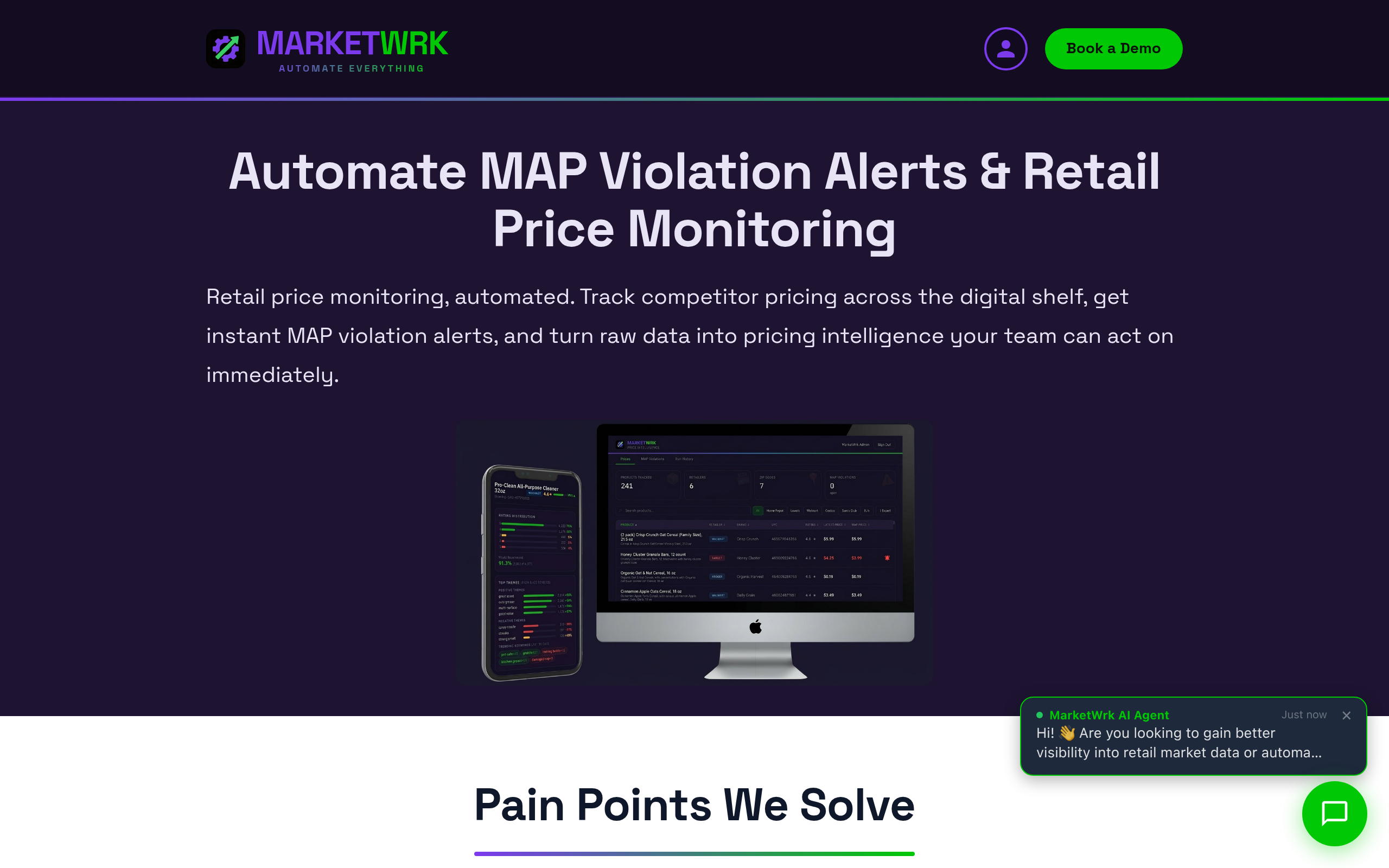
MARKETWRK is a brand management platform built for CPG and industrial B2B brands. It automates competitive pricing, MAP violation detection, ratings and review monitoring, and brand comparison across major retailers including Walmart, Home Depot, Lowe's, Costco, Sam's Club, BJ's, and Ace Hardware. Brands use MARKETWRK to track competitor prices by zip code, catch MAP violations the day they happen, monitor customer review sentiment with AI-extracted themes, and benchmark their products against the competition — all from a single dark-mode portal with interactive charts, Excel exports, and automated email alerts. Unlike enterprise tools that cost $50K+/year and take months to implement, MARKETWRK delivers the same data at a fraction of the cost with setup in days, not quarters. Current clients include Duracell and other national brands tracking hundreds of products across multiple retailers.
Key Features
Retail Price Monitoring
Continuously tracks competitor and retailer prices across major e-commerce sites and by ZIP code to reveal price movements and promotions in near real-time.
Instant MAP Violation Alerts
Automated detection of MAP (Minimum Advertised Price) breaches with immediate email alerts and violation details so teams can enforce pricing policy the day violations occur.
Ratings & Reviews AI Monitoring
Monitors reviews and Q&A across retailers and uses AI to extract sentiment and recurring themes, alerting teams to negative feedback or urgent customer questions.
Brand & Competitor Benchmarking
Interactive dashboards and charts that benchmark your products against competitors on price, rating, sentiment, and shelf presence with exportable Excel reports.
Inventory & Stock Tracking + Exports
Automated inventory level monitoring (in-stock / out-of-stock trends), historical price charts, and one-click Excel exports for downstream analysis and reporting.
How to Use MarketWrk
1) Book a demo or sign up and provide your product list and authorized retailer list. 2) Configure retailers, ZIP code areas to track, and set MAP price thresholds / alert preferences. 3) Let MARKETWRK crawl and index retailer pages; review the automated dashboards and AI-extracted review themes. 4) Act on alerts: export reports, notify channel partners or enforcement teams, and use benchmark charts to inform pricing and trade-spend decisions.