
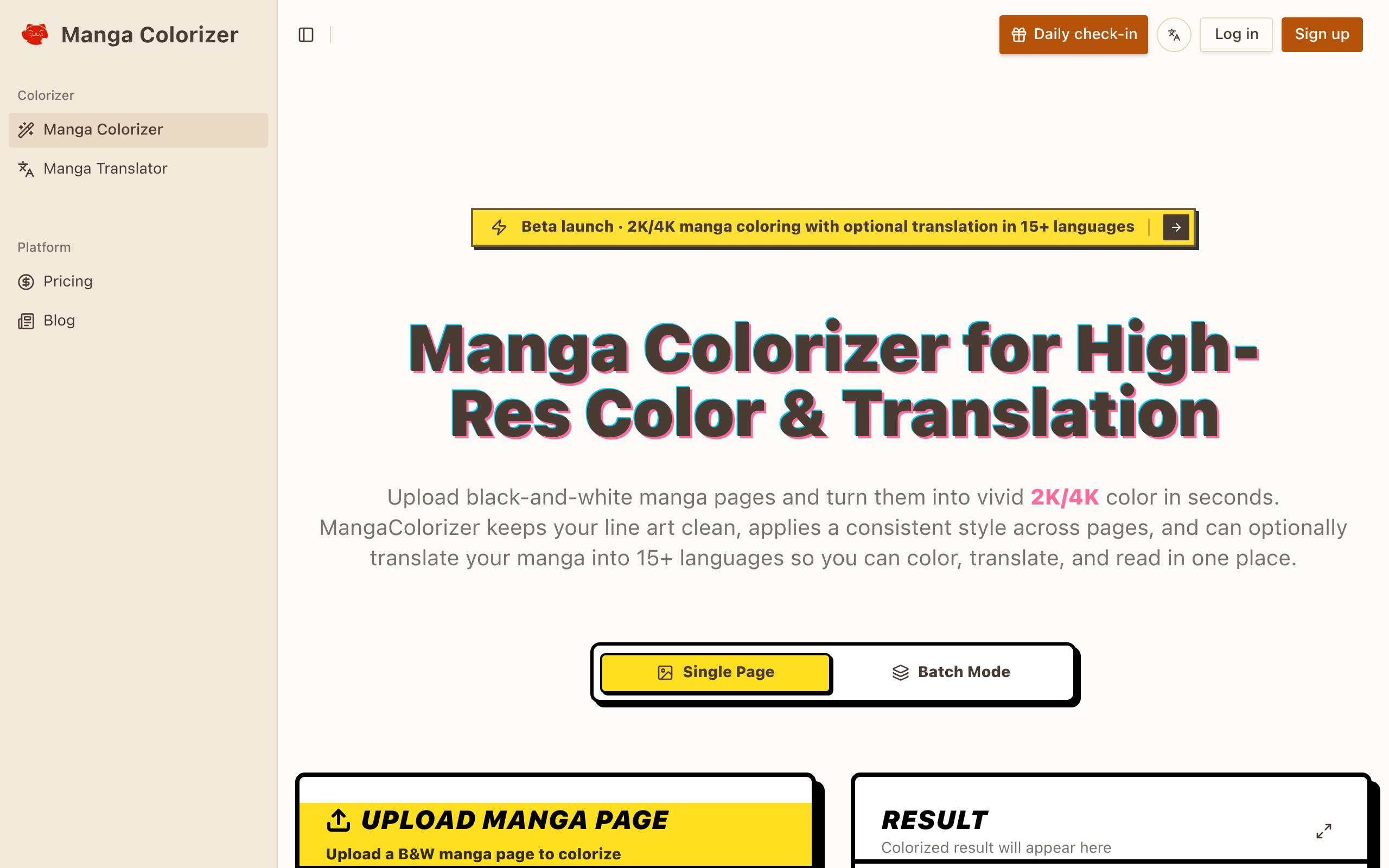
Manga Colorizer
AI Manga Translator online: translate manga pages instantly with OCR + speech bubble detection, while keeping the original panel layout.
About
If you’ve ever tried manual manga coloring, you know the bottlenecks: selecting regions, building palettes, keeping shading consistent, and making sure the final page still feels like manga. MangaColorizer is an AI manga colorizer that streamlines the process by generating full-color pages from black-and-white manga images in a browser. The biggest advantage is line-art preservation. A good manga colorizer must respect ink strokes, panel borders, and screentones. Instead of repainting everything from scratch, you upload a page and get an AI-assisted colorization that’s designed to look clean and comic-friendly. This is useful for readers who want a colorized version of their favorite series, and for creators who want quick color drafts or promotional images without spending days per chapter. MangaColorizer also fits projects beyond traditional manga. Many users colorize manhwa and manhua pages, and webtoon creators can use AI coloring to test styles quickly. In practice, AI colorization works best as a fast first pass: generate the base colors, then adjust key panels if you need a specific mood or brand palette. That approach keeps effort low while still producing high-quality results. For anyone looking for an online AI comic colorizer that can turn black-and-white manga to color while keeping the original structure intact, the homepage is a good starting point: https://mangacolorizer.com/
Key Features
Line-art Preservation
AI preserves ink strokes, panel borders and screentones so colorization enhances the original art without smudging or repainting lines.
High-resolution Output (2K/4K)
Export colorized pages at 2K or 4K resolutions suitable for modern displays and print while keeping details sharp.
Style Presets & Consistent Palettes
Choose from style presets or upload a reference image to keep character and scene colors consistent across pages or entire chapters.
OCR-powered Translation
Detects and translates speech bubbles, narration boxes and sound effects into 15+ languages while keeping layout and artwork intact.
Batch Processing & Online Reader
Process multiple pages at once, compile results into a shareable online reader, or download individual pages for further post-editing.
How to Use Manga Colorizer
1) Upload one or more black-and-white manga pages (PNG, JPG, WEBP). Clean scans or digital line art work best. 2) Choose a color style preset or upload a style reference image; optionally select a target language for translation. 3) Click Generate and let the AI colorize and (if selected) translate the pages; review results and tweak style or language settings if needed. 4) Download high-resolution pages, export files for manual polishing, or compile and share an online reader link.