
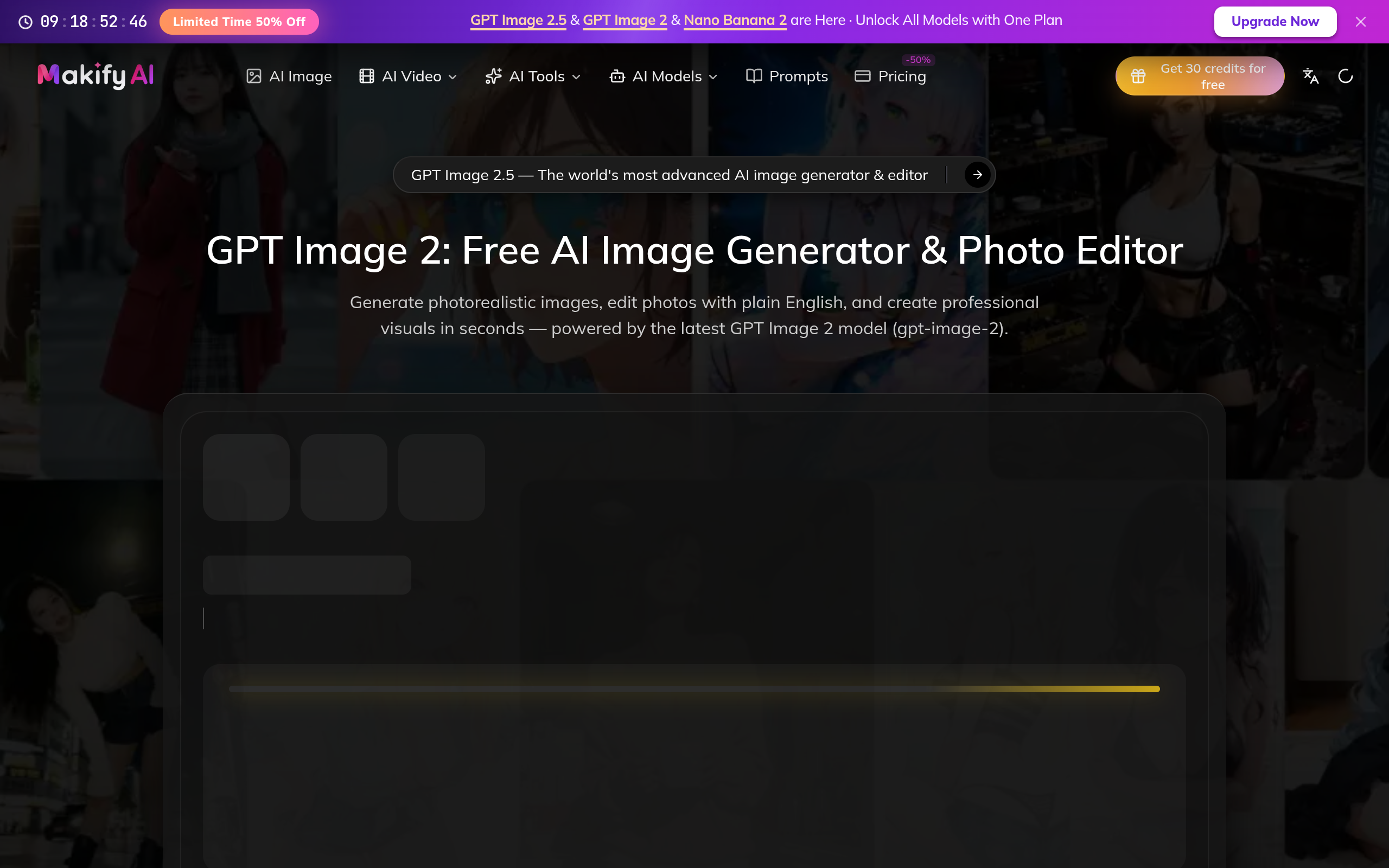
Makify AI - AI Creative Platform
Makify AI is an AI creative platform for generating, editing, and transforming images and videos with modern AI models.
About
Makify AI brings image generation, image editing, and AI video creation into one creative workspace. Creators, marketers, designers, and product teams can explore GPT Image 2.5, FLUX 3, Seedream 5 Pro, Seedance 2.5, Wan 3.0, Nano Banana 2, and Gemini Omni Flash 1.1 for concept development, product visuals, social content, campaigns, and rapid creative iteration. Use practical tools for image-to-image editing, prompt-based generation, background and shadow removal, image expansion, angle changes, image combining, and video creation. The workflow helps teams move from an idea to a polished visual faster while keeping model choice and creative control in one place.
Key Features
Multi‑Model Creative Workspace
Choose and switch between leading image and video models (GPT Image 2.5, Seedream, Seedance, Nano Banana, Gemini Omni Flash, etc.) to match style, fidelity, and text-rendering needs for each project.
Prompt‑Driven Image Generation
Generate photorealistic or stylized images from plain‑English prompts with advanced text rendering, aspect ratio control, and style parameters — no design skills required.
Advanced Image Editing Tools
Inpainting, image-to-image edits, background & shadow removal, image expansion/outpainting, angle changes, combining multiple images, upscaling and unpixelation for quick refinement of assets.
AI Video Creation
Create and edit short AI videos and clips from prompts or images (image-to-video / text-to-video workflows), optimized for social formats and rapid iteration.
API & Scale‑Ready Exports
Developer API for batch generation and integration, multiple output formats (PNG, JPEG, WebP, transparent backgrounds) and commercial licensing for use in ads, products, and campaigns.
How to Use Makify AI - AI Creative Platform
Open Makify AI, choose an image or video workflow, select a model, describe the result you want, and generate. Refine the prompt or adjust the source image, then download the result when the output is ready.