
M3U8 Player
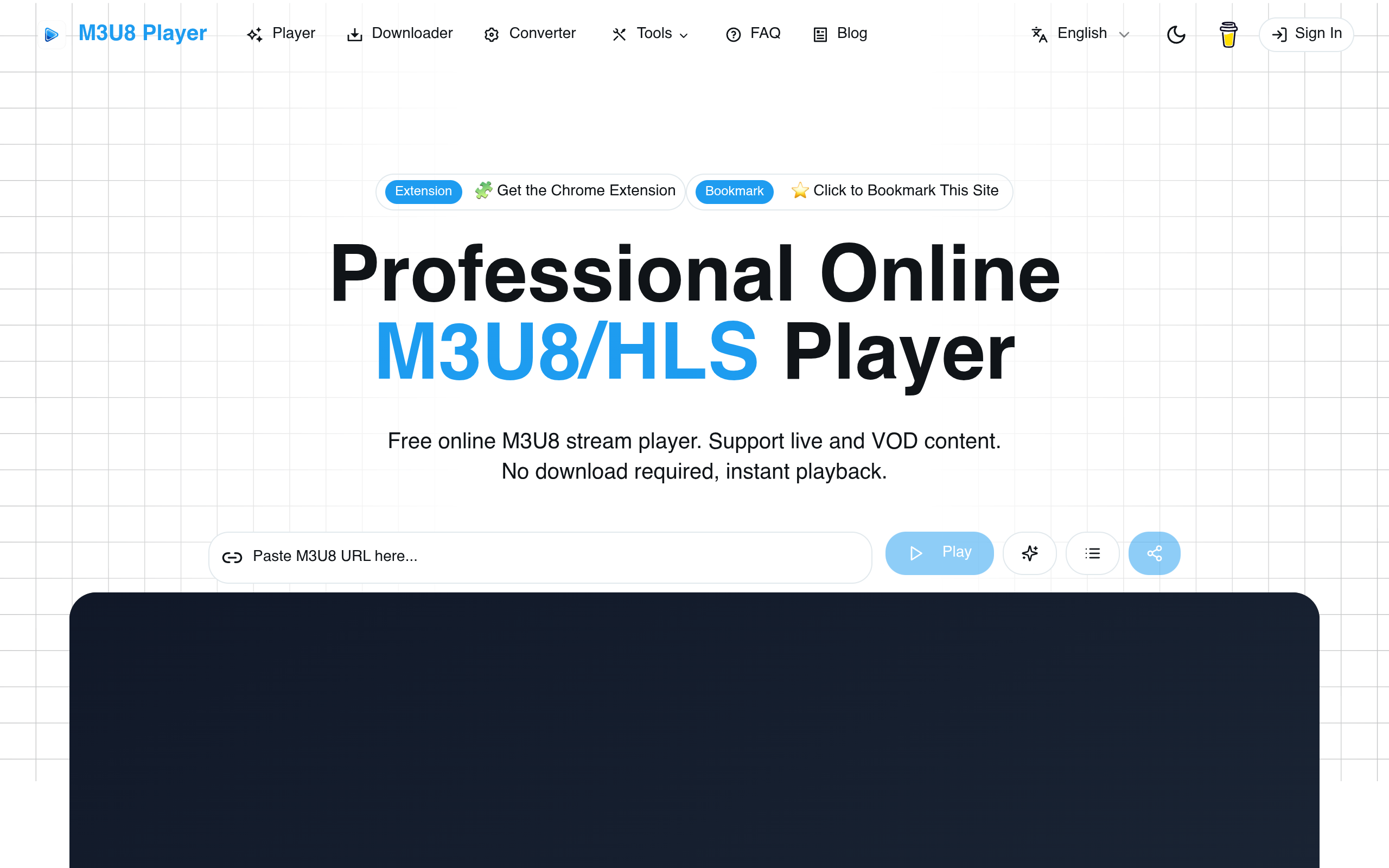
M3U8 Player is a free browser-based HLS streaming toolkit for playing, downloading, converting, and troubleshooting M3U8 streams.
About
M3U8 Player is a free online HLS streaming toolkit that helps users play, download, convert, and troubleshoot M3U8 streams directly in the browser. The platform includes an online HLS player, M3U8 downloader, M3U8 to MP4 converter, IPTV playlist tools, FFmpeg guides, and streaming troubleshooting resources. Users can quickly test live streams, validate HLS URLs, convert playlists into MP4 files, and resolve common playback issues such as CORS errors, 403 restrictions, and download failures. Designed for developers, stream operators, IPTV users, and content creators, M3U8 Player provides a simple browser-based workflow without requiring software installation. Key Features: - Online M3U8 / HLS Player - M3U8 Downloader - M3U8 to MP4 Converter - IPTV Playlist Tools - FFmpeg Tutorials - HLS Troubleshooting Guides - Browser-based Stream Testing - Free to Use The site also publishes educational content covering HLS streaming, M3U8 formats, player comparisons, stream debugging, and IPTV workflows.
Key Features
Online M3U8 / HLS Player
Play live and VOD M3U8/HLS streams instantly in the browser with adaptive bitrate support, subtitle (WebVTT) support, playback controls and keyboard shortcuts—no installation required.
M3U8 Downloader
Multi-threaded downloader with resume and retry support and local segment merging so users can reliably download HLS streams for offline use.
M3U8 → MP4 Converter (FFmpeg.wasm)
In-browser conversion of M3U8/HLS streams to MP4, WEBM or MKV using FFmpeg.wasm, enabling quick format conversion without server-side processing or installed software.
IPTV Playlist Tools & Managers
Utilities to clean, organize and validate M3U playlists (region-specific hubs, sports workflows, channel checks) plus embeddable player code and playlist validation before handoff.
Troubleshooting Guides & FFmpeg Tutorials
Educational resources covering common HLS issues (CORS, 403, missing segments), step-by-step FFmpeg commands and debugging tips for stream operators and developers.
How to Use M3U8 Player
Paste an M3U8 or HLS stream URL into the browser-based player to test playback, then use the downloader, converter, playlist tools, or troubleshooting guides as needed.