
Luxoret
AI creative platform with 400+ built-in tools for image generation, video creation, voice cloning, music production, and a directory of 2,500+ AI tool
About
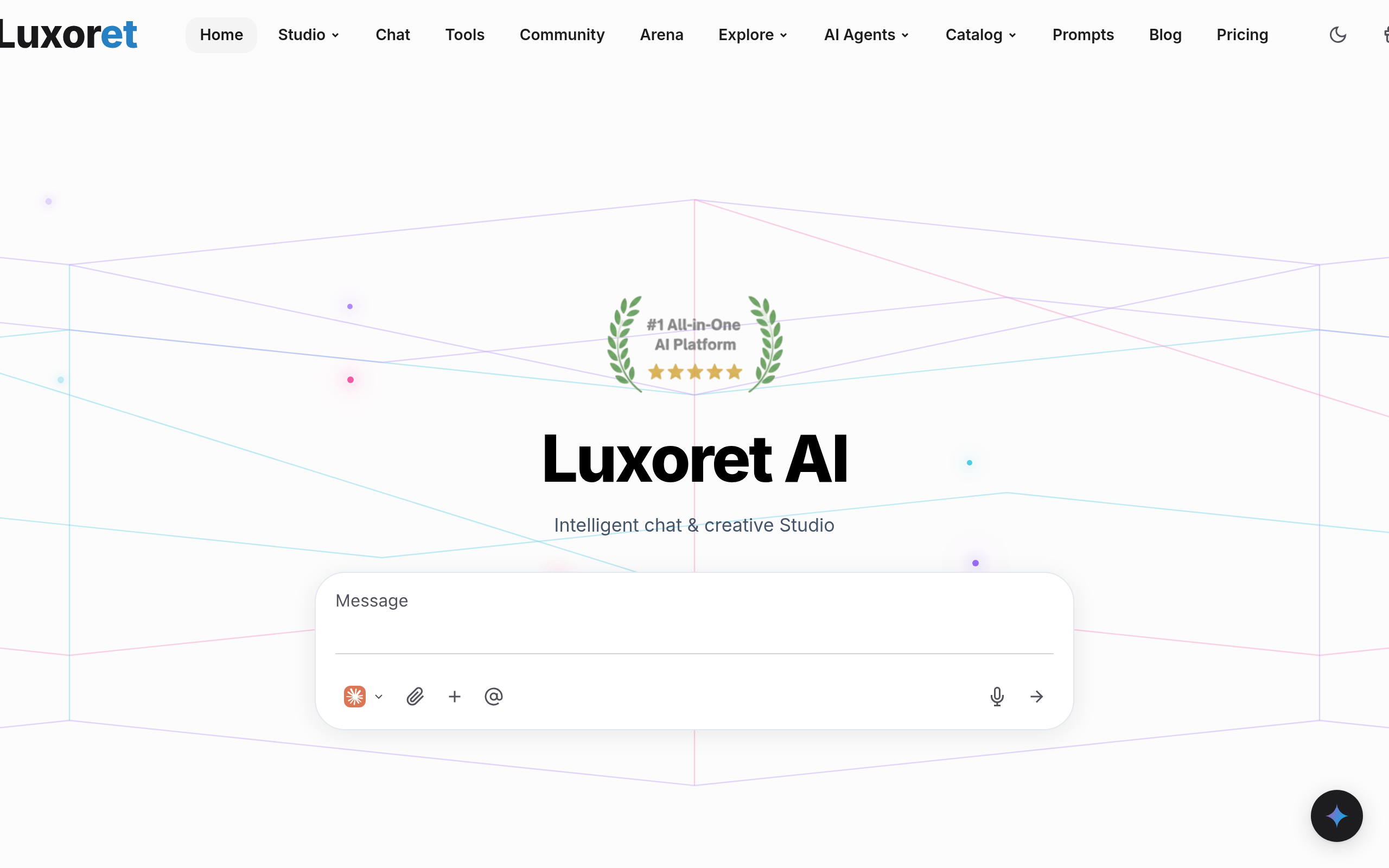
Luxoret is an all-in-one AI creative platform designed for professionals, creators, and businesses. It features a built-in Creative Studio with over 400 AI-powered tools including text-to-image generation, AI video creation, vocal removal and stem splitting, voice cloning, text-to-speech, music generation, face swap, background removal, image upscaling, OCR, logo design, and many more. All studio tools are accessible directly from the platform with no need to switch between multiple services. Beyond the Creative Studio, Luxoret offers a curated directory of 2,500+ external AI tools organized across 50+ categories, making it easy to discover and compare the best AI software available. Users can browse by category, view trending tools, explore alternatives, and find the perfect AI solution for any task. Additional features include an AI chat assistant powered by multiple language models, a community gallery where users share their AI-generated creations, an AI Arena for comparing tools head-to-head, and dedicated pages for AI agents. Luxoret operates on a freemium model with free access to core tools and premium plans for advanced features and higher usage limits.
Key Features
Creative Studio (400+ Tools)
Access a unified workspace with 400+ built-in AI tools for images, video, audio, music, design and more—no need to jump between services.
Curated AI Tools Directory
Discover and compare 2,500+ external AI tools organized across 50+ categories, with trending, alternatives, and hand-picked recommendations.
Multi-model AI Chat Assistant
Ask questions, get creative prompts, and troubleshoot workflows using an AI chat assistant powered by multiple language models.
Community Gallery & AI Arena
Share creations in a community gallery, explore others' work, and run head-to-head comparisons of tools in the AI Arena to find the best option for a task.
Audio & Voice Suite
Integrated audio tools including vocal removal, stem splitting, voice cloning, text-to-speech, audio enhancement and music generation.
How to Use Luxoret
1) Create a free account and open the Luxoret dashboard. 2) Choose a tool from the Creative Studio (e.g., Text-to-Image, Video Generator, Voice Cloning) or browse the AI Tools Directory to find external tools. 3) Configure the tool: enter your text prompt, upload images/audio, pick style or model settings, and adjust quality/format options. 4) Generate the asset, review results, refine prompts or settings as needed, then download or share. Use the chat assistant for prompt ideas or troubleshooting and upgrade to a premium plan if you need higher usage limits or advanced features.