
Lupita — Recipe from any video
Import recipes from TikTok, YouTube & Instagram videos automatically. Save, organize, and cook with AI-powered recipe extraction.
About
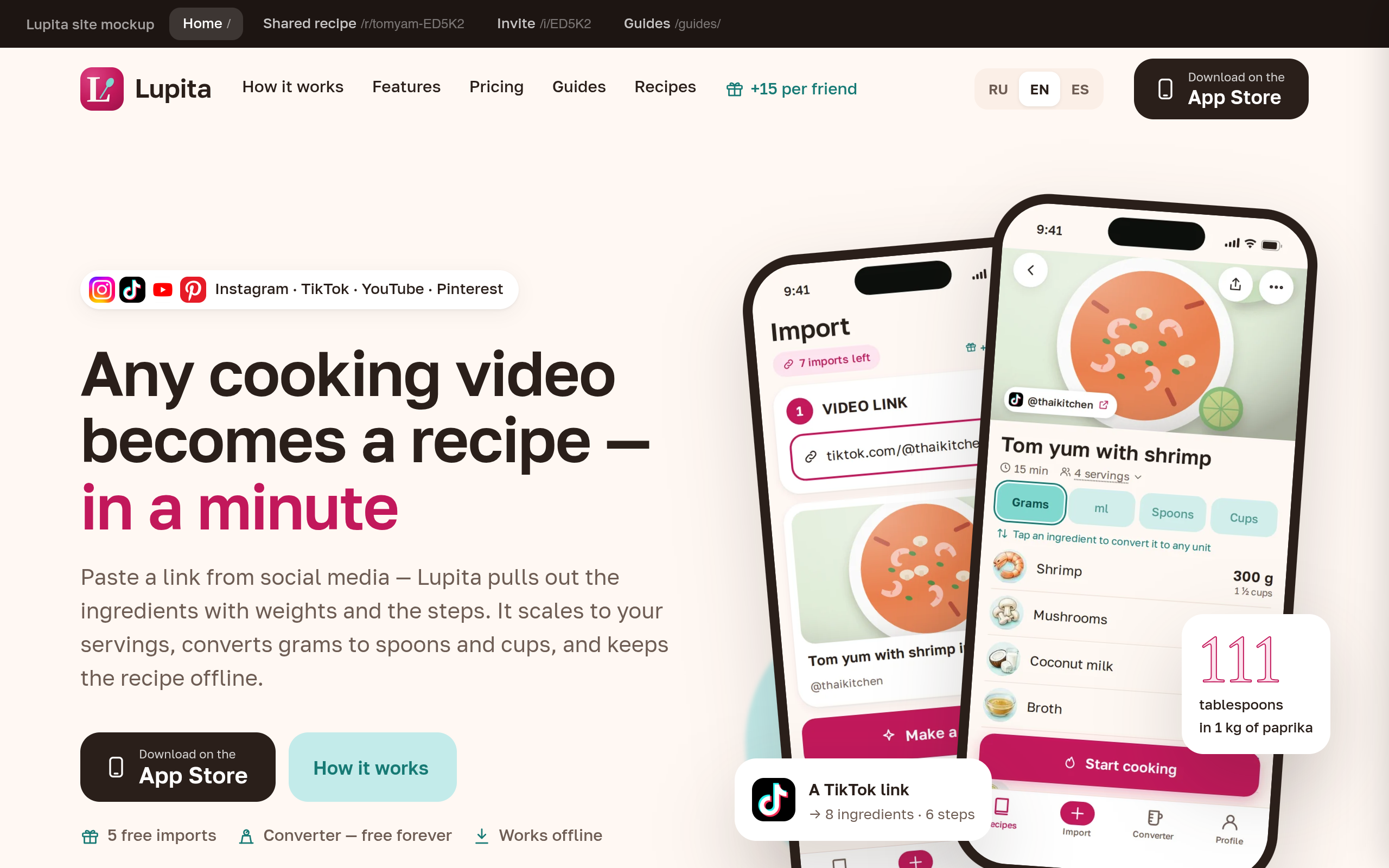
Lupita is an iOS app that extracts recipes from any cooking video. Share a TikTok, Instagram Reel, or YouTube video — Lupita automatically converts it into a clean, structured recipe with ingredients in grams. Edit ingredients, adjust serving sizes, convert between cups/grams/tablespoons, add your own recipes, and organize your personal cookbook. No manual typing, no copy-paste. Just one tap. Works offline after import. Free to start with 5 imports, premium from $2.99/month.
Key Features
One-tap Recipe Import
Paste or share a TikTok, Instagram Reel, YouTube or Pinterest link and Lupita automatically extracts ingredients, measurements and step-by-step instructions into a structured recipe.
Automatic Weights & Unit Conversion
Ingredients are converted into grams/ml with instant one-tap conversion between grams, cups, spoons and ml for whole recipes or individual ingredients.
Serving Size Scaling
Set your default number of servings in profile and instantly rescale any imported recipe to the desired portion size.
Cook Mode & Timers
Large-step cook mode with one-tap timers, non-dimming screen and easy-to-tap buttons designed for use while cooking with wet hands.
Offline Cookbook & Attribution
Saved recipes, covers and your photos are stored on device for offline access. Every recipe retains a permanent link to the original video and creator for proper credit.
How to Use Lupita — Recipe from any video
1. Open Lupita on your iPhone. 2. Find a cooking video on TikTok, YouTube, Instagram, or Pinterest. 3. Tap the Share button and select Lupita from the share sheet. 4. Lupita extracts the recipe automatically — ingredients, steps, and quantities in grams. 5. Edit servings, convert units, and save to your personal cookbook.