
Luphra
Prompt, sketch, or image to editable 3D in the browser, then a manufactured physical product.
About
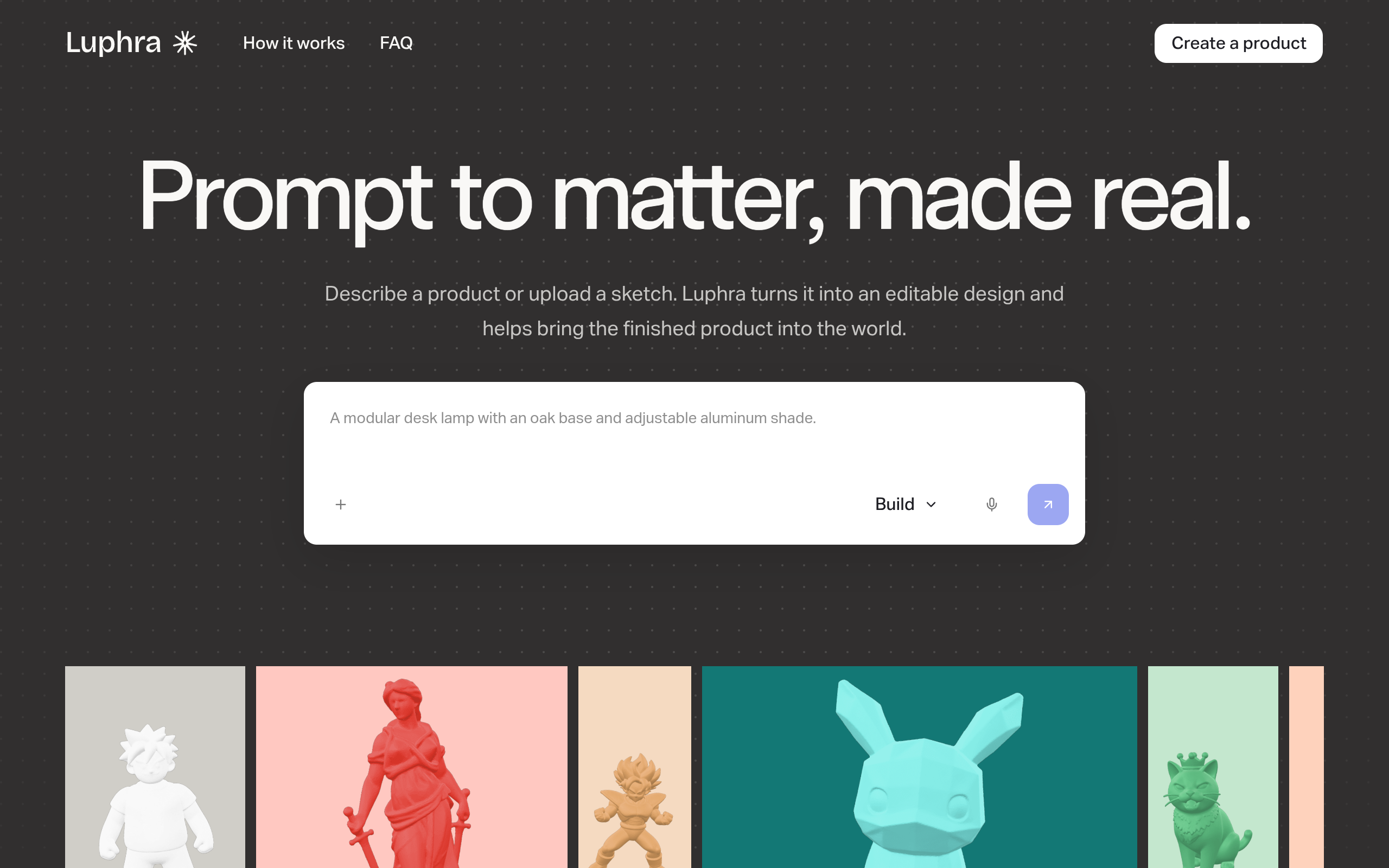
Luphra turns a prompt, sketch, or image into editable 3D right in your browser, then into a manufactured physical product. Starting with 3D printables, Luphra lets creators, designers, and makers go from idea to a printable, editable 3D model in minutes without learning CAD, and then order the finished physical object.
Key Features
Prompt / Sketch / Image → 3D
Generate a base 3D model directly from a text prompt, uploaded sketch, or reference image without needing CAD skills.
Browser-based editable CAD-like workspace
Edit shape, dimensions, colors, materials and fit interactively in the browser with intuitive controls and live updates.
Manufacturing preparation & checks
Automated manufacturability checks (printability, tolerances) and process matching to prepare models for production.
Order & production integration
Get quotes and route approved designs to production partners for manufacturing and delivery of the physical product.
How to Use Luphra
1) Sign in and open the Create workspace. 2) Describe your object in a prompt or upload a sketch/image (use Enter to submit lines, Shift+Enter to add a line). 3) Edit the generated 3D model in-browser — adjust dimensions, materials, colors and fit. 4) Run the production checks, request a quote, and place an order to have the part manufactured and delivered.