
LumenFix
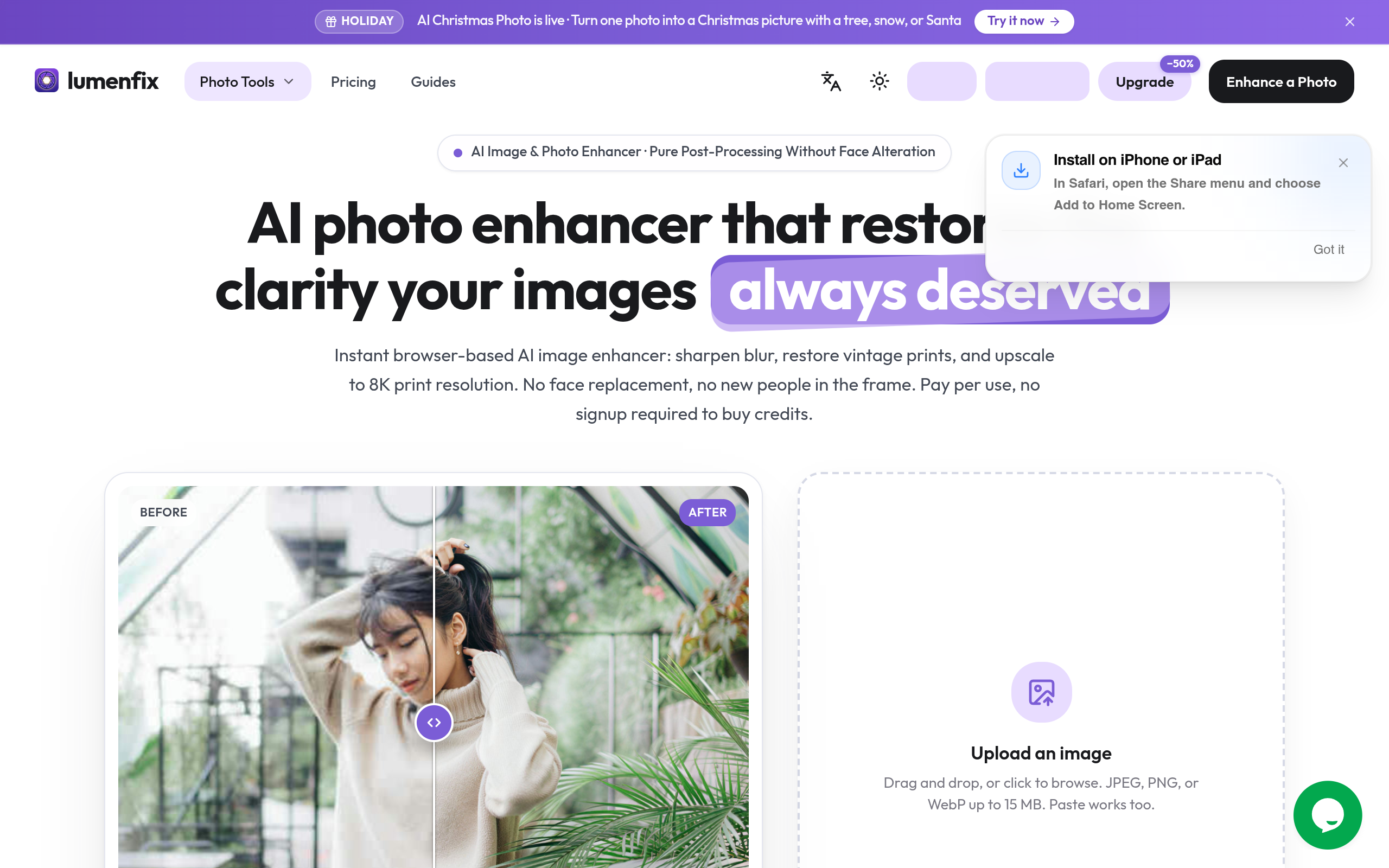
Online photo repair: enhance quality, unblur text, colorize old prints and remove distractions.
About
LumenFix helps anyone improve an existing image without learning a pro editor. Its tools cover quality enhancement and upscaling, unblurring text in scans or screenshots, restoring and colorizing vintage photos, and removing objects, people, text or glare. The emphasis is on staying faithful to the source, so results still look like the original picture. Uploads are deleted after 24 hours and never used to train models.
Key Features
Instant AI Enhancement
Sharpen, denoise, and color-correct photos in one step to recover authentic texture and detail without face swapping or invented elements.
Text Unblur & Document Fix
Restore legibility in blurred screenshots and scanned documents—ideal for unreadable text, receipts, or low-quality scans.
Photo Restoration & Colorization
Repair scratches, creases, stains and bring black-and-white prints to life with natural, lifelike colorization options (Standard and Pro modes).
Object, Glare & Text Removal (Inpainting)
Remove unwanted people, objects, captions, watermarks, glasses glare or camera flash while keeping the original scene intact.
Upscale & Extend (Outpainting)
Enlarge images up to 4× and export in Ultra HD / 4K / 8K, or expand canvas to common aspect ratios (1:1, 4:5, 16:9) while preserving original pixels.
How to Use LumenFix
Upload a JPEG, PNG or WebP image, pick the tool you need, compare the before and after with the slider, then download the result.