
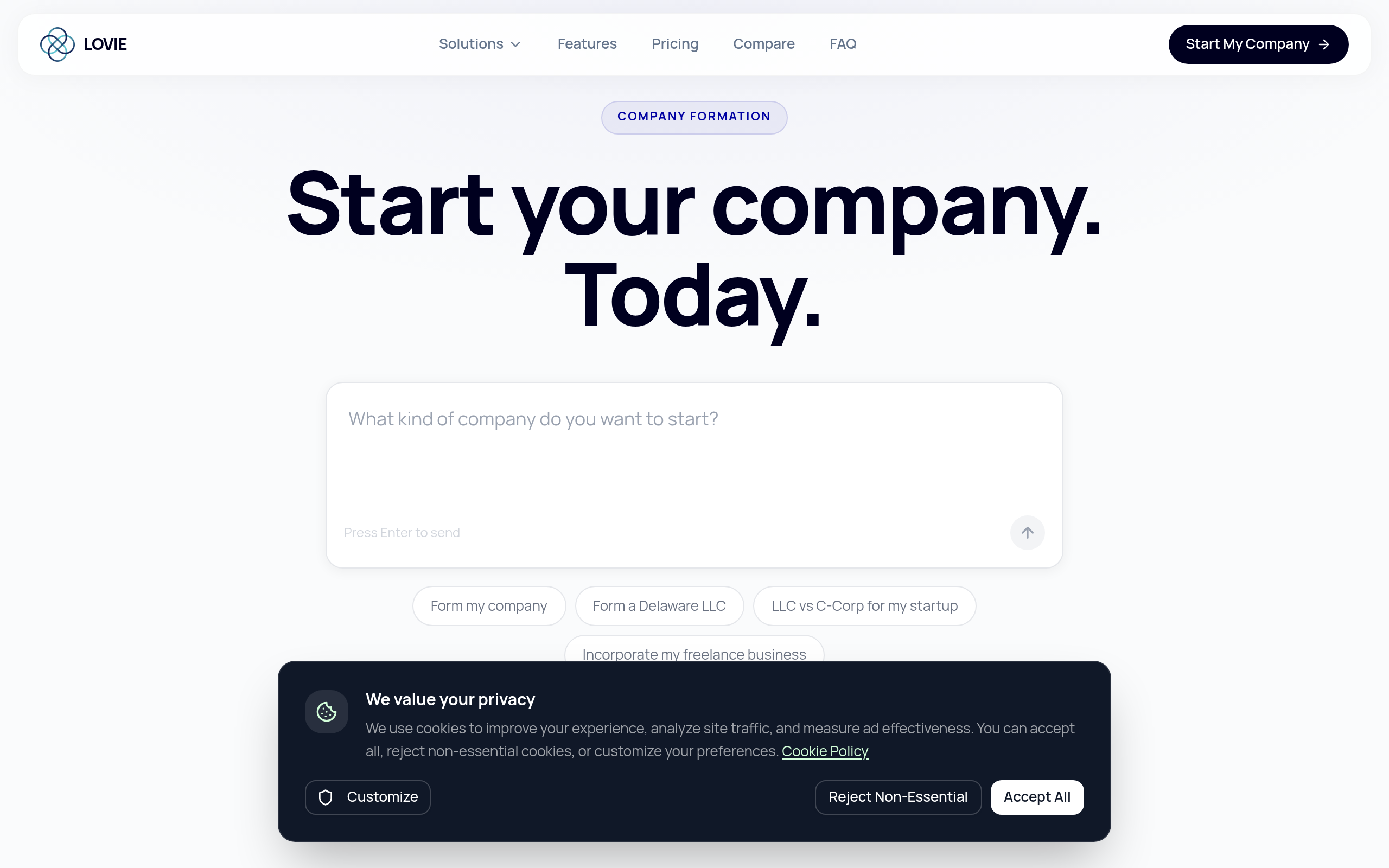
Lovie Formation
AI formation and company formation — form your LLC or C-Corp from your IDE.
About
AI Formation & Company Formation | Lovie AI formation and company formation — form your LLC or C-Corp from your IDE. Lovie
Key Features
IDE Integration
Install the Lovie plugin or use the web connector to start formation flows directly from your code editor, letting developers create entities without leaving their workflow.
AI-Guided Formation Wizard
Interactive AI prompts collect company details (name, owners, structure, state) and recommend the optimal entity type and filing options based on your goals.
Automated Document Generation & Filing
Automatically generates required formation documents (articles of organization/incorporation), prepares filings, and submits them to the appropriate state agency.
Compliance & Registered Agent Setup
Optional setup for registered agent services, EIN application guidance, and reminders for compliance tasks like annual reports and filings.
Filing Status Tracking & Dashboard
Centralized dashboard to track filing status, store formation documents, and receive notifications about next steps and deadlines.
How to Use Lovie Formation
1) Sign up for Lovie and install the IDE plugin or open the Lovie Formation web app. 2) Start a new formation flow and let the AI wizard ask for details: company name, desired entity type (LLC or C‑Corp), state, owners, and equity splits. 3) Review generated documents and recommendations (entity type, tax considerations, registered agent). 4) Confirm and submit filings; track progress and receive compliance reminders through the dashboard.