
lovideo
Turn your idea into a video in any style.
About
lovideo is an AI video creation tool that turns your idea into a video in any style — describe what you want, pick a style, and get an editable video you can export.
Key Features
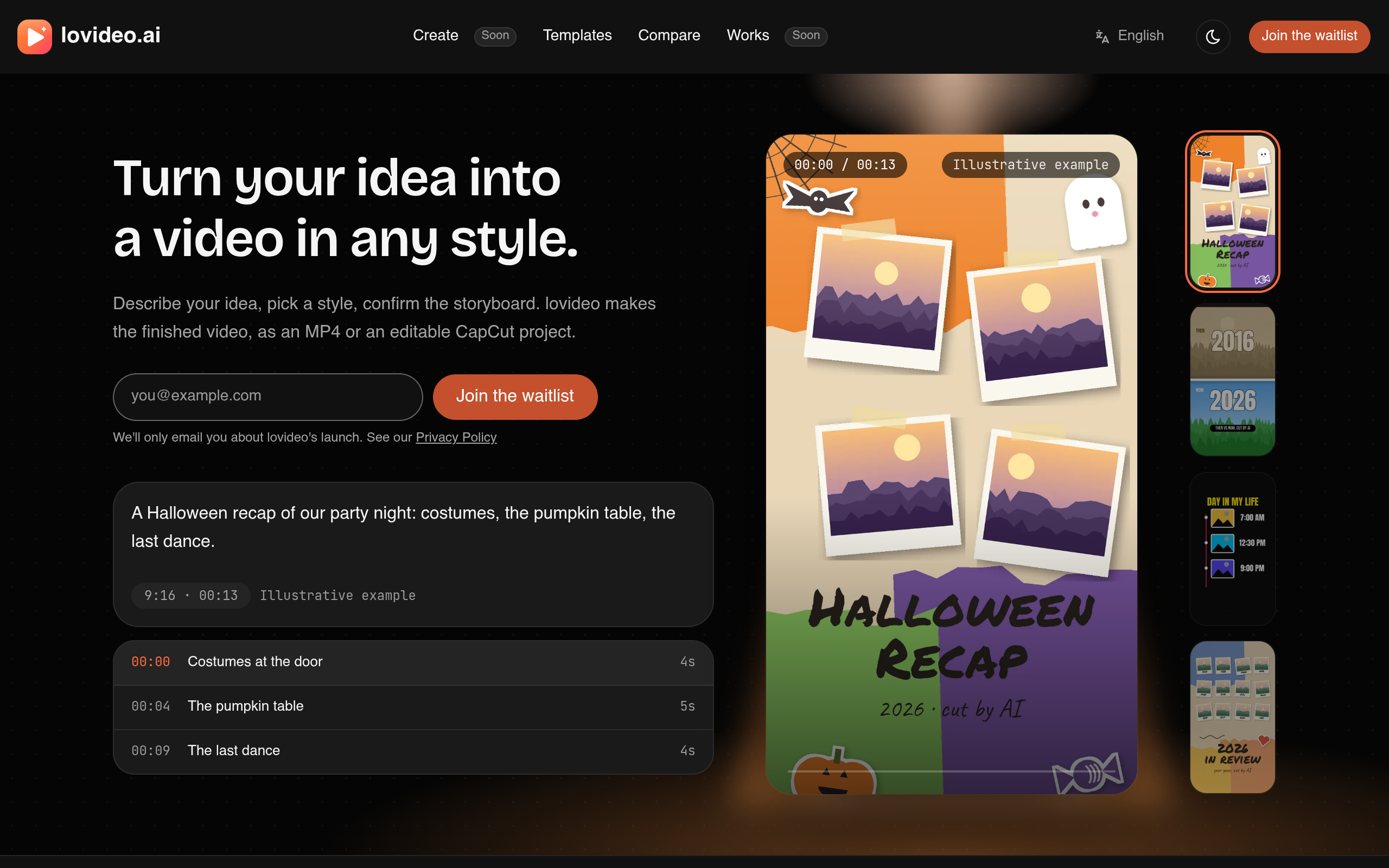
Text-to-Storyboard Planning
Describe your idea in plain language and lovideo automatically plans a multi-shot storyboard, including shot order, durations, and caption placement.
Style Presets & Templates
Pick from a set of styles and templates (photo dumps, recaps, product teases, news, tributes) to control pacing, look, and rhythm without manual timeline setup.
Media Uploader & Smart Assembly
Add your own photos, clips, or music (optional). lovideo integrates your media into the generated storyboard and applies the chosen style automatically.
Export MP4 or CapCut Project
Download a finished MP4 for immediate use or export a CapCut project to continue detailed editing on a timeline.
Preview & Confirm Before Export
Review and edit the storyboard before finalizing — nothing is charged or exported until you confirm the edit.
How to Use lovideo
1) Write a short description of the video you want (purpose, mood, key moments). 2) Choose a style or template that matches the look and pacing you want (e.g., photo dump, launch teaser, news). 3) (Optional) Upload photos, clips, or a music track to include. 4) Review the generated storyboard, make edits if needed, then confirm and export an MP4 or a CapCut project for further editing.