
LocalRemove
Privacy-first AI image cleanup that removes watermarks, text, logos, and unwanted objects directly in your browser.
About
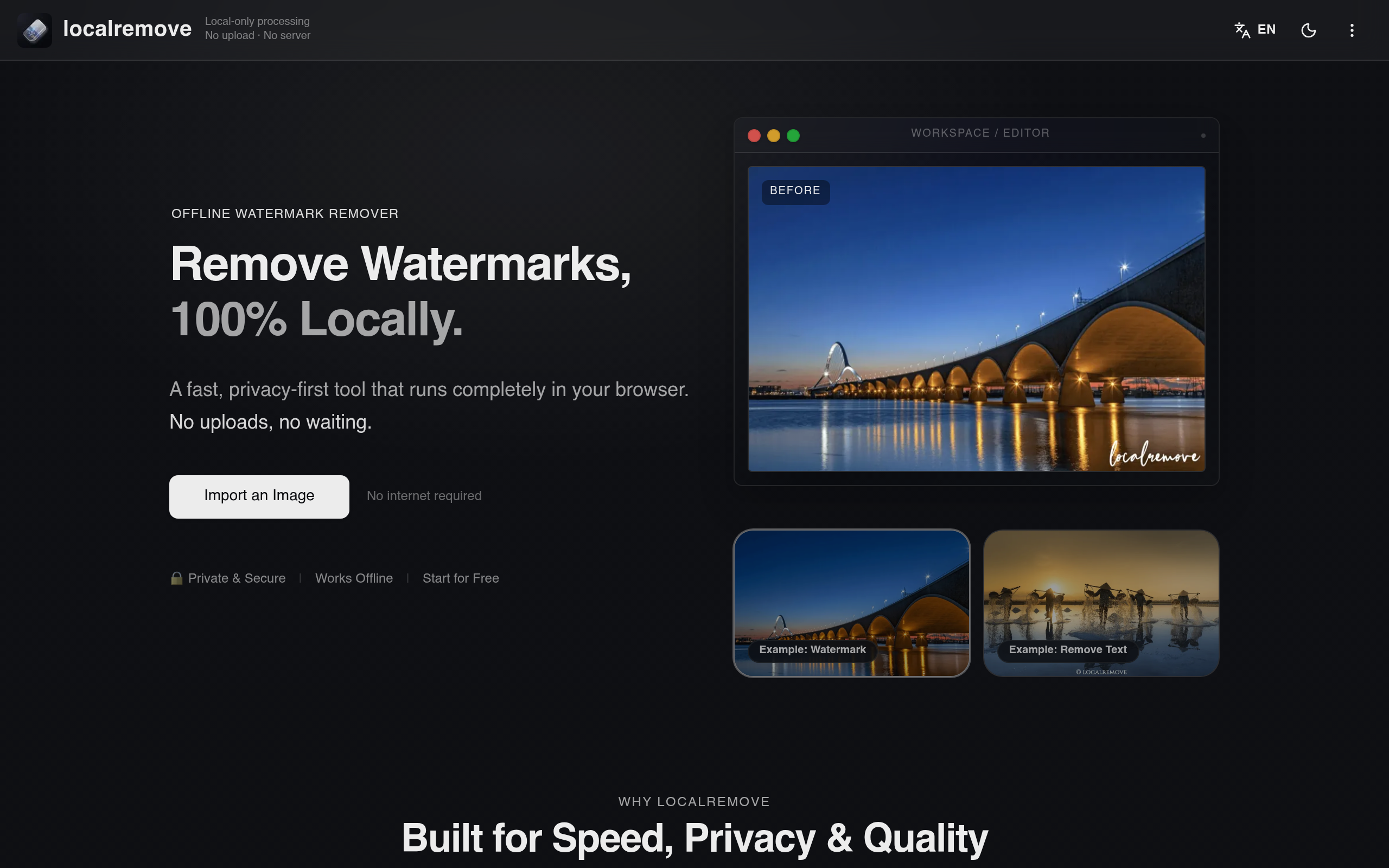
LocalRemove is a privacy-first AI image cleanup tool that removes watermarks, text, logos, and unwanted objects directly in the browser without uploading files to a server. It is built for creators, marketers, photographers, and privacy-conscious users who need fast cleanup without sending sensitive images to the cloud. Users can erase text overlays, logos, distractions, and unwanted objects in a few steps. The free plan includes 3 removals per day, and the lifetime Pro plan is available for users who need more usage.
Key Features
100% Local Processing
All image processing runs in the browser on your device (WebGL/WASM). Images are never uploaded to servers, ensuring maximum privacy and offline use.
AI-powered Watermark & Object Removal
Advanced on-device AI removes watermarks, text overlays, logos and unwanted objects with pixel-accurate inpainting to preserve surrounding details.
Precision Brush & Selection Tools
High-precision paint brush and selection controls let you mark exactly what to remove for clean, targeted edits.
Real-time Preview & Instant Export
See edits instantly with live previews and download high-resolution results immediately — zero upload latency.
Free Tier + Lifetime Pro
Free plan offers daily removals without signup; a one-time Pro license unlocks higher usage, batch features (coming soon) and professional exports.
How to Use LocalRemove
1. Open LocalRemove in your browser. 2. Upload an image locally. 3. Mark the watermark, text, logo, or unwanted object. 4. Let the AI clean the image directly on-device. 5. Export the cleaned result.