
LLMWise
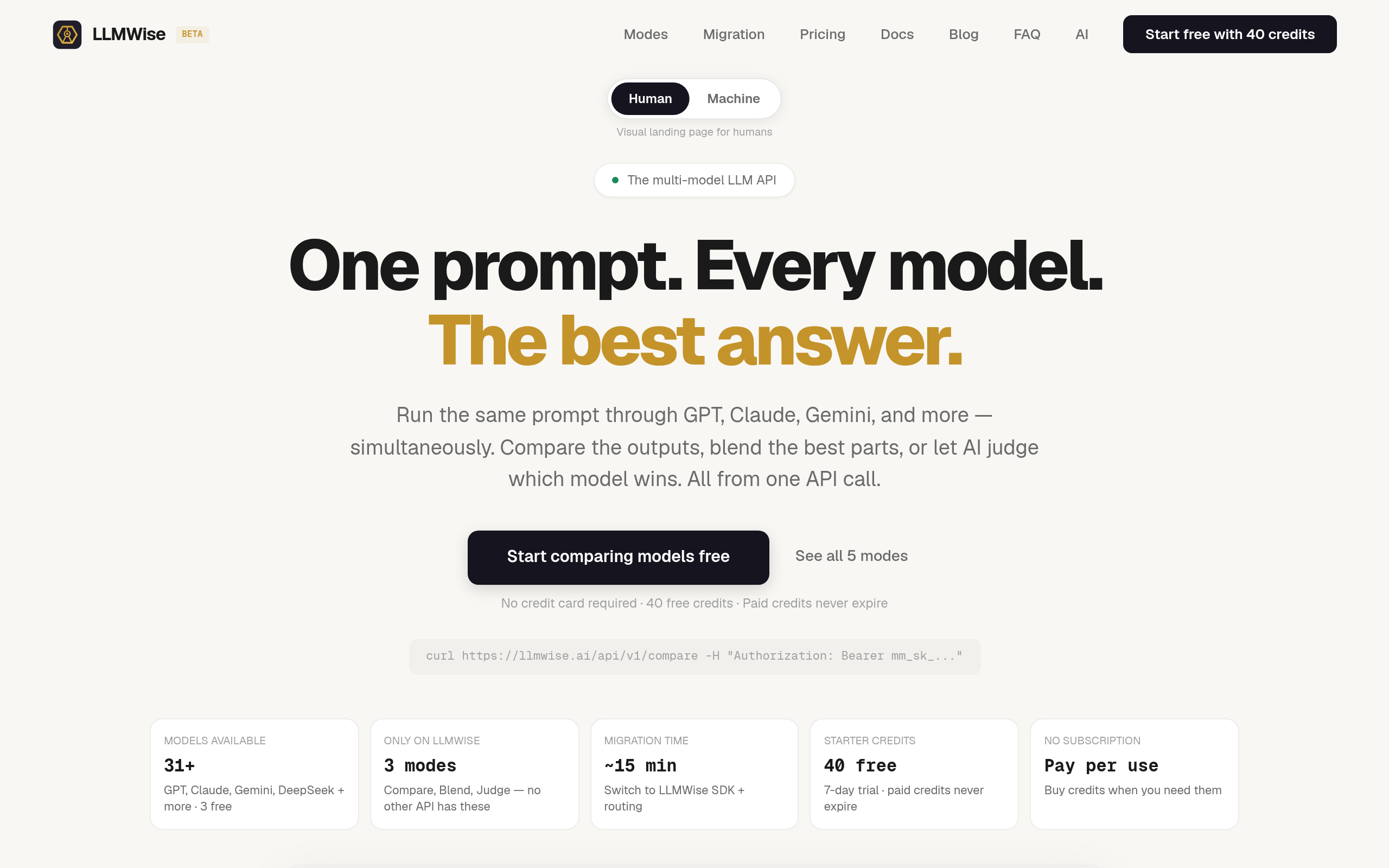
One API to access GPT, Claude, Gemini & more — with auto-routing that picks the best model for each prompt. No subscriptions, just pay per use.
About
Stop managing multiple AI providers. Start using the best model for every task. LLMWise gives you one API to access every major LLM — OpenAI, Anthropic, Google, Meta, xAI, and DeepSeek — with intelligent routing that matches each prompt to the right model. Smart routing: Send a prompt, LLMWise picks the optimal model. Code goes to GPT, creative writing to Claude, translation to Gemini. Compare & blend: Run prompts across models side-by-side. Blend combines outputs into one stronger answer. Judge mode lets models evaluate each other. Always resilient: Circuit-breaker failover reroutes to backup models when a provider goes down. Your app never breaks. Test & optimize: Benchmark suites, batch tests, optimization policies for speed, cost, or reliability, and automated regression checks. Bring your own keys: Use existing API keys at provider prices, or pay per use with LLMWise credits. No subscriptions. Built for developers who want the best AI for every task without the complexity.
Key Features
Smart Routing
Automatically routes each prompt to the optimal model based on task type, cost, latency, and reliability policies (e.g., send code prompts to code-specialized models).
Compare & Blend Modes
Run prompts across multiple models in one call to compare outputs side-by-side, then blend the best parts into a single improved response or use judge mode for model-vs-model evaluation.
Failover & Resilience
Circuit-breaker style failover and routing chains that detect provider errors/rate limits and reroute requests to backup models to keep applications available.
Benchmarking & Optimization
Built-in benchmark suites, batch tests, and optimization policies to tune for speed, cost, or reliability, plus automated regression checks.
Flexible Billing & BYOK
Pay-per-use credit model with a free trial, or bring-your-own-provider-keys so you can route using your own API keys and provider pricing.
How to Use LLMWise
1) Sign up and claim your free trial credits. 2) Generate an LLMWise API key in the dashboard (or configure BYOK to use your provider keys). 3) Choose a mode (Chat, Compare, Blend, Judge, Failover) and call the corresponding endpoint via the Python/TypeScript SDK, REST/cURL, or SSE streaming. 4) Monitor routing traces, per-model latency/cost metrics, and adjust optimization or failover policies in the dashboard.