
Line Drawing Converter
Turn photos and images into clean black-and-white line drawings online for print, tracing, craft references, and design work.
About
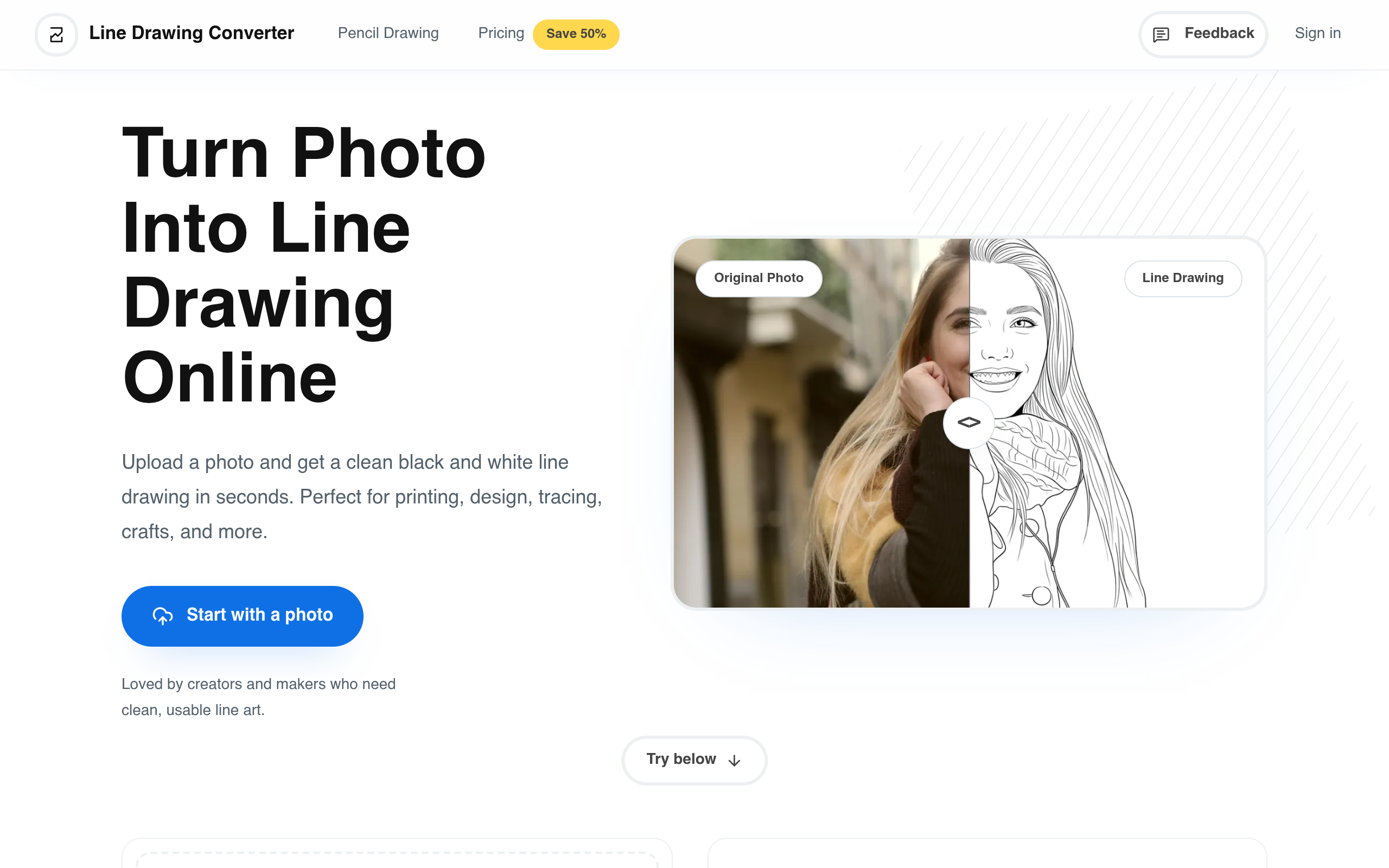
Line Drawing Converter is an online image converter that turns uploaded photos into clean black-and-white line drawings. Users can upload a JPG, JPEG, PNG, or WebP image, choose a line drawing style, and create an outline-style result they can print, trace, share, or refine. It works with portraits, pet photos, product images, room photos, architecture references, craft projects, coloring-style references, and design exploration. It focuses on clear photo-to-line-drawing output with practical styles such as Clean, Simple, Detailed, Bold, and Thin.
Key Features
Multiple Line Styles
Choose from preset looks (Clean, Simple, Detailed, Bold, Thin) to get the right balance of silhouette, interior detail, and stroke weight for printing, tracing, or reference.
Fast Browser-Based Conversion
Upload JPG/JPEG/PNG/WebP files (up to 10MB) and generate a clean black-and-white line drawing in seconds with no local software required.
Adjustable Fine-Tune Controls
Optional controls let you tweak detail level, line thickness, cleanup, aspect ratio, and add a short note to influence the final output before generating.
Credits, Subscriptions & Commercial Use
Flexible pricing with monthly/yearly plans, permanent credit packs, watermark-free downloads, and commercial-use licensing for creators and businesses.
How to Use Line Drawing Converter
1. Upload a JPG, JPEG, PNG, or WebP image. 2. Choose a line drawing style (Clean, Simple, Detailed, Bold, or Thin). 3. Preview the generated line art. 4. Download the result as PNG or WebP for printing, tracing, craft projects, or further design work.