
LightScreen
Free light screen tool online. Turn any display into a flashlight, ambient light, or solid-color screen. No download or sign-up.
About
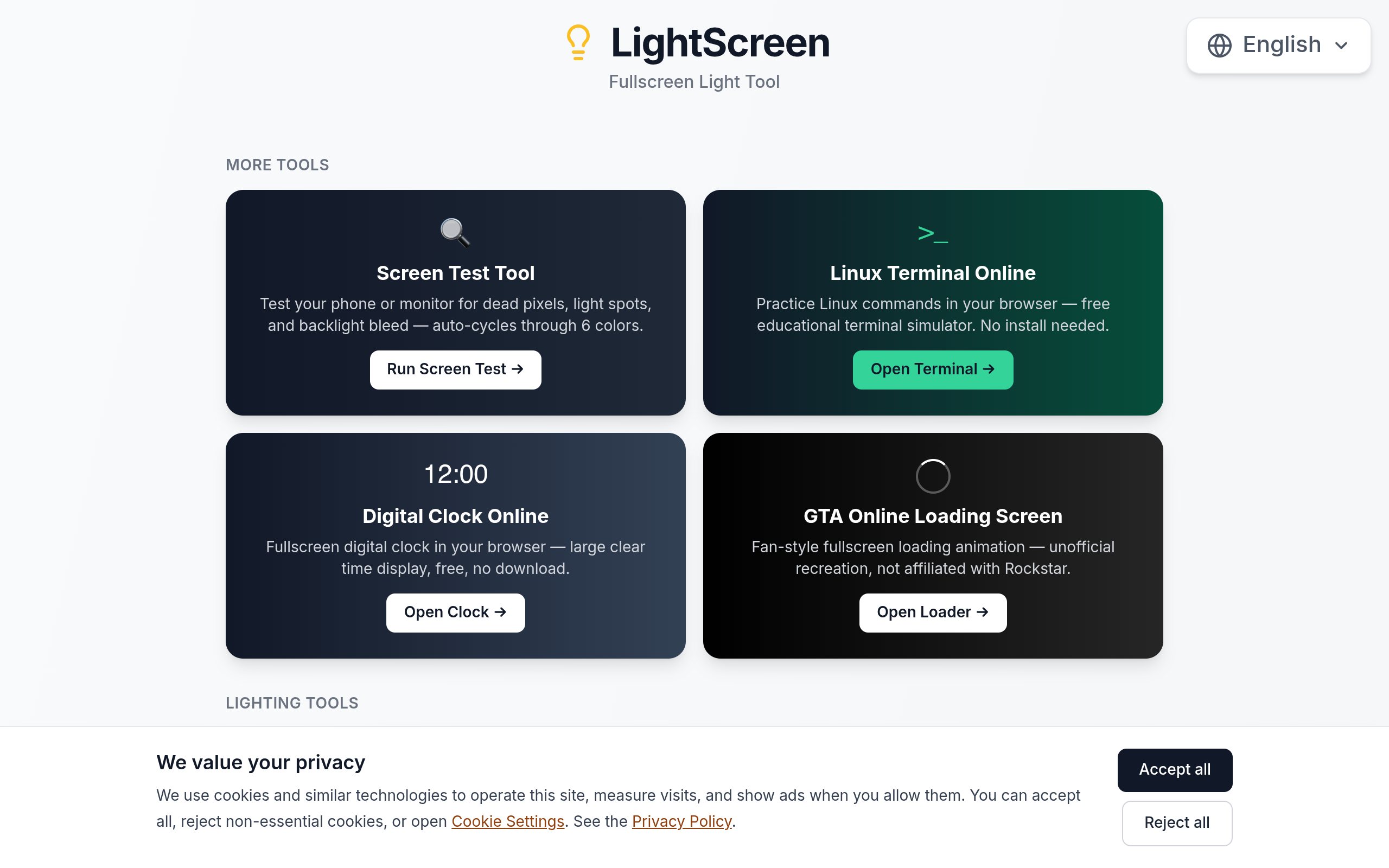
LightScreen is a free browser tool that fills a monitor, laptop, or phone with any color at adjustable brightness. Use it as a screen flashlight, reading light, ambient light, or red light for stargazing. Extra modes include breathing, RGB cycle, traffic-light blink, a ring light, and Zoom lighting. A screen test page shows solid colors for dead pixels and backlight bleed. It also includes small fullscreen utilities: a digital clock, a Linux terminal simulator, a QR code on screen, and harmless fake call or update screens. Nothing is installed and no account is required.
Key Features
Fullscreen Color & Brightness Control
Fill your screen with any color and adjust brightness from 0–100% with a simple slider for instant flashlight or ambient light.
Multiple Lighting Modes
Built-in modes like breathing (pulsing), RGB cycle, traffic-light blink, police light, ring light and Zoom-style fill lighting for video calls and mood lighting.
Display Test & Diagnostics
Screen test mode cycles solid colors (white, black, primaries) to help check for dead pixels, backlight bleed, OLED burn-in, and color uniformity.
Small Fullscreen Utilities
Extras include a large digital clock, Linux terminal simulator, fullscreen QR code generator, and harmless fake call/update screens for mockups or pranks.
No Install, No Account, Cross-Platform
Runs entirely in the browser on desktop and mobile — free to use with no downloads or sign-ups and respects user privacy.
How to Use LightScreen
Open LightScreen in any browser, choose a color or mode, and adjust brightness. Use fullscreen for a larger light source or screen test. No download, installation, or sign-up is needed.