
Light Cloud
A deployment platform for GitHub and GitLab: websites, apps, scalable containers, and databases
About
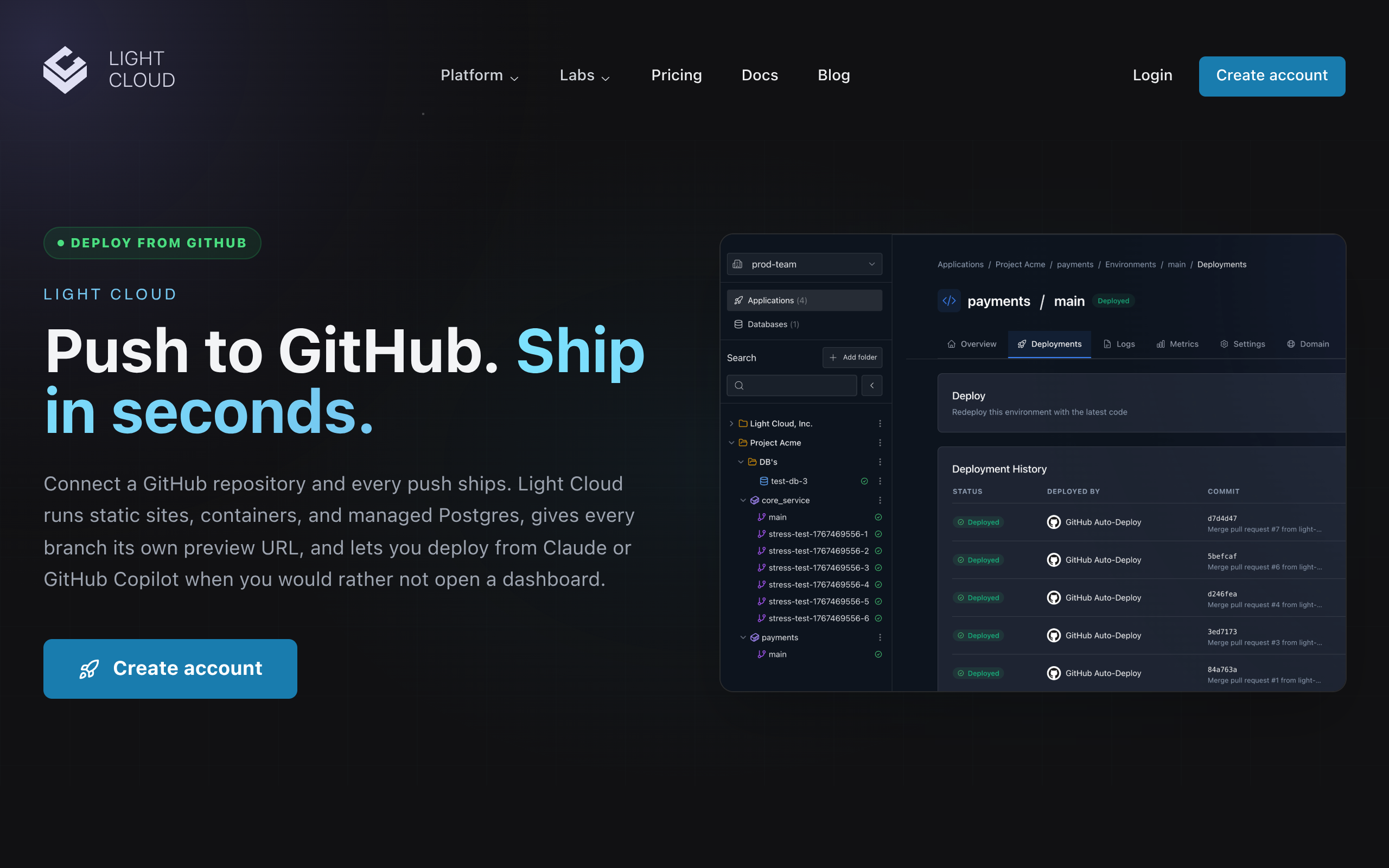
Light Cloud is a managed deployment platform for developers who want to ship web apps without building a CI/CD pipeline or a DevOps engineer. Connect a GitHub repository and every push builds and deploys. Light Cloud detects your framework, package manager, and build command, then routes the build: static sites (React, Vue, Angular, Svelte, Next.js) to a global CDN, and backends (Node, Python, Go, Java, Ruby, PHP, .NET) to scalable containers. Managed SQL is provisioned alongside and wired in as environment variables. Every branch gets its own password protected preview environment and URL, removed when the branch is. Custom domains get automatic SSL. Build logs, runtime logs, and metrics live in the same console you deploy from. You can also deploy from Claude via the Light Cloud MCP server, or from GitHub Copilot via the VS Code extension.
Key Features
One‑click Git Deployments
Connect GitHub, GitLab or Bitbucket and deploy in seconds — Light Cloud auto-detects framework, package manager and build command and triggers builds on every push with easy rollback.
Managed Postgres
Provision a Postgres database alongside your app with region/tier/storage options; credentials are encrypted and injected as environment variables and a built-in data explorer lets you browse tables and run queries.
Branch Preview Environments
Every branch or pull request gets an isolated, password-protected preview URL automatically built on push and removed when the branch is deleted — ideal for QA and stakeholder review.
Static CDN + Scalable Containers
Light Cloud routes static frameworks (React, Next.js, Vue, Svelte, etc.) to a global CDN and runs backends (Node, Python, Go, Ruby, .NET, etc.) in scalable containers that idle to zero to save costs.
Integrated Observability & Logs
Build logs, runtime logs and metrics (CPU, memory, requests, instances) are available in the same console beside live log streams and charts to monitor performance and troubleshoot quickly.
How to Use Light Cloud
1) Sign up (Google/GitHub) and create a project. 2) Connect your repository (GitHub/GitLab/Bitbucket) or upload a folder — Light Cloud will detect your framework and build steps. 3) Deploy: push a branch and the platform builds and publishes automatically; view the preview URL or production URL. 4) Add a managed Postgres database or custom domain (SSL is automatic), and monitor logs & metrics in the console.