
Leuklijstje
Keep all your gift wishes together and let friends know exactly what you would love.
About
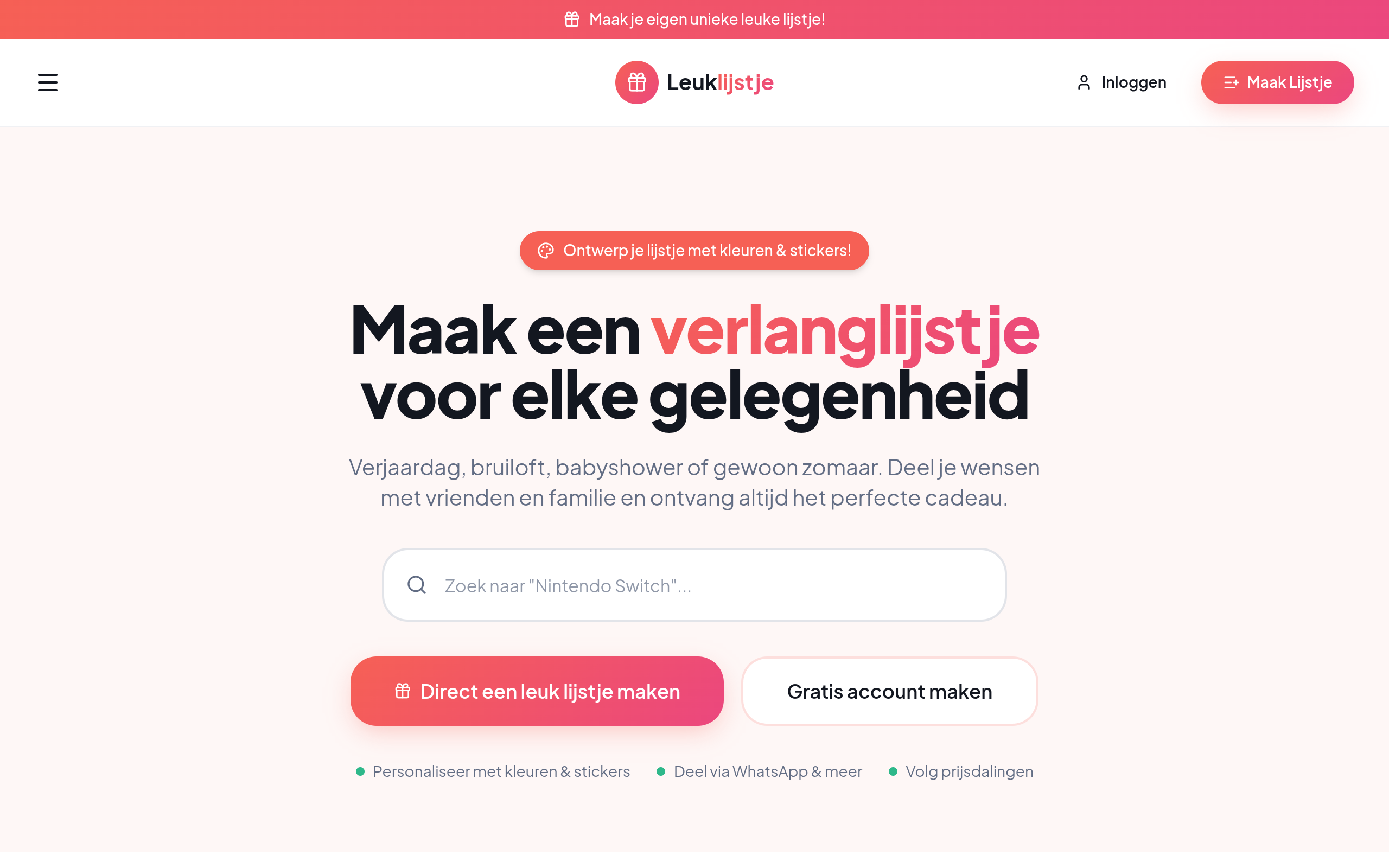
Leuklijstje helps you keep your gift wishes organized instead of scattered across notes, messages and browser bookmarks. Create a free wishlist for any occasion, from birthdays and weddings to baby showers, Christmas and Sinterklaas. Add gifts from almost any online store by pasting a product link, or search the platform for additional ideas. You can set the name, price and image for each item, creating a wishlist that is easy for others to follow. Sharing is simple with a unique link and dedicated sharing image. Send your wishlist through WhatsApp, email or social media, and let gift buyers anonymously cross off the presents they want to purchase. This makes it easier to coordinate shopping and reduce duplicate gifts while preserving the surprise. Personalize your list with photos, stickers, backgrounds and themes, then add a personal message. Gift categories, trending products, guides and price alerts offer even more convenience.
Key Features
Quick Wishlist Creation
Create a new wishlist in under a minute: name it, choose a theme/background, add a cover image and personalize with stickers and colors.
Add Products from Any Store
Add items by pasting a product link or searching the platform's categories — set the name, price and image to ensure clear expectations for gift givers.
Shareable Link & Dedicated Share Image
Generate a unique link and shareable image for each wishlist to easily distribute via WhatsApp, email or social media.
Anonymous Reservation / Cross-off
Friends and family can anonymously mark items as reserved (cross off) to prevent duplicate gifts while keeping the surprise intact.
Price Alerts, Trending Gifts & Inspiration
Follow price drops on wishlist items, browse trending products and category guides for inspiration when you’re not sure what to add.
How to Use Leuklijstje
1. Create Your Wishlist – Visit Leuklijstje and start a wishlist for a birthday, wedding, Christmas, baby shower, or any special occasion. No account is required to get started. 2. Add Gifts – Add products from almost any online store by pasting a product link or using the built-in product search. Customize each gift with a name, price, and image. 3. Personalize Your List – Choose themes, backgrounds, stickers, photos, and a personal message to make your wishlist unique. 4. Share Your Wishlist – Get a unique wishlist link and sharing image. Send your list through WhatsApp, email, or social media.