
LensUp
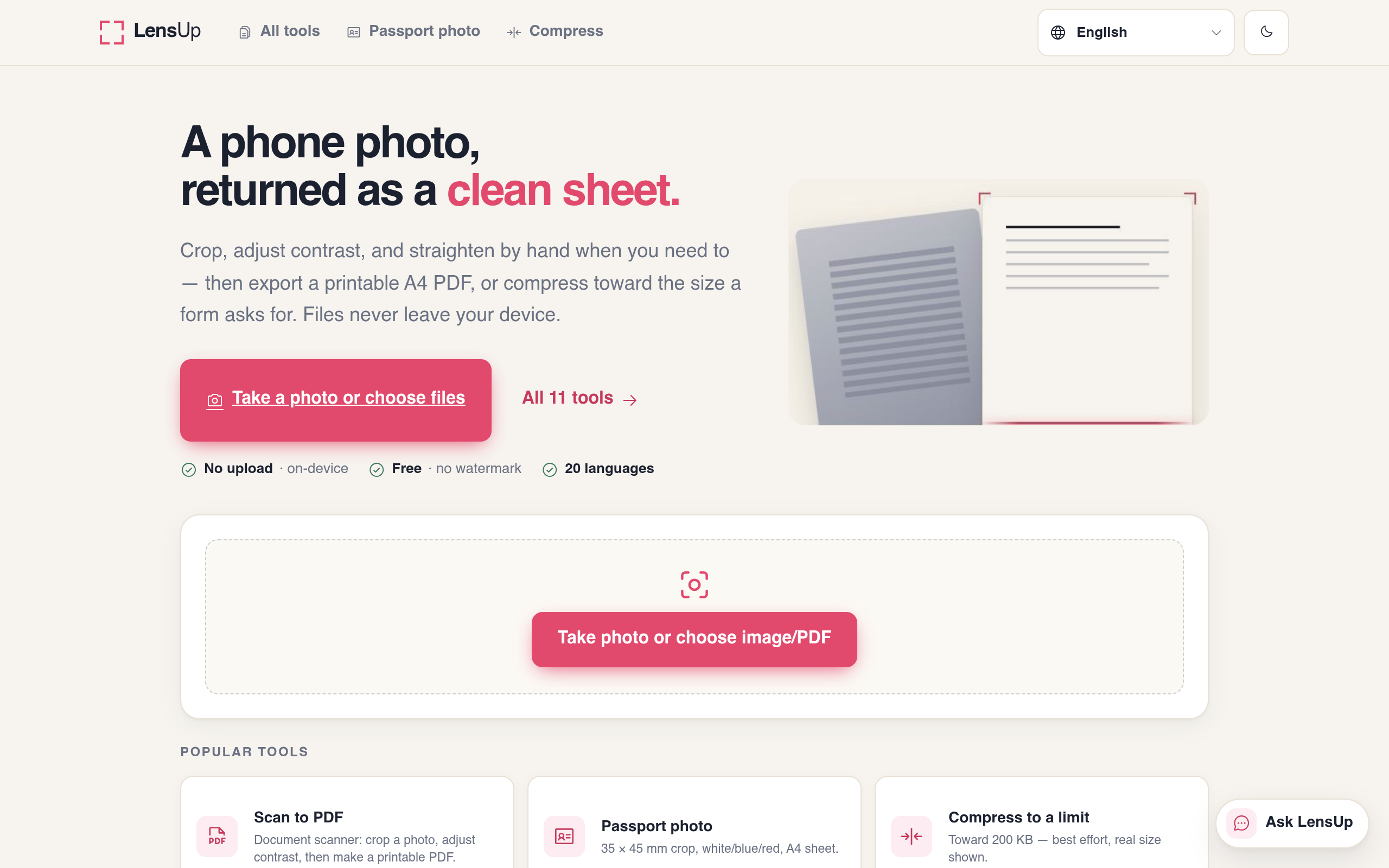
Free in-browser document scanner: photo to clean, printable PDF. No upload, no sign-up. https://lensup.ai/
About
desc_long + url https://lensup.ai/
Key Features
On-device Processing & Privacy
All editing and conversion happen in the browser; files never leave your device — no uploads or sign-ups required.
Crop, Perspective & Straighten
Manual corner-drag crop and perspective correction to flatten and align skewed phone photos into clean scanned pages.
Scan Effects & Lighting Fixes
Multiple scan modes (White document, Grayscale, Black & white, De-shadow, Fade colored pen, Scanned look) to whiten paper, remove shadows, or preserve colored ink as needed.
Flexible Export & Compression
Export as printable A4/Letter/ID layouts or individual pages in PDF/JPG/PNG. Target file-size compression (e.g., toward 200 KB) and exact physical sizing options.
ID & Multi-page Layouts, Watermarking & Stamps
Special layouts for passport photos and ID-card front/back on one sheet, plus options to add watermarks or signature/stamp images before export.
How to Use LensUp
1) Add or capture: Take a photo with your camera or drag / paste / choose images or PDFs in your browser. 2) Crop & align: Drag the four corners to crop and correct perspective so the page is flat. 3) Choose scan effect: Pick a scan mode (White document, Grayscale, De-shadow, etc.) and adjust contrast or sizing as needed. 4) Export: Select paper/layout (A4, Letter, ID), file format (PDF/JPG/PNG), set compression or physical size, then download the printable file.