
LastBrowser
Open-source browser with a built-in local AI Sidekick (Ollama) that only sees what you allow.
About
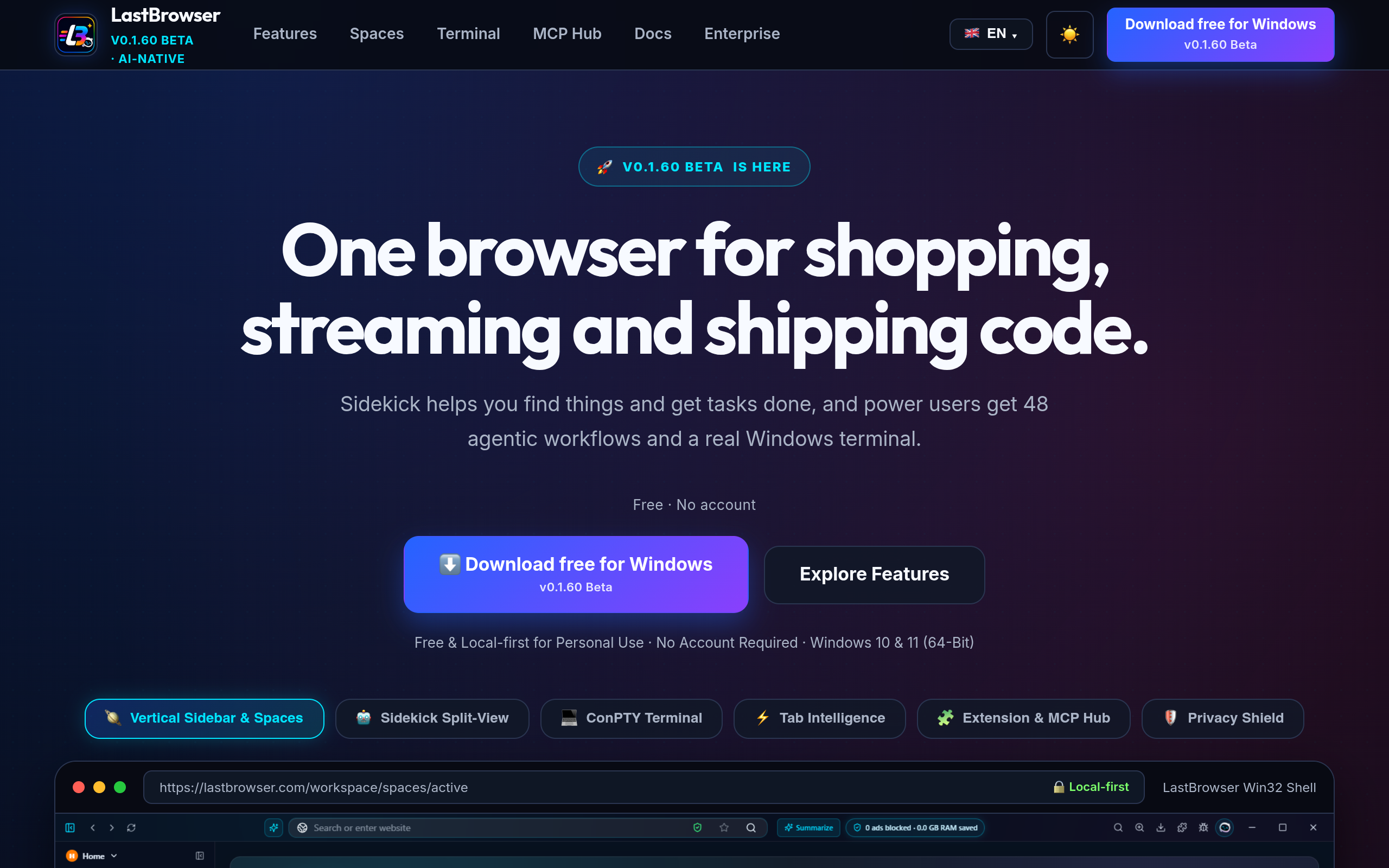
LastBrowser is a free open-source browser for Windows and Linux (Linux preview) with Sidekick, a built-in AI assistant. Runs with local models via Ollama. Built with Electron. License GPL-3.0. Repo: https://github.com/Loggableim/lastbrowser
Key Features
Local AI Sidekick (Ollama)
Built-in Sidekick that runs with local models via Ollama so the AI only sees data you allow — supports BYOK and hosted providers if you choose.
Spaces & Session Isolation
Vertical sidebar with Spaces for fully separated cookie jars, caches and login sessions so you can keep work and personal browsing isolated in one window.
ConPTY Terminal Integration
An embedded Windows pseudo-terminal (ConPTY) in the sidebar — use PowerShell, CMD, Git, npm, Python or manage local models without switching windows.
Agentic Workflows & MCP Hub
Includes 48 curated agentic workflows (e.g., paper summarization, OpenAPI extraction, regex debugging) and an MCP Hub for plugin-like skills and external server integration.
Privacy Shield & Local-first
Zero involuntary telemetry; browsing history, tabs and passwords remain on your PC (stored locally and protected via Windows DPAPI). No account required.
How to Use LastBrowser
1) Download and install LastBrowser for Windows (Linux preview available) from the website or GitHub. 2) Launch LastBrowser and open the Vertical Sidebar to create Spaces for separate sessions (Work, Personal, etc.). 3) Open Sidekick and connect a local Ollama model or add external API keys (BYOK) if desired. 4) Use the split-view Sidekick while browsing, open the ConPTY terminal (Ctrl+`) for dev tasks, and run agentic workflows from the MCP Hub to automate common tasks.