
Lafoto
Lafoto AI is an advanced AI photo generator and AI image generator that helps you create stunning visuals from simple text prompts in seconds. Whether
About
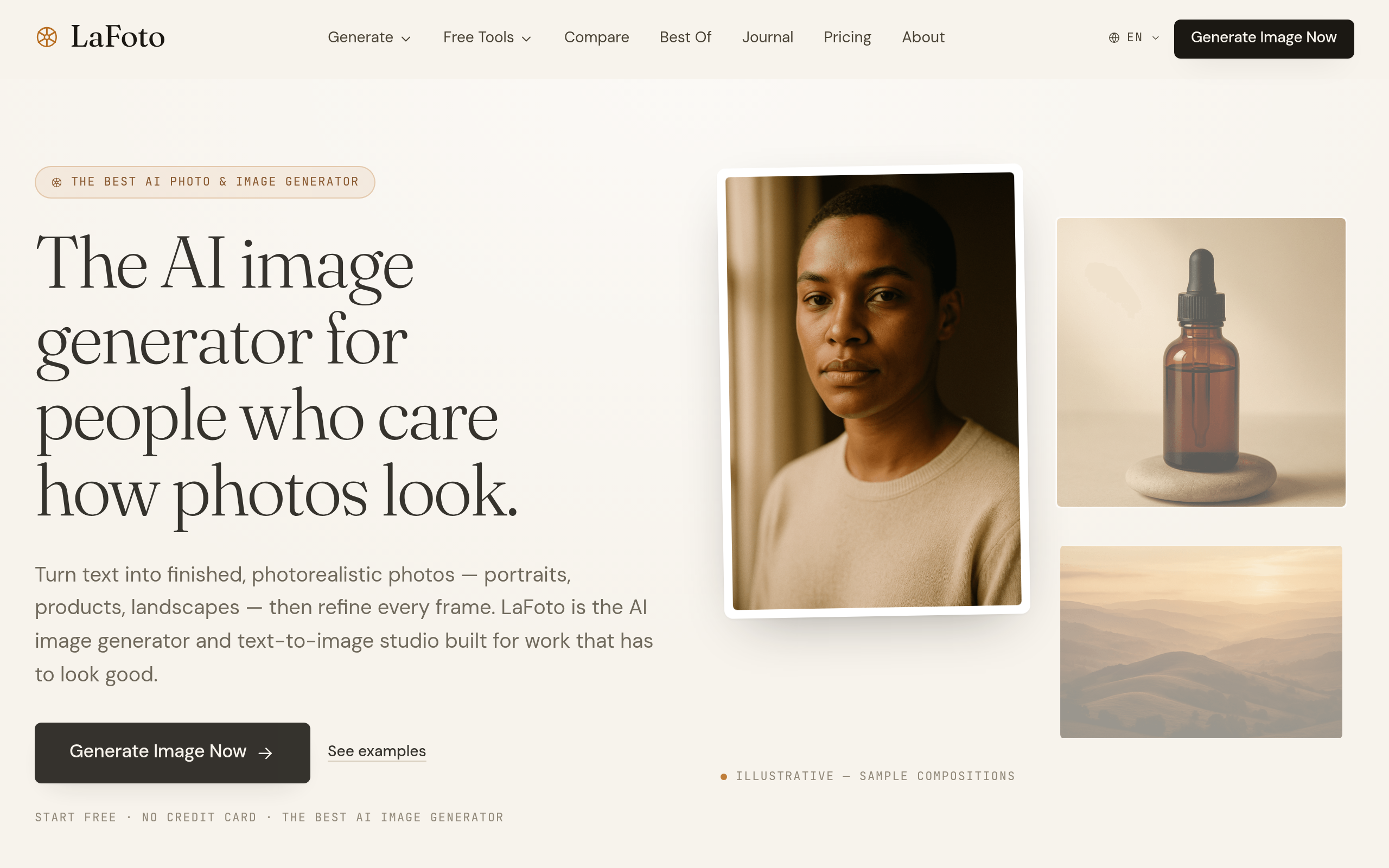
LaFoto AI is an advanced AI photo generator and AI image generator that helps you create stunning visuals from simple text prompts in seconds. Whether you need realistic AI photos, artistic AI images, marketing graphics, social media content, product visuals, portraits, or digital artwork, LaFoto AI makes AI photo creation fast, simple, and accessible for everyone. With powerful text to photo and text to image technology, you can instantly transform your ideas into high-quality visuals without design experience. Simply describe what you want, and our AI image creator generates professional-grade results tailored to your vision. From creative concepts to commercial projects, LaFoto AI helps users generate AI photos and generate AI images with exceptional speed and accuracy.
Key Features
Text-to-Photo Generation
Turn plain-language prompts into photorealistic images (portraits, products, landscapes) with fast, high-quality results tailored for commercial use.
Photo-Centric Engine (Composition & Lighting)
A studio-focused model that prioritizes photographic composition, lighting, depth, and framing so outputs look like real photos rather than stylized art.
In-image Editing & Refinement
Edit generated or uploaded images — remove objects, change backgrounds, adjust lighting and details — without needing to regenerate from scratch.
Specialized Modes & Presets
Dedicated workflows for headshots, product photography, editorial and lifestyle shots that provide presets and controls for consistent, production-ready images.
Commercial Export & Licensing
Export high-resolution assets with clear commercial terms and formats suitable for web, social, and e-commerce use.
How to Use Lafoto
1) Create an account or join the waitlist and open the LaFoto studio. 2) Choose a mode (e.g., Headshot, Product, Landscape) or start a free text prompt describing the scene, subject, style, and any specifics (lighting, camera angle, background). 3) Generate an image and review the result. Use the built-in refinement tools to edit details, remove objects, change backgrounds, or tweak lighting instead of regenerating. 4) Export the finished image in the required resolution and format for social, e-commerce, or marketing use.