
Label Watermark
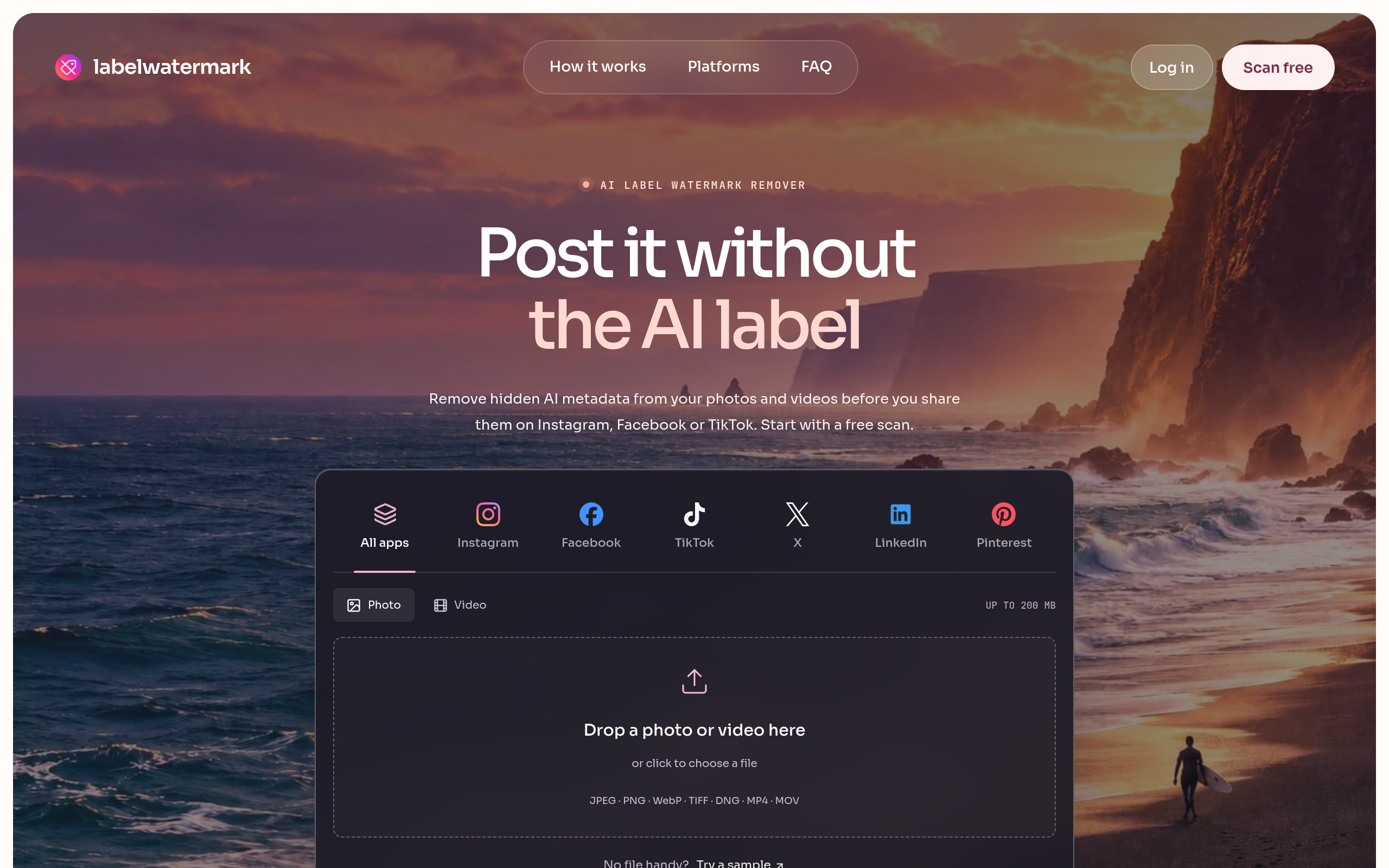
Label Watermark is a privacy-focused tool for detecting and cleaning AI labels, Content Credentials, and supported metadata from photos and videos.
About
LabelWatermark is an online tool designed to help users inspect and clean AI-related labels, watermark information, and digital provenance data associated with images and videos. It is intended for creators, marketers, social media professionals, photographers, businesses, and anyone who wants greater control over the information attached to their digital media before publishing or sharing it online. The tool focuses on information that may be embedded within a media file rather than simply changing the visible appearance of the image or video. Depending on the file, this can include AI-generated-content indicators, metadata, source or provenance information, and other supported digital identifiers. By processing the file, users can check what information is associated with their content and clean supported information before using the media elsewhere. LabelWatermark can be useful when preparing AI-assisted or digitally created content for social media, websites, portfolios, marketing campaigns, presentations, client projects, and other forms of online publishing. It provides a straightforward workflow for uploading media, examining the information associated with the file, and processing supported data. For content creators and social media managers, LabelWatermark can be particularly useful as part of a publishing workflow. Before uploading an image or video to a social platform, users can inspect the file and determine whether it contains supported AI labels or metadata they may not want to distribute. This can also help users become more aware of the digital information contained within their media. The tool can also support privacy-conscious workflows by helping users identify supported metadata that may reveal information about a file, such as details associated with its creation or source. This makes it useful for people who regularly transfer, publish, or distribute digital assets and want to review their files before sharing them publicly.
Key Features
Metadata Scanner
Inspects uploaded photos and videos for AI labels, Content Credentials (C2PA), EXIF, XMP and IPTC blocks and presents findings in plain English.
Verified Metadata Removal
Removes supported metadata blocks without re-encoding media, then rescans the cleaned file to verify which supported items were removed.
Wide File & Platform Support
Supports common image and video containers (JPEG, PNG, WebP, TIFF, DNG, MP4, MOV) up to 200 MB and provides platform-specific signal guidance for Instagram, Facebook, TikTok, X, LinkedIn and Pinterest.
Privacy-first Workflow
Free unlimited scans with optional account for limited free cleans; outputs include checksums so users can confirm exact files and keep originals for reference.
How to Use Label Watermark
1) Drop or choose a photo or video (JPEG, PNG, WebP, TIFF, DNG, MP4, MOV; max 200 MB). 2) Review the scan results to see any detected AI labels, Content Credentials or metadata blocks and read the plain‑English explanations. 3) Select the supported metadata items you want to remove and run a clean; the tool removes supported blocks without re-encoding the media. 4) Re-scan and verify the cleaned output, then download the verified file (a checksum is provided).
Use Cases
Frequently Asked Questions
Q: What does Label Watermark clean?
A: It cleans supported AI source declarations, Content Credentials, and metadata attached to supported photos and videos.
Q: Does it remove visible watermarks?
A: No. The tool does not erase visible logos, text overlays, or other pixel-based watermarks.
Q: Does it remove invisible pixel watermarks?
A: No. Invisible pixel-based watermarks are outside its stated coverage.