
Label CleanUp
Label Cleanup is a web-based metadata cleaning tool designed to help users inspect and remove supported AI-related source tags, Content Credentials.
About
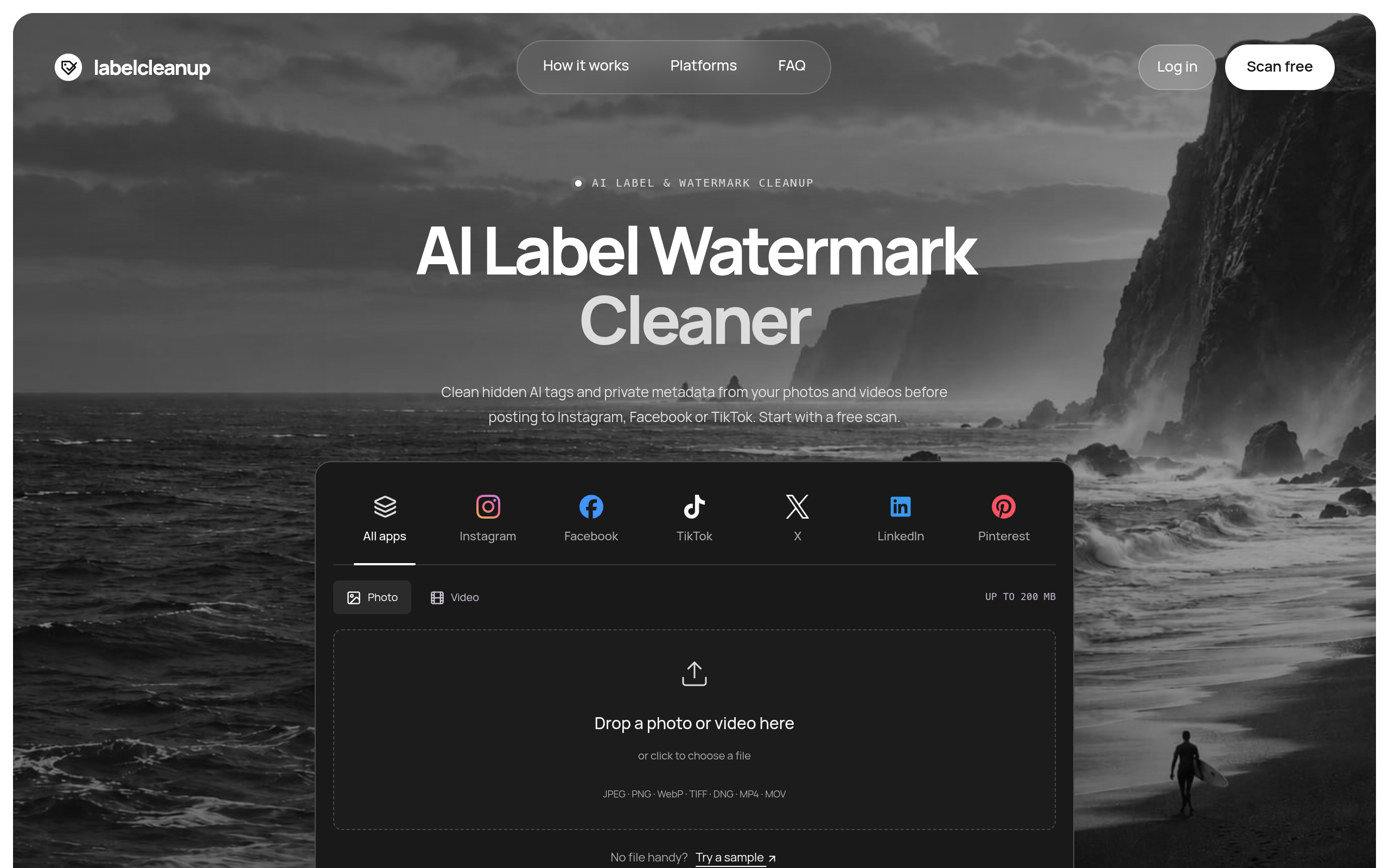
Label Cleanup is a web-based metadata cleaning tool designed to help users inspect and remove supported AI-related source tags, Content Credentials, and personal metadata embedded in photos and videos before sharing them online. Users can upload a final media file and run a free scan to identify information attached to it, including AI source declarations and readable privacy data such as GPS coordinates, capture dates, device information, and creator details. The platform supports common image and video formats, including JPEG, PNG, WebP, TIFF/DNG, MP4, and MOV, with files up to 200 MB. Its cleanup process handles supported C2PA Content Credentials, XMP, EXIF, and IPTC metadata while preserving the underlying photo or video data. After cleaning, the platform scans the output again so users can review and download the checked copy. Label Cleanup is particularly designed for content being prepared for platforms such as Instagram, Facebook, TikTok, X, LinkedIn, and Pinterest. Importantly, it focuses on metadata cleanup rather than visual editing: it does not erase visible logos or text watermarks, alter image pixels, or remove pixel-based invisible watermarks. The free service covers scanning and viewing findings, while actual metadata cleaning requires a subscription.
Key Features
Removing AI labels
Clean hidden AI-generated labels from photos and videos before publishing.
Watermark cleanup
Remove unwanted watermarks from visual content.
Metadata cleanup
Remove private or unwanted metadata embedded in photos and videos.
Social media preparation
Prepare visual content before posting to Instagram, Facebook, TikTok, X, LinkedIn, or Pinterest.
How to Use Label CleanUp
1) Go to LabelCleanup.com and click “Scan a file (free)” or drag & drop your final exported photo/video (JPEG, PNG, WebP, TIFF/DNG, MP4, MOV up to 200 MB). 2) Review the free scan results to see any detected AI source tags, Content Credentials, and readable personal metadata (GPS, capture date, device, creator fields). 3) Create an account to perform cleans (five free cleans each week) or subscribe for unlimited cleaning; choose the cleanup action to remove supported metadata blocks (C2PA, XMP, EXIF, IPTC). The tool preserves the image/video pixels while clearing supported metadata. 4) Download the checked output (the platform scans the cleaned file again). Open and verify the saved copy before sharing; keep your original master file separate.