
Kuku
Open-source local-first Markdown workspace for macOS with AI edits, backlinks, graph navigation, and encrypted sync.
About
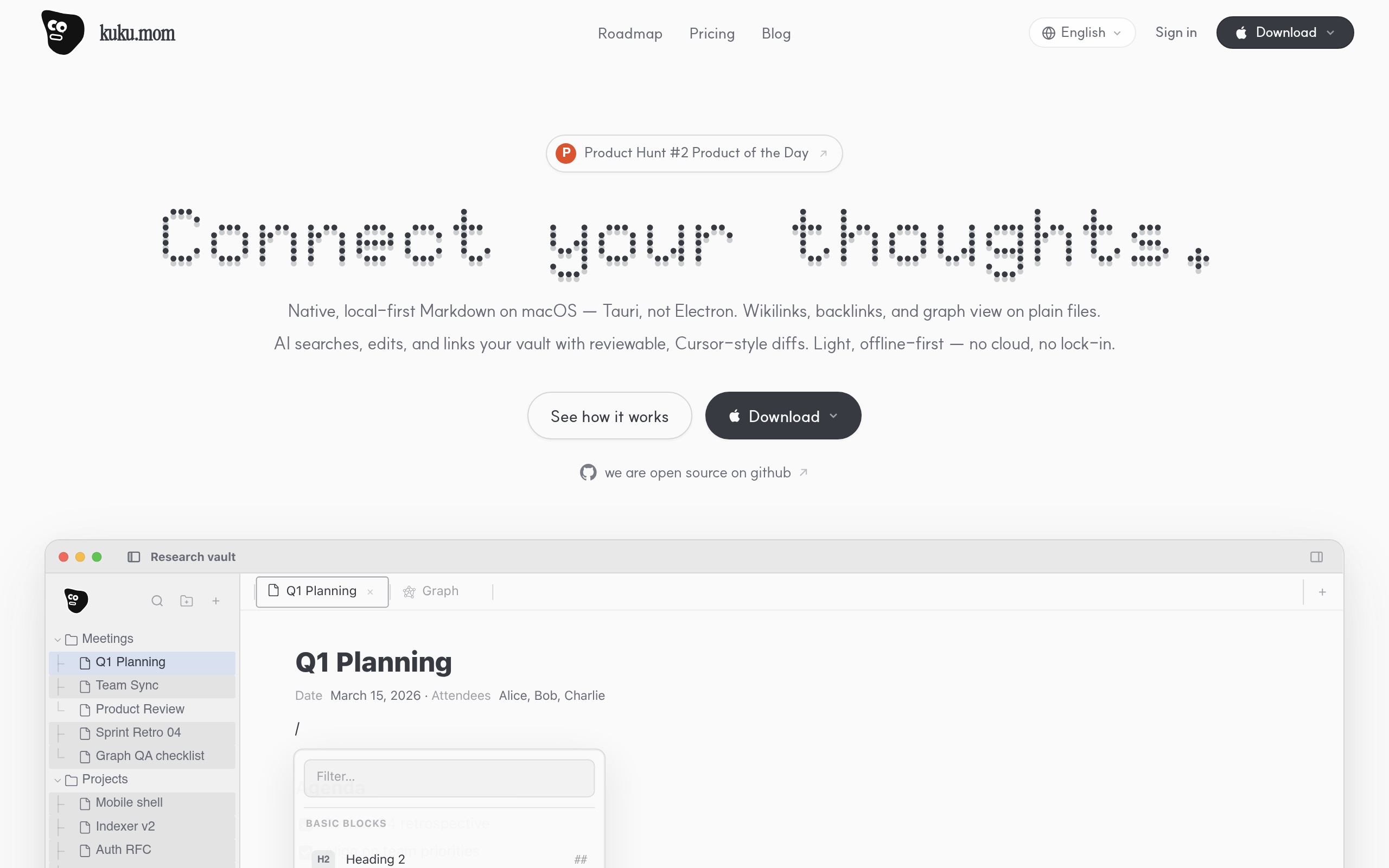
Kuku is an open-source macOS app for people who keep their knowledge in Markdown. It opens local Markdown vaults, preserves plain .md files, and adds personal wiki navigation with search, backlinks, graph exploration, and Second Brain workflows. Its AI assistance is designed for trust: suggested edits are shown as reviewable diffs before anything touches your files. The project is full-stack open source, including the macOS client, web app, Go server, Rust AI and indexing crates, protobuf contracts, and Docker infrastructure. Kuku is a strong fit for developers, writers, researchers, and knowledge workers who like the local-first feel of Obsidian but want transparent AI-assisted editing and optional encrypted sync.
Key Features
Local Markdown vaults
Open and organize plain Markdown files on macOS without locking notes into a proprietary format.
Reviewable AI edits
Use AI assistance while keeping control through proposed changes and diffs before edits are applied.
Backlinks and graph navigation
Move through a personal wiki with backlinks, search, and graph exploration for connected notes.
How to Use Kuku
Download Kuku for macOS from the website or GitHub releases, open a folder of Markdown notes, then use backlinks, search, graph navigation, and AI-assisted reviewable edits to work with your local knowledge base.
Use Cases
Frequently Asked Questions
Q: Is Kuku open source?
A: Yes. The macOS app and related full-stack components are open source on GitHub.
Q: Does Kuku keep Markdown files local?
A: Yes. Kuku is designed around local Markdown vaults and plain .md files, with optional encrypted sync.