
KPI Studio
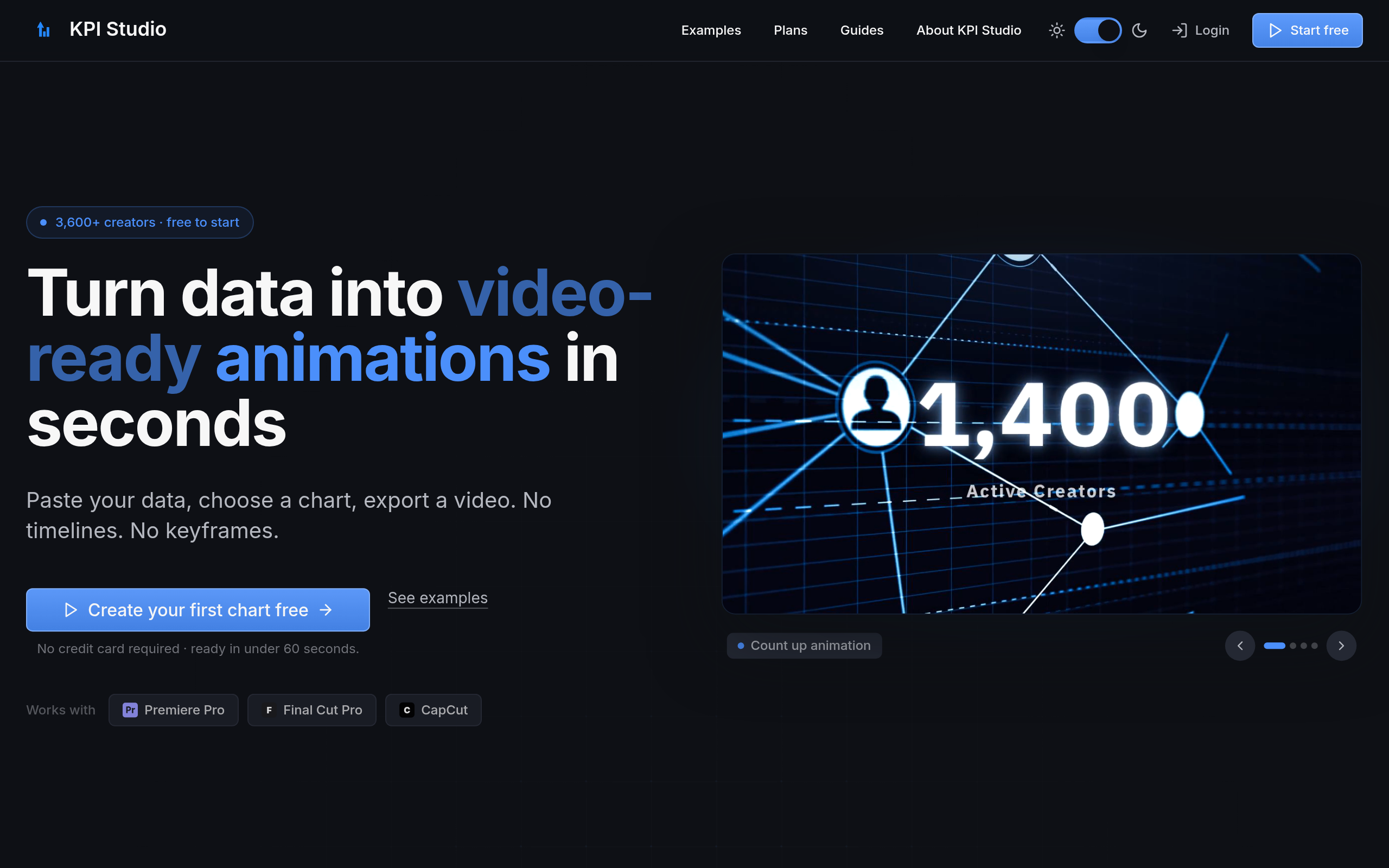
KPI Studio lets data-driven video creators turn raw numbers into polished animated charts in seconds without spending hours on motion design.
About
KPI Studio is built for data-driven video creators who need charts in every video but don’t have time for motion design. The workflow today is broken. Screenshots look amateur. Canva templates lack flexibility. After Effects takes hours. Freelancers are slow and expensive. AI video tools generate visuals, but they are unpredictable and not built for precise data. KPI Studio removes that entire process. Paste your data, choose a chart, export a fully animated, video-ready visual in under 60 seconds. No timelines, no keyframes, no setup. Exports include transparent background, so charts drop directly into Premiere Pro, Final Cut, or After Effects with no additional editing. Built for creators on a publish schedule. When you need the chart today, it’s ready. For advanced workflows, JSON export allows deeper editing and integration into custom pipelines.
Key Features
Fast, Video-Ready Exports
Export animated charts as high-quality MP4 or GIF files (H.264) in under 60 seconds, with options for transparent background to drop directly into Premiere Pro, Final Cut, or After Effects.
Ten Animation Templates
Choose from pre-built templates (count-up, bar, line, odometer, pie, bar race, gauge, pictogram, fill level, map path) optimized for common KPI and storytelling needs.
Customizable Styling & Aspect Ratios
Adjust colors, fonts, labels, duration, theme (light/dark), frame rate, and aspect ratio (16:9, 1:1, 9:16) with a live preview so exports match your brand and platform specs.
Advanced JSON Export & Integration
Download JSON representations of animations for deeper editing, automation, or integration into custom pipelines and motion workflows.
Save & Reuse Configurations
Save and reload previous configurations to keep consistent visual styles across multiple videos and speed up recurring production tasks.
How to Use KPI Studio
1) Paste or type your data into the configuration panel (single numbers, labeled categories, or multiple series depending on chart type). 2) Select an animation template (count-up, bar, line, etc.) and customize style: colors, fonts, labels, theme, duration, frame rate, and aspect ratio. Use the live preview to check the animation. 3) Export your animation as MP4 or GIF (choose transparent background if you want to composite into an editor). Optionally export JSON for programmatic editing or pipeline integration. 4) Import the exported MP4/GIF into your video editor (Premiere Pro, Final Cut, DaVinci Resolve, CapCut) and drop it into your timeline — no additional motion design required.