
KOKOConverter
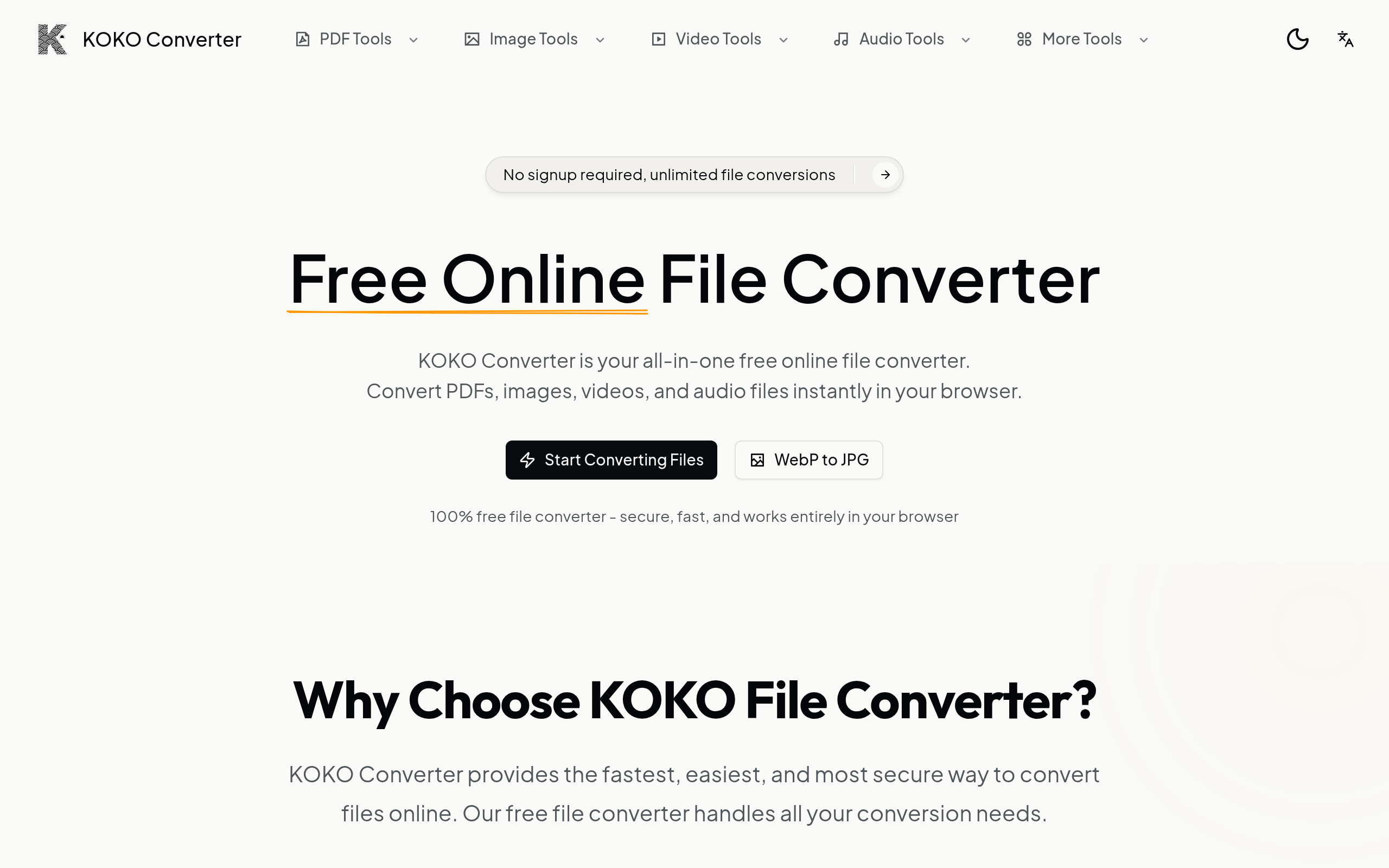
KokoConverter is a free online file converter that processes PDFs, images, videos, and audio files
About
KokoConverter is a comprehensive online file conversion platform that puts privacy and accessibility first. Unlike traditional converters that upload your files to remote servers, KokoConverter processes everything locally in your browser using cutting-edge client-side technology. With support for 50+ file format conversions, KokoConverter handles all your document, image, video, and audio conversion needs in one place. Popular tools include PDF compression, PDF merging, WebP to JPG conversion, video compression, and audio format conversion. The platform is completely free with no hidden costs, premium tiers, or usage limits. Users can start converting immediately without creating an account or providing personal information. This makes KokoConverter ideal for privacy-conscious users, businesses handling sensitive documents, and anyone who needs quick, reliable file conversions. KokoConverter works seamlessly across all platforms - Windows, Mac, Linux, iOS, and Android. The intuitive interface makes file conversion accessible to everyone, from tech-savvy professionals to casual users.
Key Features
Local, In‑Browser Processing
All conversions run client-side in your browser so files are never uploaded to remote servers, preserving privacy and reducing processing time.
50+ Format Support
Convert PDFs, images (WebP, JPG, PNG, GIF, TIFF, etc.), audio (MP3, WAV, M4A, FLAC, OGG), and video (MP4, MOV, AVI, WebM and more) across dozens of format pairs.
Batch Conversion
Process multiple files at once to save time — ideal for bulk image format changes or compressing many PDFs/videos in one session.
No Signup, Unlimited Free Use
Completely free with no accounts, no hidden fees, and no usage caps — start converting immediately without providing personal information.
Cross‑Platform & High‑Quality Output
Works on Windows, macOS, Linux, iOS, and Android with options to preserve or adjust output quality and compression settings.
How to Use KOKOConverter
1) Choose a converter tool on the site (e.g., PDF Compressor, WebP → JPG, M4A → WAV). 2) Drag & drop or click to upload your file(s) (supports batch uploads; up to indicated size limits). 3) Configure options if available (output format, quality, compression level, merge order). 4) Click Convert, then download the converted file when processing completes — files remain local to your device.