
Klipzy
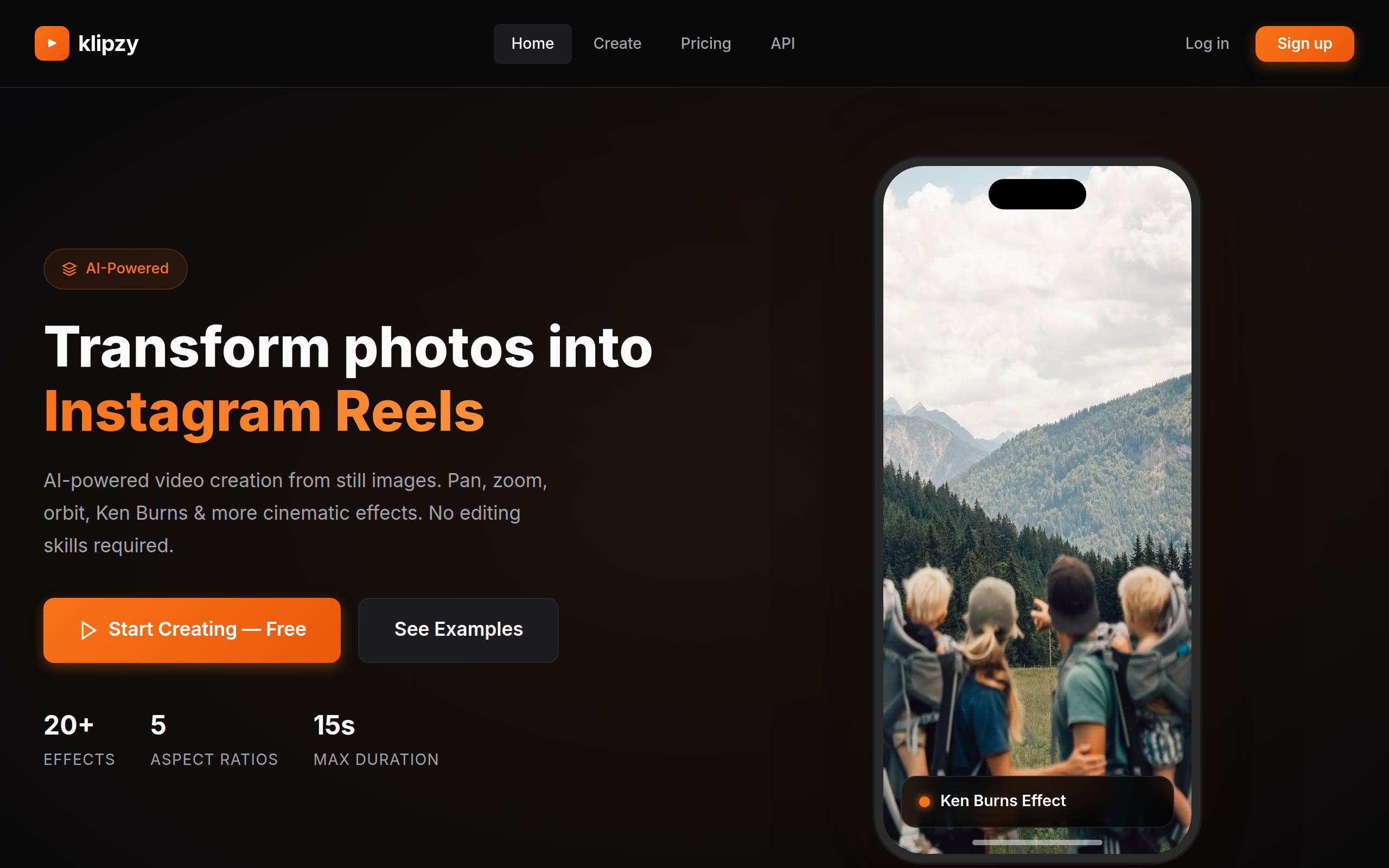
AI-powered video creation from still images. Pan, zoom, orbit, Ken Burns, and more cinematic effects. No editing skills required.
About
Klipzy was created to help content creators, marketers, and social media enthusiasts transform their static images into engaging video content with just a few clicks. We believe everyone should have access to professional-quality video effects without needing complex software or video editing skills.
Key Features
20+ Cinematic Effects
Choose from over 20 AI-powered motion effects (pan, zoom, Ken Burns, parallax, orbit, motion blur, hand shake, etc.) to give photos cinematic movement.
Multiple Aspect Ratios & HD Output
Export videos in 5 aspect ratios (16:9, 9:16, 1:1, 4:3, 4:5) in HD quality, optimized for Reels, TikTok, Shorts, and feed posts.
Quick One-Click Creation
Create professional clips in three simple steps: upload an image (JPG/PNG/WebP up to 50MB), pick an effect and aspect ratio, then download the finished video instantly.
Flexible Usage & Pricing
Free tier offers 1 free clip per day; unlock unlimited generation with affordable credit packs (e.g., credits option for bulk usage).
Cloud Storage & No Watermark (Paid)
Save generated videos to your dashboard with unlimited cloud storage on paid plans and export without watermarks.
How to Use Klipzy
1) Sign in (optional) and click Create. 2) Upload a high-resolution photo (JPG/PNG/WebP, up to 50MB). 3) Select an effect, duration (1–15s) and aspect ratio (e.g., 9:16 for Reels). 4) Preview the clip, adjust effect intensity or framing if needed, then download and share. Note: you get 1 free clip per day; purchase credits for unlimited exports.