
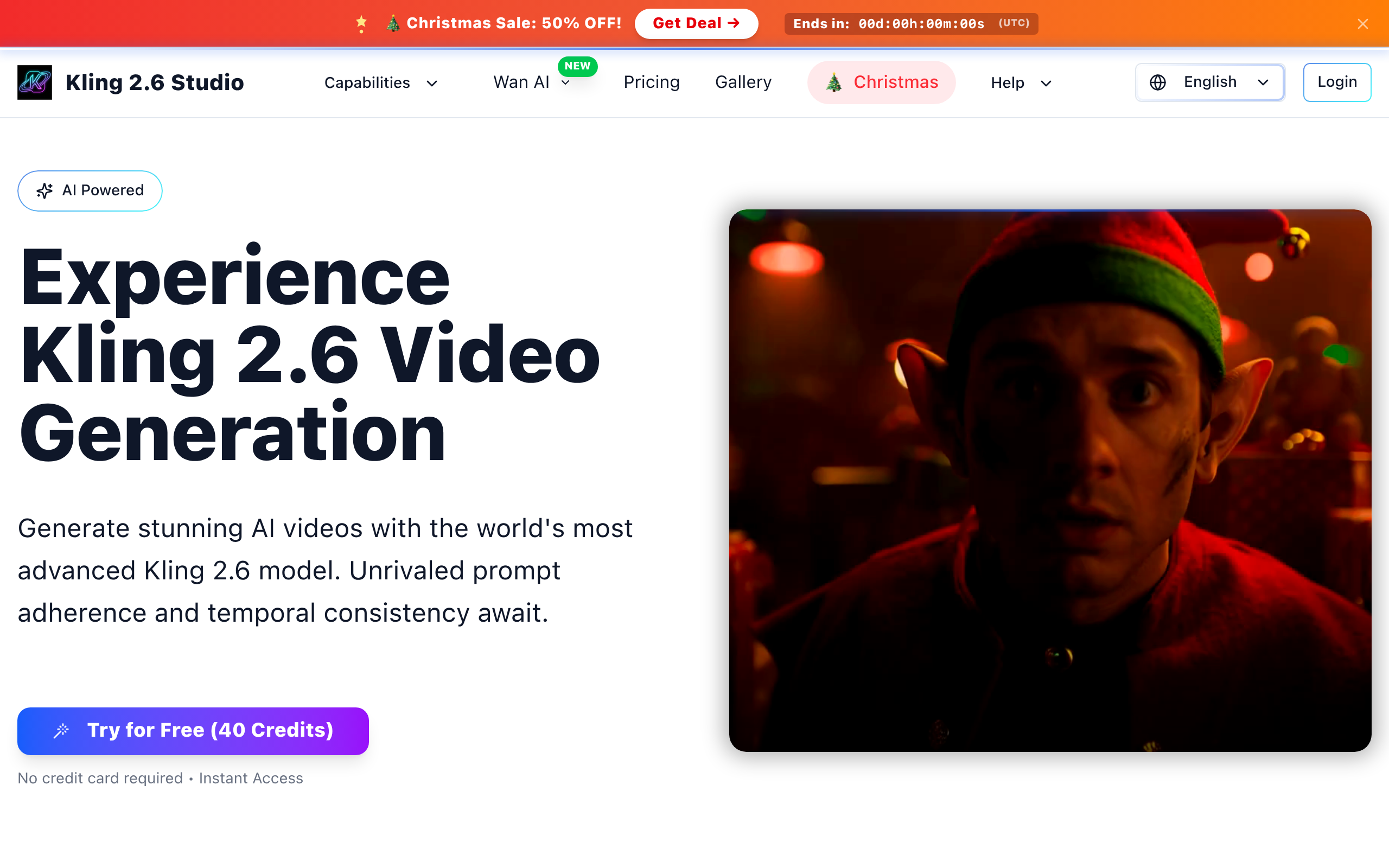
Kling 2.6
Generate stunning AI videos with the world's most advanced Kling 2.6 model.
About
Kling 2.6 Video AI is our state-of-the-art AI video generation engine. It specializes in understanding motion dynamics and creating cinematic video content from text prompts.
Key Features
Cinematic Motion
Produces smooth, realistic camera movements and natural object motion to create cinematic-looking video sequences from prompts.
Temporal Consistency
Maintains object persistence and coherent scene transitions across frames so characters, lighting and objects remain consistent throughout the clip.
Multi-Modal Input (Text & Image)
Supports both text-to-video and image-to-video workflows — generate scenes from prompts or animate provided images as source material.
Fast and Pro Modes
Choose 'Fast' for quick previews and rapid iteration or 'Pro' for higher-quality, cinematic renders with finer motion control.
Built-in Refinement Tools & Audio Sync
Instant previews, timing adjustment tools, and high-fidelity audio synchronization to align visuals with soundtracks or narration.
How to Use Kling 2.6
1) Sign up or start a free trial to get your initial credits. 2) Enter a detailed prompt (describe scene, camera motion, lighting, duration) or upload an image to animate. 3) Choose mode and settings (Landscape/ratio, Fast or Pro quality, duration) and click Generate. 4) Preview the result, refine timing or prompts with the built-in tools, then download or purchase higher-resolution renders.