
kiwiform
Kiwiform – Powerful Form Builder for Interactive Forms and Surveys.
About
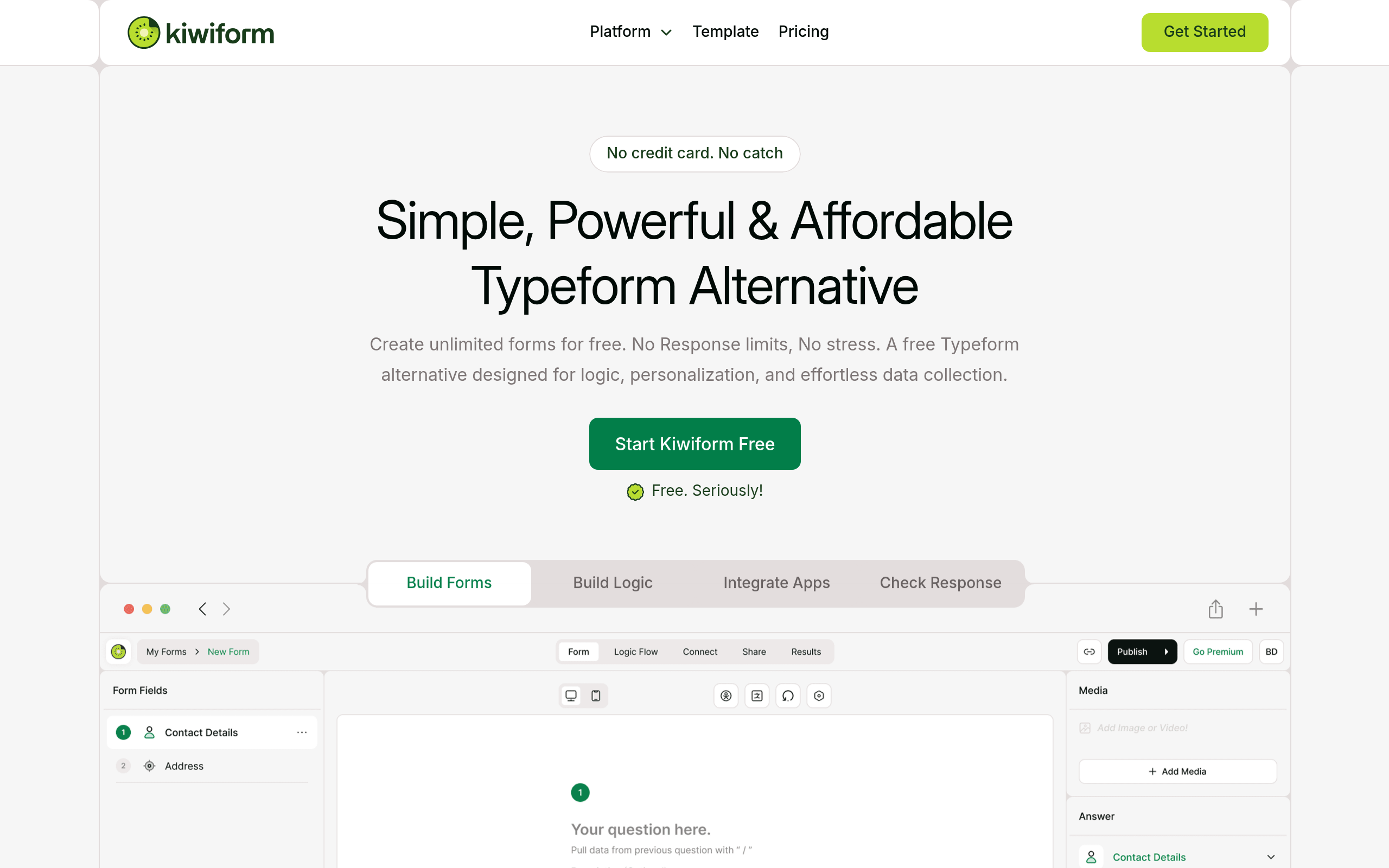
Kiwiform is a modern online form builder designed to help businesses, creators, and teams build interactive forms, surveys, and data collection workflows with ease. It provides powerful tools for creating engaging form experiences that improve response rates and simplify data collection. With Kiwiform, users can design beautiful forms using flexible customization options, advanced conditional logic, and interactive layouts. Whether you are collecting customer feedback, generating leads, running surveys, or managing registrations, Kiwiform helps you build professional forms that are easy for respondents to complete.
Key Features
Conversational Form Experience
Create modern, interactive forms that feel like a conversation instead of traditional boring forms.
Advanced Logic & Conditional Flows
Show or hide questions based on user responses to build smarter and more personalized forms.
Fully Customizable Design
Customize colors, layouts, and branding so your forms perfectly match your website or brand identity.
Email Notifications & Respondent Emails
Automatically send email notifications to your team and confirmation emails to respondents.
Powerful Integrations
Connect your forms with other tools using integrations and webhooks to automate workflows.
Multi-Step Forms
Break long forms into smaller steps to improve user experience and increase completion rates.
Real-Time Response Collection
View and manage form responses instantly from a clean and easy-to-use dashboard.
Easy Embedding & Sharing
Embed forms on your website or share them with a simple link.
Fast & Lightweight
Optimized for speed so users can fill out forms smoothly on any device.
How to Use kiwiform
1) Sign up or log in and choose a template or start a new form from scratch. 2) Drag-and-drop fields to build your form, customize labels, styles, and layout, and set up multi-step/interactive layouts. 3) Add conditional logic, branching, and personalization rules to show or hide questions based on answers. 4) Configure integrations (webhooks, Zapier, Google Sheets, etc.), publish the form (embed or share link), and monitor responses & analytics.