
KidTeller
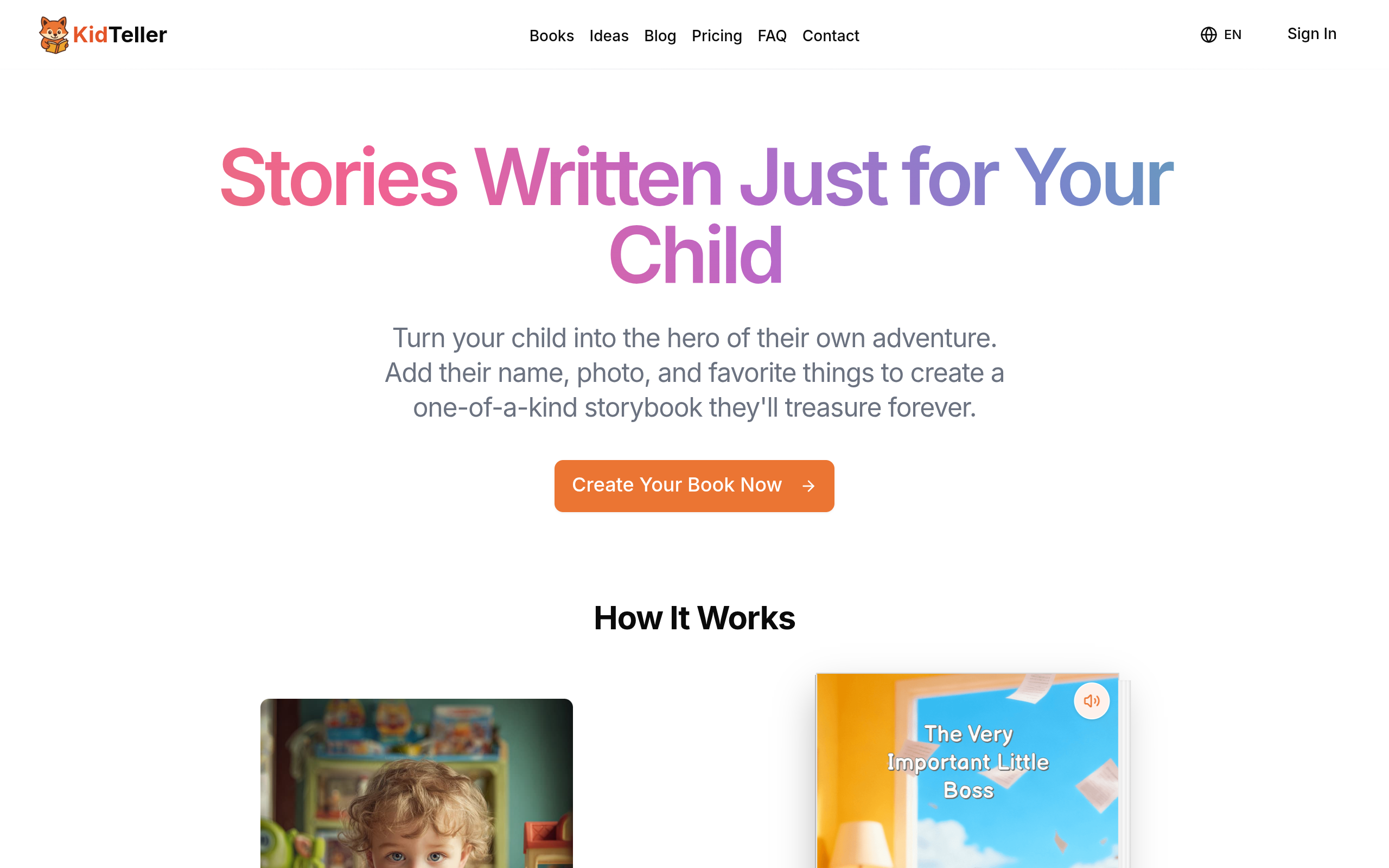
KidTeller turns your child's name and photo into a one-of-a-kind illustrated storybook, written by AI in minutes.
About
KidTeller is an AI storybook studio for parents, grandparents, and teachers who want a child to see themselves inside a real story. You start by describing the hero: a name, an age, a few favorite things, and a photo. KidTeller turns that photo into an illustrated character and writes an original story around it - not a template with a name inserted, but a fresh narrative built on a proven story structure and tuned to the child's age group, from simple repetition for toddlers to want-versus-need arcs for readers 8 and up. Pick a theme, an illustration style, and one of 30+ languages, and the first draft arrives in minutes. Nothing is locked. You can edit any line of text, swap or regenerate pictures, add more characters - siblings, grandparents, the family dog - and re-run the cover until it feels right. When the book is ready, read it in the browser or in the KidTeller app for iOS and Android. In the app you can also clone your own voice from a one-minute recording.
Key Features
Personalized AI-written Stories
Generates original, age-appropriate narratives built on proven story structures — not templates — using the child's name, age, interests, and photo.
Photo-to-Character Illustrations
Transforms a submitted photo into a stylized illustrated character and creates matching artwork for every page in selectable illustration styles.
Editable Text & Regeneratable Artwork
Edit any line of text, add characters, request custom artwork, or regenerate individual illustrations until the book feels right.
Multilingual Output & Themes
Produce books in 30+ languages and a variety of themes (adventure, fantasy, educational, etc.) to suit different tastes and learning goals.
App Reading & Voice Cloning
Read books in-browser or in the iOS/Android app, with optional voice cloning from a one-minute recording for personalized narration.
How to Use KidTeller
1) Start: Click Create Your Book and enter the child's details — name, age, a few favorite things, and upload a photo. 2) Customize: Choose a theme, pick an illustration style and language, and add additional characters if desired. 3) Generate & Edit: Generate the first draft in minutes, then edit text, swap or regenerate illustrations, or request custom artwork until satisfied. 4) Read & Share: Read in the browser or the mobile app, optionally clone a voice for narration, and download a digital PDF or order a printed copy.