
Kepler CRM
AI recruitment CRM and ATS for agencies: search candidates in plain English, manage pipelines and keep records up to date.
About
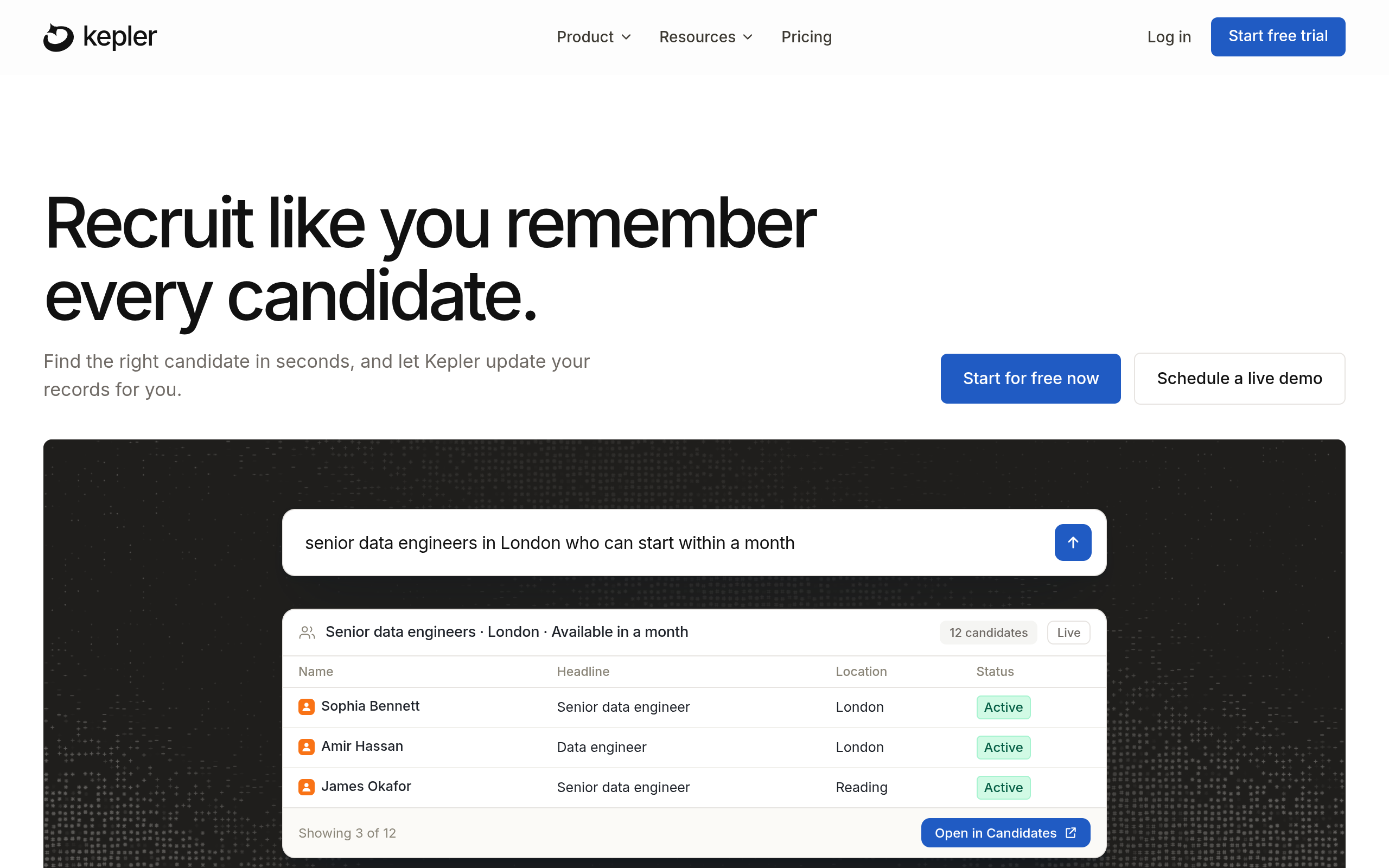
Kepler CRM is an AI recruitment CRM and applicant tracking system for recruitment agencies. Search candidates, CVs and conversations in plain English, get evidence-backed candidate matches, and manage hiring pipelines in one workspace. Features include AI-suggested record updates, CV parsing, email and WhatsApp workflows, a LinkedIn extension, automations and migration support. Pricing is billed in GBP: £79 per user per month billed annually, or £99 per user on monthly billing. The directory’s USD starting price is rounded to approximately $105 (1 GBP = 1.3246 USD on 25 September 2026), not a USD billing offer. A free trial is available.
Key Features
Plain‑English AI Search & Assistant
Ask the database questions in natural language to find candidates, CVs or conversations instantly — the assistant returns ranked results and supporting evidence.
Evidence‑Backed AI Matching
Add a job brief and get every candidate scored against the role with per-criteria verdicts and viewable evidence to speed up shortlisting.
Auto‑Updating Records
Automatically suggest updates to candidate records based on emails, WhatsApp messages and call notes — you approve or reject suggested changes.
CV Parsing, Bulk Import & Migration
Parse single CVs or bulk upload candidate files to populate the database and use migration support to move data from legacy ATS systems.
Automations, Workflows & Integrations
Build automations from natural language (triggers, conditions, actions), run email and WhatsApp workflows, and use the LinkedIn extension to check candidates while browsing.
How to Use Kepler CRM
1) Sign up or start the free trial and import your candidates: upload CVs, connect email/WhatsApp and migrate data from your old ATS. 2) Add a job brief or open the AI assistant and run a plain‑English search to surface ranked candidate matches. 3) Review match evidence and AI‑suggested record updates, then approve or reject changes to keep records current. 4) Create automations and workflows (notifications, tasks, follow‑ups), install the LinkedIn extension for screening while browsing, and use reports to track placements and revenue.