
KaomojiHub
AI-powered kaomoji generator that also lets users search and copy Japanese emoticons instantly.
About
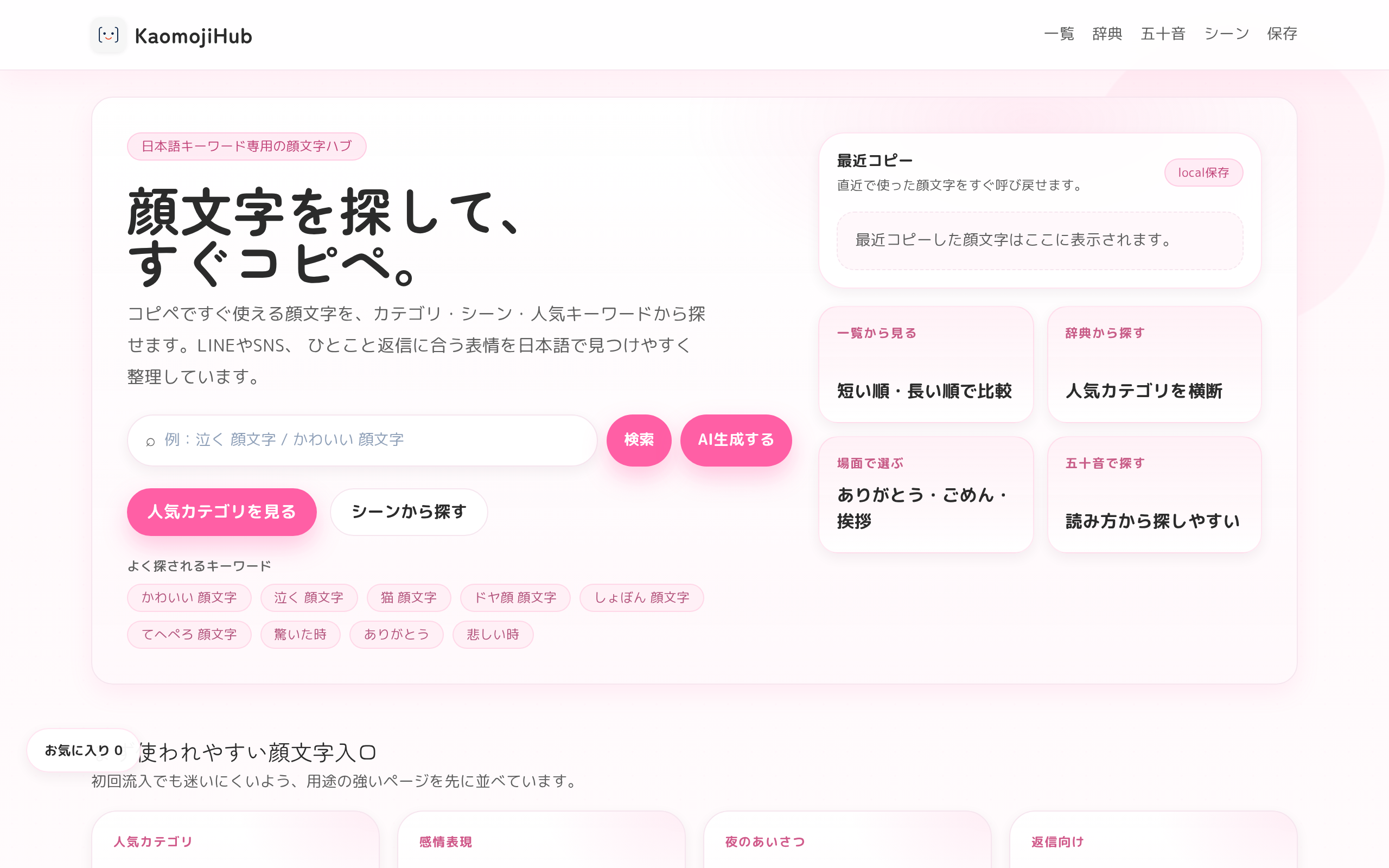
KaomojiHub is an AI-powered kaomoji platform that helps users generate Japanese text-based emoticons for chats, social media, LINE, and profile text. Its AI kaomoji generator makes it easy to create fresh expressions based on mood, intent, or specific situations, giving users a faster way to find unique and relevant emoticons. Beyond generation, KaomojiHub also offers a searchable kaomoji library with Japanese keyword search, emotion and scene-based categories, and a gojuon kana index for quick discovery. With one-tap copy, reusable copy history, and mobile-friendly browsing, the site makes it simple to generate, find, and use kaomoji in everyday communication.
Key Features
AI Kaomoji Generator
Generate original kaomoji by describing mood, intent, or situation — the AI produces relevant Japanese-style text emoticons instantly.
Japanese Keyword Search
Search the kaomoji library with natural Japanese keywords (e.g., かわいい, 泣く, ごめん) to quickly find matching emoticons.
Scene & Category Browsing
Browse curated categories and real-world scenes (ありがとう, おやすみ, 驚き, 返信向け, etc.) to select kaomoji appropriate for the moment.
One-tap Copy & Local History
Copy any kaomoji to the clipboard with a single tap and access a locally saved history of recently copied emoticons for quick reuse.
Gojuon Index & Mobile-friendly UI
Find kaomoji by reading order with a 五十音 (gojuon) index and enjoy a responsive, mobile-first interface optimized for LINE and social apps.
How to Use KaomojiHub
1) Search or select: Enter a Japanese keyword (e.g., かわいい, 泣く) or choose a popular category/scene from the homepage. 2) Generate (optional): Use the AI generator to create new kaomoji by describing the mood or situation if you don't find a match. 3) Copy: Tap the 'コピー' button on any kaomoji card to copy it to your clipboard instantly. 4) Reuse: Open your recent-copy history or browse related suggestions to paste kaomoji into LINE, Twitter, Instagram, or profile text.