
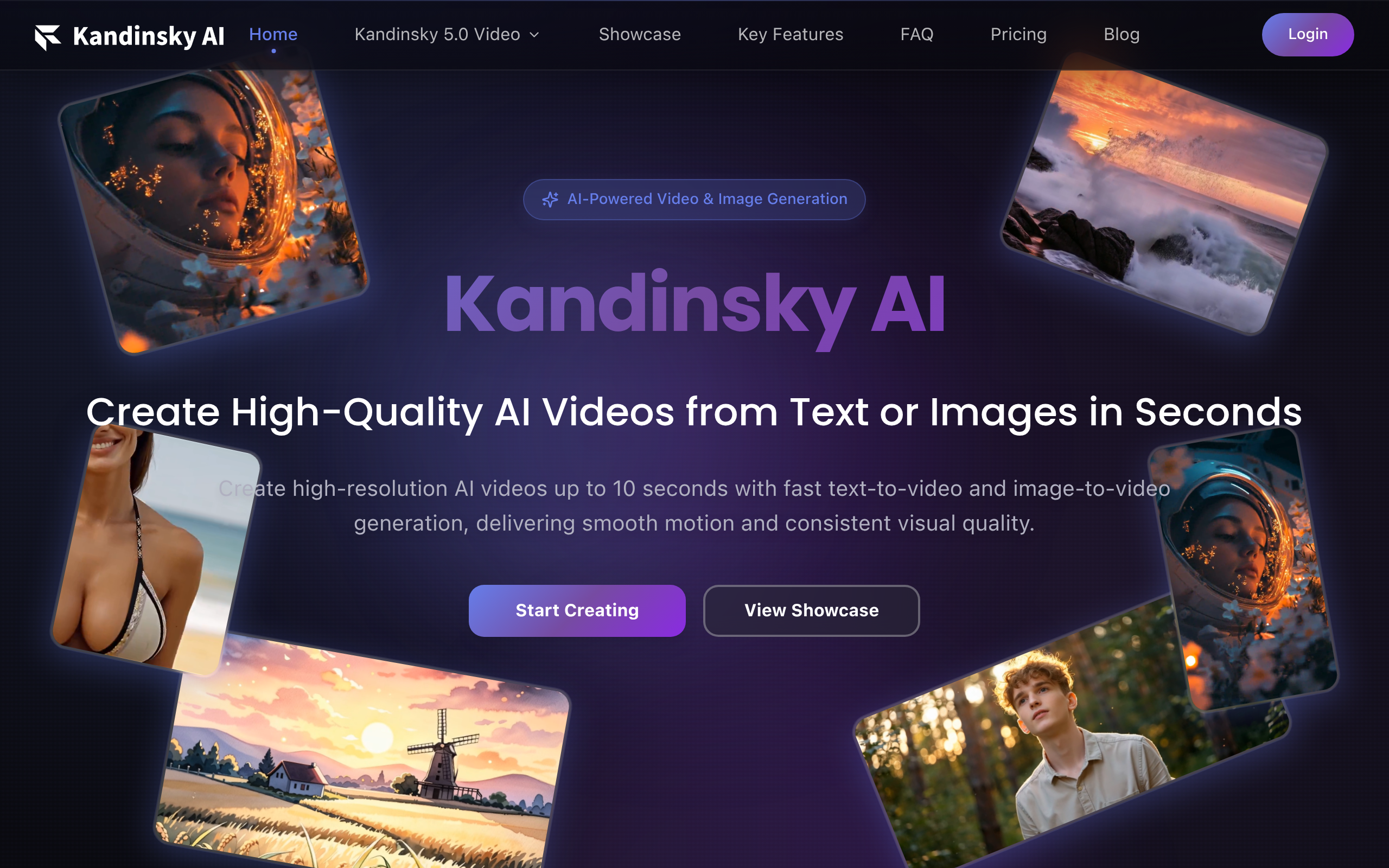
Kandinsky AI
Open-source multimodal tool: text/image/video generation & inpainting.
About
Kandinsky AI is an open-source multimodal tool supporting text-to-image, image-to-image and video generation, with inpainting and blending capabilities, multilingual compatibility, high-resolution output and efficient inference.
Key Features
Fast Text-to-Video Generation
Generate smooth, high-resolution videos (up to ~10 seconds) directly from text prompts with models optimized for quality (Pro) or speed (Flash/Lite) for rapid prototyping and production-ready clips.
High-Quality Text-to-Image
Produce sharp, high-resolution images from text prompts with strong detail, style consistency and multilingual prompt support suitable for campaigns, concept art, and product visuals.
Image-to-Video / Animation
Animate existing images or concept art into short video clips while preserving subject identity, composition and visual style — useful for storyboards, previews and dynamic product shots.
Inpainting & Blending
Edit and refine generated or uploaded images/videos using inpainting, outpainting and blending tools to remove or replace elements, extend scenes, and maintain visual continuity across frames.
Open-source Models & Fine-tuning
Built on an open-source diffusion transformer backbone with pretrained checkpoints and Flow Matching training paradigm, enabling further fine-tuning, experimentation and integration into custom workflows.
How to Use Kandinsky AI
1) Access Kandinsky AI via the website or open-source repository and sign in or download the model/checkpoints you need. 2) Choose a generation mode (Text-to-Video, Text-to-Image, Image-to-Video or Inpainting) and select a model variant (Pro for quality, Lite/Flash for speed). 3) Enter your text prompt or upload a source image, set parameters (resolution, duration/frames, style, seed, steps) and start generation. 4) Review results, refine prompts or use inpainting/blending to edit frames, then export/download or fine-tune checkpoints for repeated workflows.