
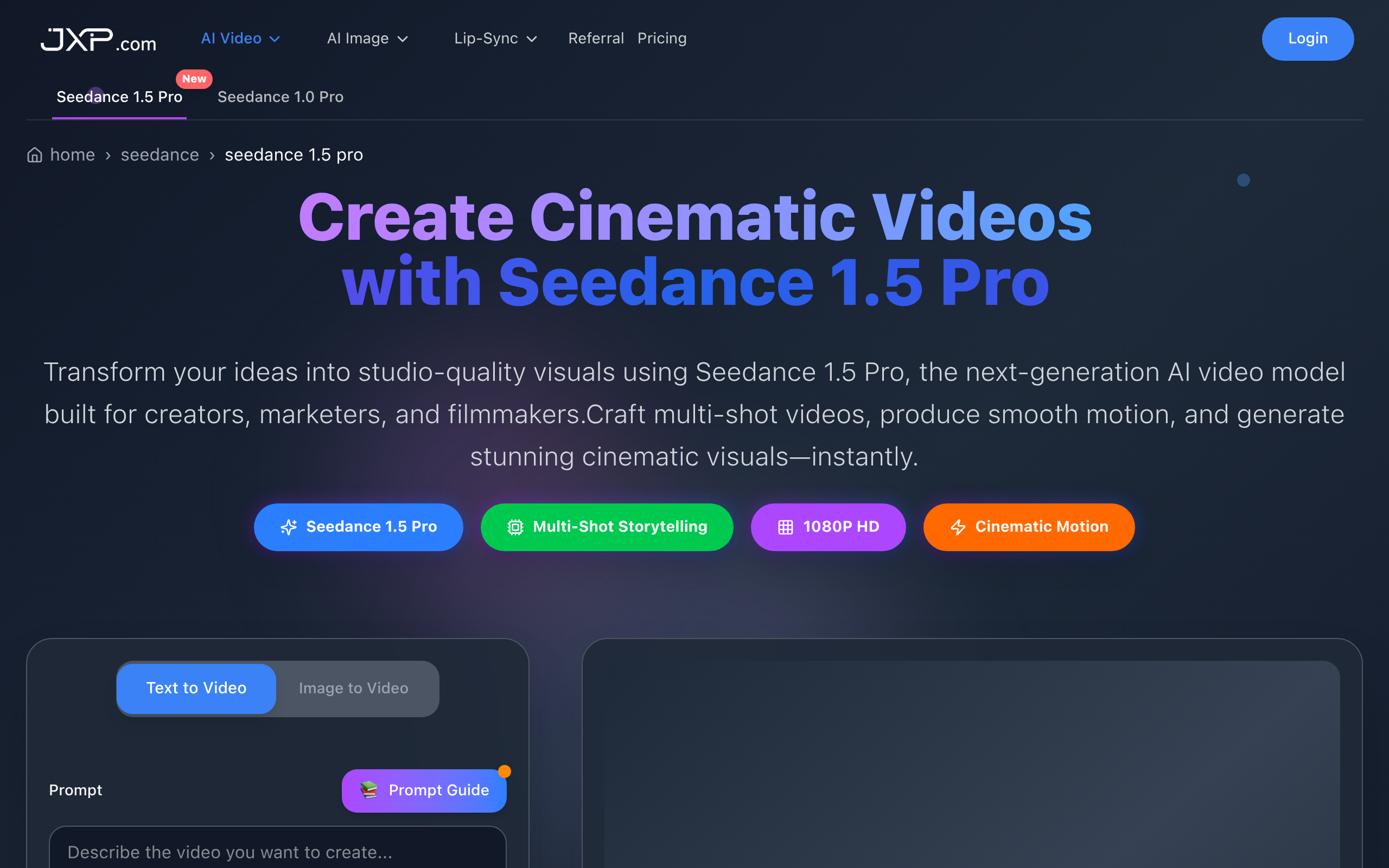
JXP-Seedance 1.5
Create professional videos with Seedance 1.5 Pro. Multi-shot storytelling, cinematic motion, realistic dynamics, and fast AI generation for creators and brands.
About
Seedance 1.5 is an AI-powered video generation platform that lets users transform text, images, or reference frames into cinematic, high-quality videos with smooth motion and consistent visual storytelling. It supports both Text-to-Video and Image-to-Video workflows, enabling creators to build multi-shot narratives with professional camera control, including pans, zooms, and tracking shots. Users can choose flexible resolutions (480p, 720p, 1080p) and aspect ratios to suit social media, marketing, or film-style productions. The platform’s AI interprets prompts and generates coherent scenes rapidly, producing polished results without traditional editing software. Seedance 1.5 provides intuitive settings for visual style, duration, and framing, making it ideal for marketers, storytellers, and creatives who want to produce dynamic video content quickly and efficiently.
Key Features
Multi‑Shot Storytelling
Generate coherent, multi‑shot narratives in a single workflow so scenes flow consistently across cuts and camera moves.
Cinematic Camera Controls
Fine‑grained control over pans, zooms, tracking shots, tilts and handheld or overhead camera movements for film‑grade framing.
Flexible Input Modes
Support for Text‑to‑Video and Image‑to‑Video: start from prompts, reference images, or frames to direct the visual output.
Native Audio & Lip‑Sync
Built‑in audio generation with diverse voices, spatial sound effects, and lip‑sync alignment to match generated visuals.
Export Settings & Platform Aspect Ratios
Choose resolution (480p/720p/1080p), multiple aspect ratios (16:9, 9:16, 1:1, 21:9, etc.), and duration to optimize for social, marketing, or film use.
How to Use JXP-Seedance 1.5
1) Choose a workflow: select Text‑to‑Video or Image‑to‑Video and upload a reference image if needed. 2) Write your prompt or add reference frames: describe the scene, characters, actions, and mood. Use the prompt guide or presets for inspiration. 3) Configure video settings: pick resolution, aspect ratio, duration, camera movements (pan/zoom/track), and visual style. 4) Generate, preview, refine and download: run generation, review the output, tweak prompts or settings if needed, then export for publishing.