
Json To Video
JSON to Video – turn ideas into scenes in 60 seconds using structured JSON prompts tailored for Veo 3.1.
About
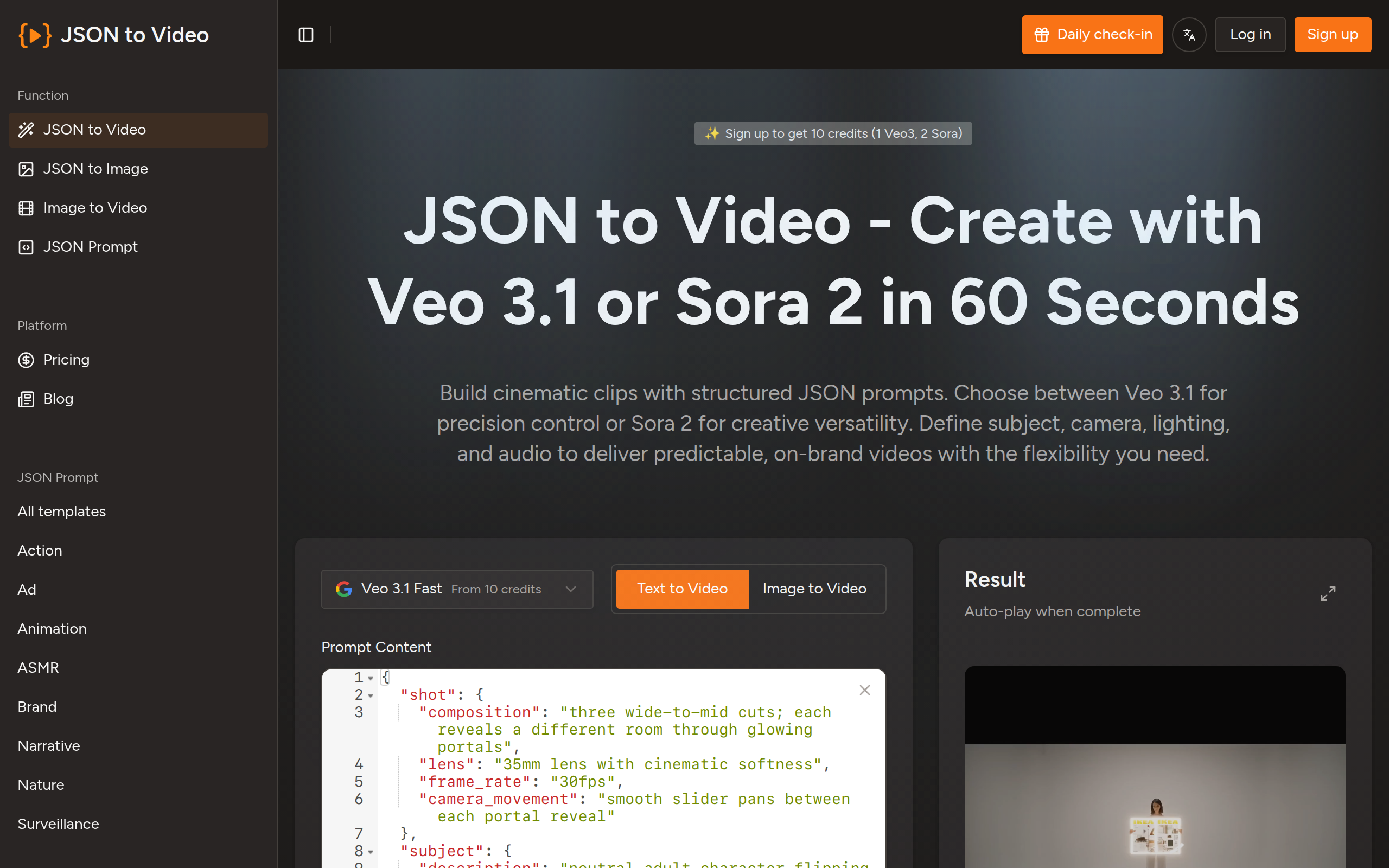
JSON to Video is a generative video platform designed to convert structured data into cinematic scenes with minimal effort. Instead of relying on vague text prompts that may produce unpredictable results, JSON to Video uses a structured JSON schema where each field corresponds to a visual or auditory element. You can specify the subject of the shot, camera movements, lighting conditions, color grading, soundtrack and output format in a predictable way. The platform is tuned for Veo 3.1, ensuring that the underlying model interprets your JSON payload accurately and produces high-quality clips. This structured approach means you are essentially filling in a storyboard rather than hoping an AI model guesses your intent correctly. Using JSON to Video has several advantages. First, it eliminates the creative lottery inherent in traditional prompt-based generative tools. By defining each parameter, you gain deterministic control over the output, reducing the number of iterations needed to achieve the desired look. Second, it supports a library of reusable templates. Once you have a JSON template that works, you can reuse it across projects or share it with your team. You can also lock certain fields to enforce brand guardrails, ensuring consistency across all content you produce. Third, the platform allows you to export multiple aspect ratios—such as widescreen (16:9), vertical (9:16), square (1:1) and feed (4:5)—from a single JSON description. This saves time when preparing content for YouTube, TikTok, Instagram and other platforms. Another key benefit is efficiency. Because you are working with structured prompts, you often get the shot you want within one or two generations rather than ten or more. This translates into 80% faster production times and significant cost savings on generation credits or editing hours.
Key Features
Structured JSON Storyboards
Define every visual and audio element (subject, camera, lighting, color grading, soundtrack, duration) as named JSON fields for predictable, repeatable results.
Veo 3.1 & Multi‑Model Support
Optimized JSON schemas tuned for Veo 3.1 with optional support for Sora 2, Wan 2.6 and Kling 2.6 to maximize output quality and fidelity.
Reusable Templates & Brand Guardrails
Save and share JSON templates, lock fields to enforce brand consistency, and reuse templates across hundreds of assets or campaigns.
Multi‑Aspect Export
Generate platform-ready aspect ratios (16:9, 9:16, 1:1, 4:5) from a single JSON description to speed up distribution across YouTube, TikTok, Instagram, and more.
API & Batch Rendering
Integrate via API to programmatically queue renders, import JSON from CMS or spreadsheets, and produce many personalized videos overnight.
How to Use Json To Video
1) Choose a template or start a new JSON prompt: pick a template that matches your shot type (product reveal, interview, landscape) or open a blank JSON storyboard. 2) Fill the named JSON fields: specify subject, camera parameters (lens, movement), lighting, color grading, audio/soundtrack, and duration. Optionally upload source assets (product photos, logos) and lock brand fields. 3) Preview and generate: run a quick preview or generate a clip using the selected model (Veo 3.1, Sora 2). Tweak fields if needed — structured prompts typically converge in 1–2 iterations. 4) Export and scale: export to multiple aspect ratios or use the API to batch-render many JSON files (from CMS/spreadsheets) for large campaigns.