
Invisible Text
Copy invisible characters and blank text in your browser.
About
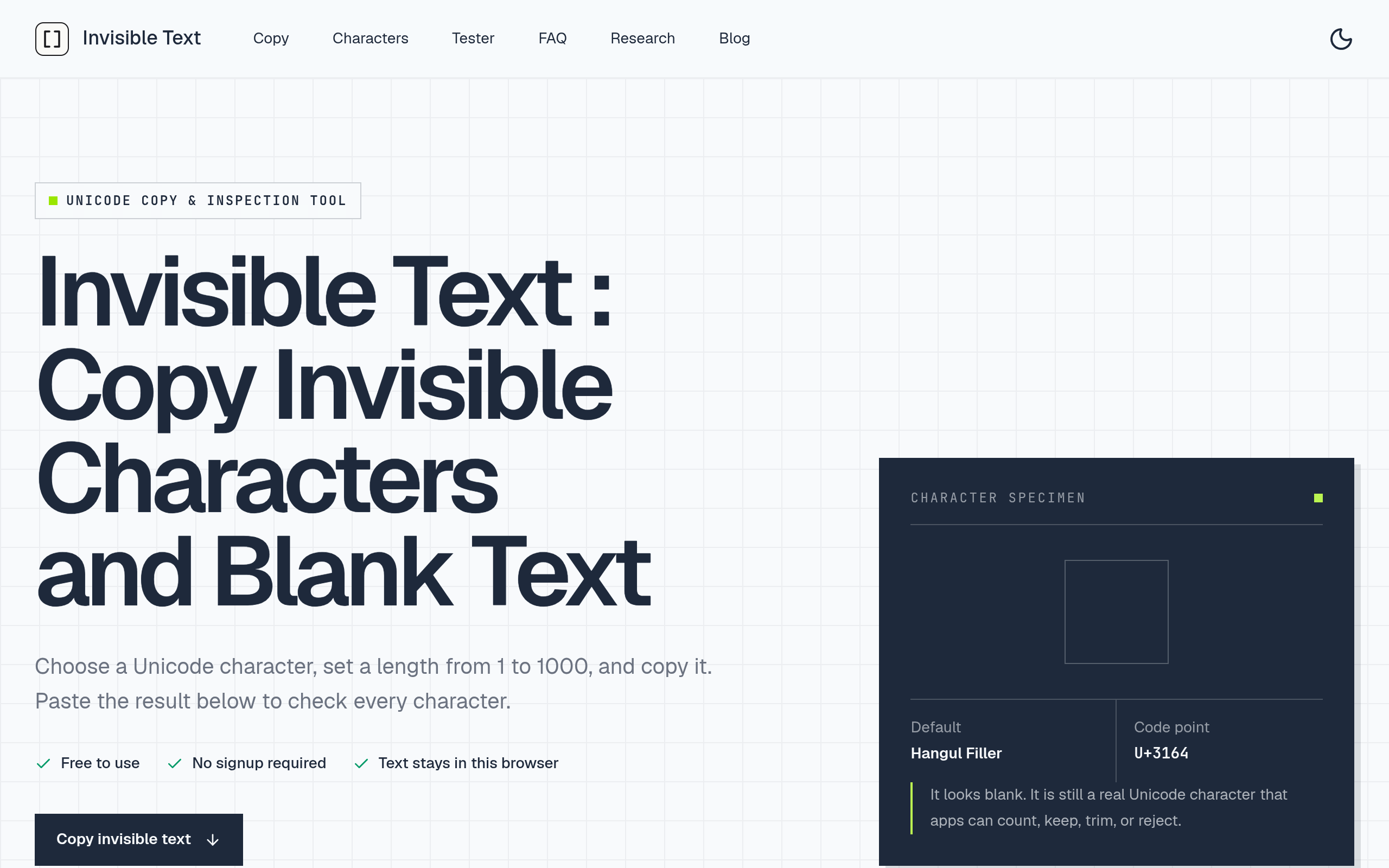
Invisible Text is a free browser-based Unicode utility for copying invisible characters, generating blank text in a chosen length, and testing the result before using it in names, messages, social profiles, forms, or other text fields.
Key Features
Pick from known invisible Unicode characters
Choose well-known invisible characters (e.g., Hangul Filler U+3164, Braille Pattern Blank U+2800, Zero Width Space U+200B) so you copy a documented code point rather than an ambiguous blank.
Custom length generator (1–1000)
Set the exact number of repeated characters you need (quick presets available) to create short separators or long blank strings for layout and testing.
Local Tester with code-point inspection
Paste text into the inline Tester to reveal character counts, Unicode code points, and character names to distinguish ordinary spaces from invisible characters.
Clipboard and manual-copy fallback
Copies are generated locally in your browser and placed on the clipboard when permitted; if clipboard access is blocked you can still manually select and copy the generated text.
Privacy-first, no signup required
All generation and inspection run in the browser; no accounts, no uploads, and text remains local to the device.
How to Use Invisible Text
1) Open InvisibleText.io and select the invisible character you want (default: Hangul Filler). 2) Set the length (enter a number 1–1000 or pick a quick preset) to repeat that character. 3) Click Copy (or manually select the generated text if clipboard access is blocked). 4) Paste the string into the built-in Tester to inspect code points and names, then paste into the final destination (profile, form, or document) to confirm behavior.