
Interview VIP
Real-time AI copilot for technical interviews across major meeting and coding platforms.
About
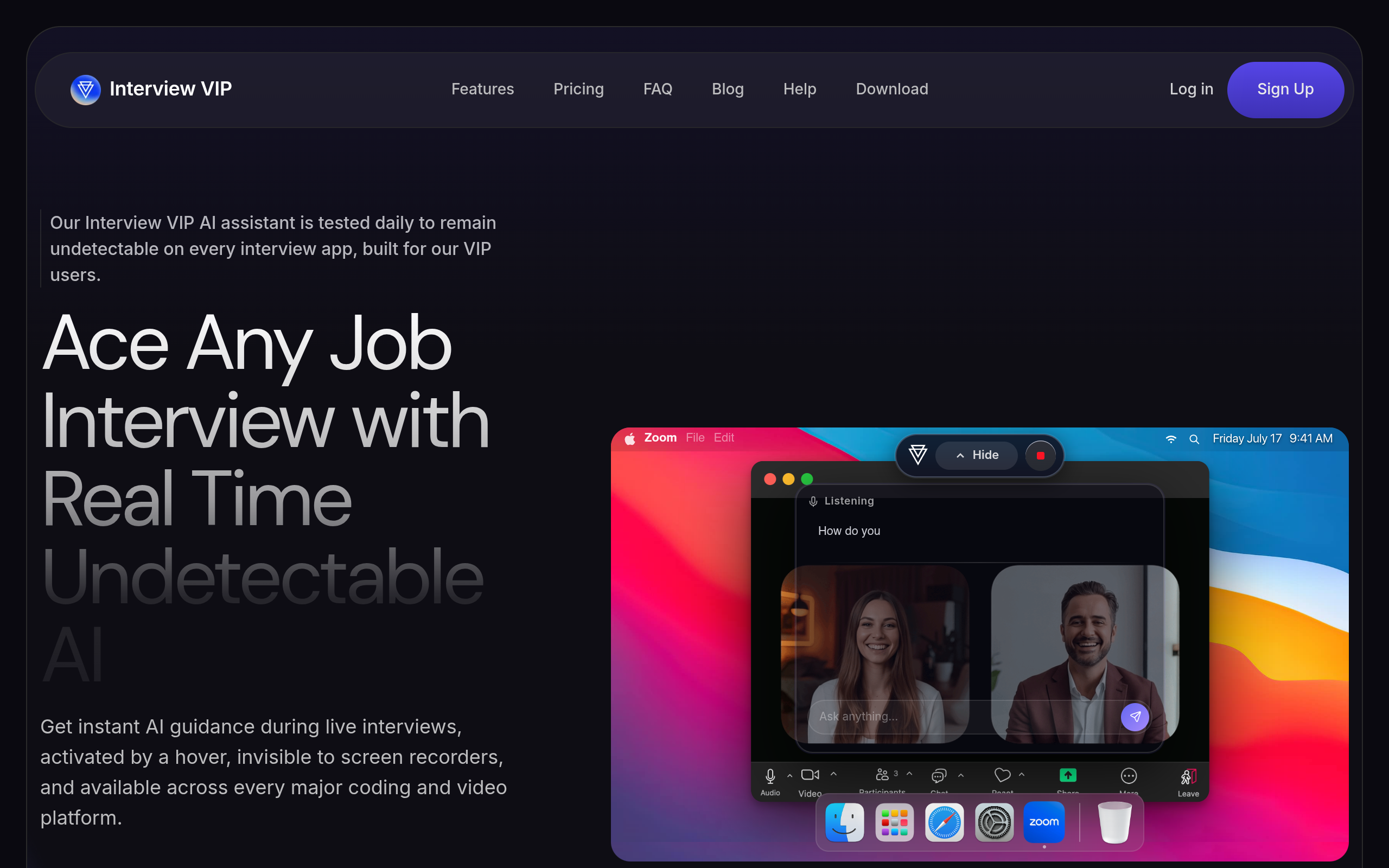
Interview VIP is a native desktop AI copilot for live technical interviews. It listens to the interviewer, transcribes speech in real time, and generates contextual answer guidance that can be revealed on demand. The movable overlay works across major video meeting and coding interview platforms, including Zoom, Microsoft Teams, Google Meet, CoderPad, HackerRank, CodeSignal, Codility, WebEx, and Amazon Chime. Interview VIP supports Windows 10+ and macOS 12+ and offers a limited free trial.
Key Features
Real-time Transcription
Captures and transcribes interviewer speech instantly in 26+ languages with near-zero delay to provide accurate context for AI guidance.
Instant AI Answer Suggestions
Generates contextual, on-demand answers as soon as a question is detected; surface suggestions by hovering and copy/apply with one click to respond seamlessly.
Cross-platform Overlay
Movable desktop overlay that works across major video and coding interview platforms (Zoom, Teams, Google Meet, CoderPad, HackerRank, CodeSignal, Codility, WebEx, Amazon Chime, etc.).
Undetectability & Privacy Controls
Runs invisibly to screen recorders and proctoring tools, stays off docks and activity monitors where supported, and only displays guidance on the user's physical display.
Multi-language Support
Supports transcription and context generation in 26+ languages (English, Spanish, Japanese, Mandarin, French, and more) to assist multilingual candidates.
How to Use Interview VIP
1) Install and open the Interview VIP desktop app on Windows 10+ or macOS 12+. 2) Launch your scheduled interview on the video or coding platform (Zoom, Google Meet, CoderPad, HackerRank, etc.) and make sure Interview VIP is active before the session begins. 3) The app listens and transcribes the conversation in real time; when a question appears, hover over the overlay to reveal AI-generated answer guidance. 4) Click to copy or apply the suggestion and respond naturally—move the overlay to where you’re looking for minimal eye movement.