
Interior Deco AI
AI-powered virtual home staging: generate photorealistic interior visualizations and get listing-ready marketing materials, all for immediate design i
About
Interior Deco AI puts professional interior design at your fingertips. With just a few clicks, transform empty spaces into beautifully furnished rooms or refresh existing interiors with new decor and styles. Imagine seeing your living room in Scandinavian minimalist style, then switching to industrial chic or cozy farmhouse—all in seconds. Our powerful AI preserves your room's unique structure while applying designer-quality furnishings and decor. Real estate agents can instantly stage listings to attract buyers and increase property values. Homeowners can explore renovation ideas without the guesswork. Interior designers can quickly create concept visuals for clients. You can even remove all furniture from existing rooms, enhance image quality, or create engaging animations that bring your spaces to life. The possibilities are endless! No design experience needed—just upload your photo and watch as Interior Deco AI transforms your space into something extraordinary.
Key Features
Furnish Empty Rooms
Automatically populate empty or vacant room photos with photorealistic furniture and decor in multiple curated styles (Scandinavian, Industrial, Boho, Mid-century, etc.).
Redesign Existing Interiors
Apply new color schemes, furniture layouts and style themes to existing furnished rooms while preserving the original room geometry and lighting.
Clear / Object Removal
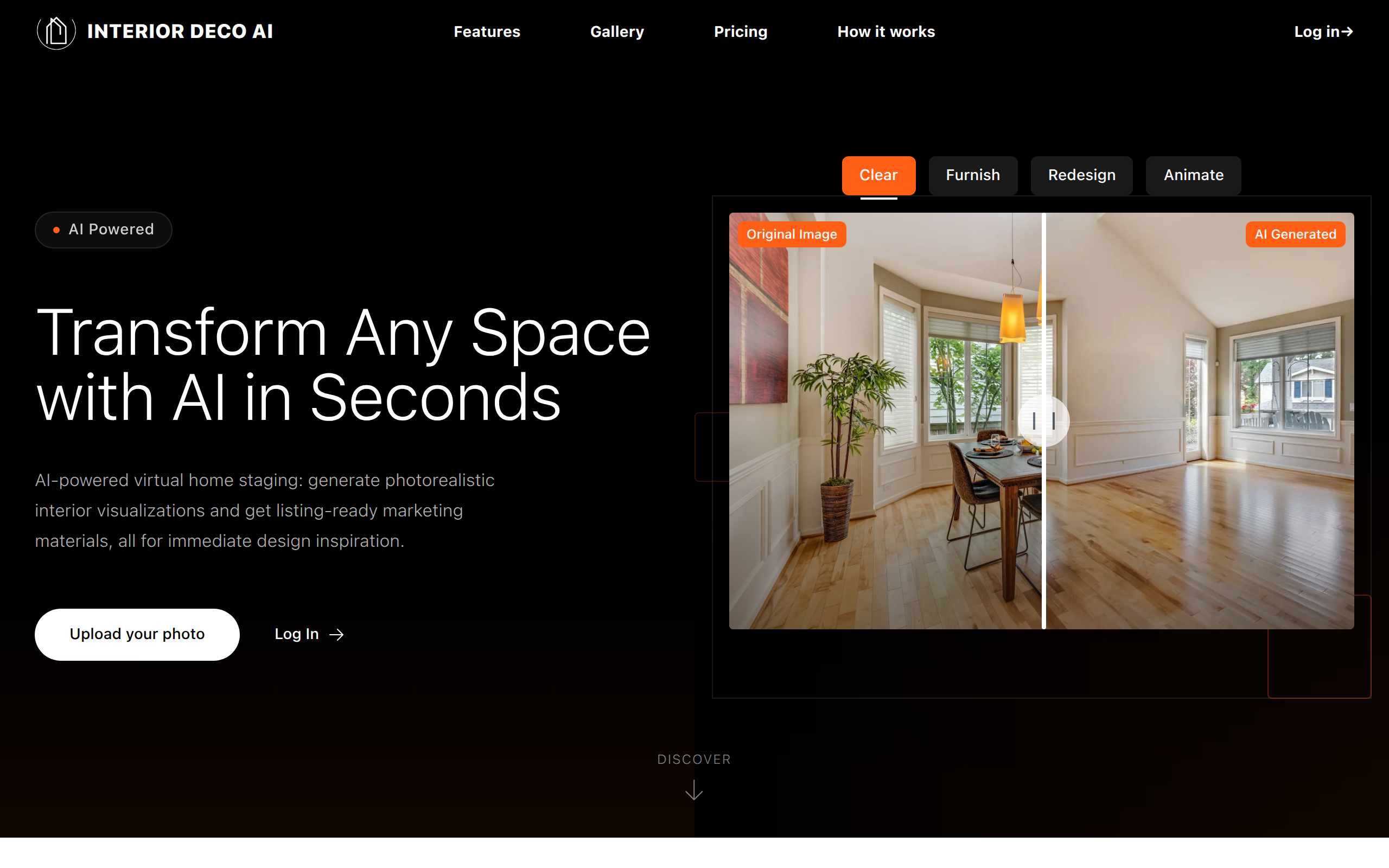
Remove furniture and unwanted objects from photos to create clean, empty canvases ready for virtual staging or floorplan visualization.
Image Enhancement & Upscaling
Sharpen, denoise and upscale photos to high-resolution, listing-ready images suitable for marketing materials and print.
Animated Visualizations
Generate short, dynamic animations of redesigned spaces to showcase walkthroughs or highlight design features in listings and social media.
How to Use Interior Deco AI
1) Upload a clear photo of the room or property you want to transform. 2) Choose the feature you need (Furnish, Redesign, Clear, Upscale or Animate) and pick a design style or color theme. 3) Fill any optional settings (resolution, number of variations) and click Generate. 4) Review generated results, download the images/videos, or refine by re-running with adjusted options.