
Instant Owl
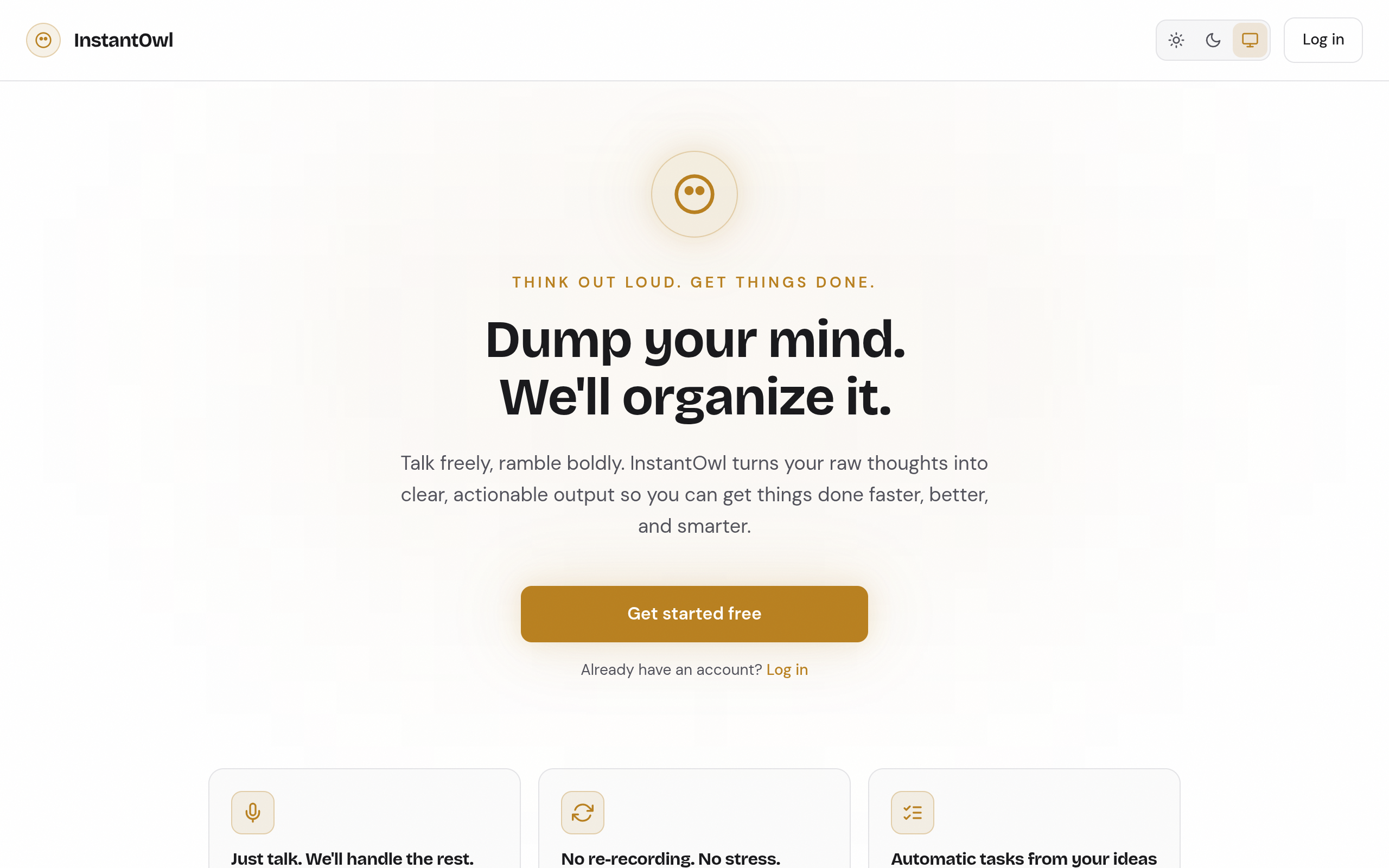
Say it messy. InstantOwl turns rambling voice notes into clear next moves: plans, tasks, drafts, and specs from one brain dump. Free to use.
About
InstantOwl is the idea-to-execution app for people whose minds move faster than their tools. Hit record and talk the way you think. InstantOwl transcribes the ramble, finds the meaning inside it, and turns it into a clear next move: action plans, task lists, drafts, and specs. Notes apps keep your thoughts. InstantOwl finishes them. Ideal customers: indie hackers and vibe coders turning sparks into shippable projects, educators and content creators turning brainstorms into structured content, and anyone whose ideas arrive faster than they can type (ADHD-friendly by design). Main features: natural voice capture with no prompting or setup, automatic transcription, smart tags, multi-format output (one recording becomes a summary, action plan, email draft, spec, or outline), projects that keep spontaneous thoughts connected to the work they belong to, and a searchable archive with the original audio and full transcript beside every output. Web-based, mobile-first, free to use.
Key Features
Natural Voice Capture
Record freeform brain dumps with no prompts or special setup — speak naturally, pause or change your mind mid-recording, and the app captures the full audio.
Automatic Transcription & Task Extraction
Fast, accurate transcription of your recordings plus automated detection of action items and next steps turned into tasks.
Multi-format Output
One recording can be reshaped into different outputs — summaries, action plans, email drafts, specs, or outlines — ready to edit or export.
Project Organization & Smart Tags
Automatically assigns smart tags and links recordings to projects and folders so spontaneous thoughts stay connected to ongoing work.
Searchable Archive with Original Audio
A searchable archive stores the original audio and full transcript alongside every generated output, making it easy to review, edit, or export.
How to Use Instant Owl
1) Sign up and open or create a project. 2) Tap Record and speak your idea naturally — ramble, revise, and don’t worry about structure. 3) Wait a minute for automatic transcription and generated outputs (summary, action plan, drafts, specs). 4) Edit, regenerate, assign tasks, or export the results to your other tools.